1Password and Proton Pass

1Password and Proton Pass: Which Password Manager to Choose?

In today’s digital landscape, a reliable password manager is essential for protecting your online accounts. 1Password and Proton Pass represent two leading solutions, each with distinct approaches to security, privacy, and user experience. 1Password has built a reputation as a feature-rich, polished password manager since 2006, while Proton Pass, launched in 2023, leverages Proton’s privacy-focused ecosystem. This comparison will help you determine which password manager best aligns with your specific security needs and preferences.

1Password vs Proton Pass: Quick Comparison

Both 1Password and Proton Pass offer robust password management solutions with strong encryption, cross-platform compatibility, and essential features like password generation and autofill. However, they differ significantly in their approach to privacy, pricing models, and unique features that may influence your decision.

Feature1PasswordProton Pass
Free Version14-day trial onlyYes, with unlimited passwords
Starting Price$2.99/month (annual billing)$1.99/month (annual billing)
Family Plan$4.99/month for 5 users$4.99/month for 6 users
EncryptionAES-256 + Secret KeyAES-256
Open SourceNoYes
Email AliasesNoYes (10 free, unlimited paid)
Travel ModeYesNo

Security Architecture and Privacy

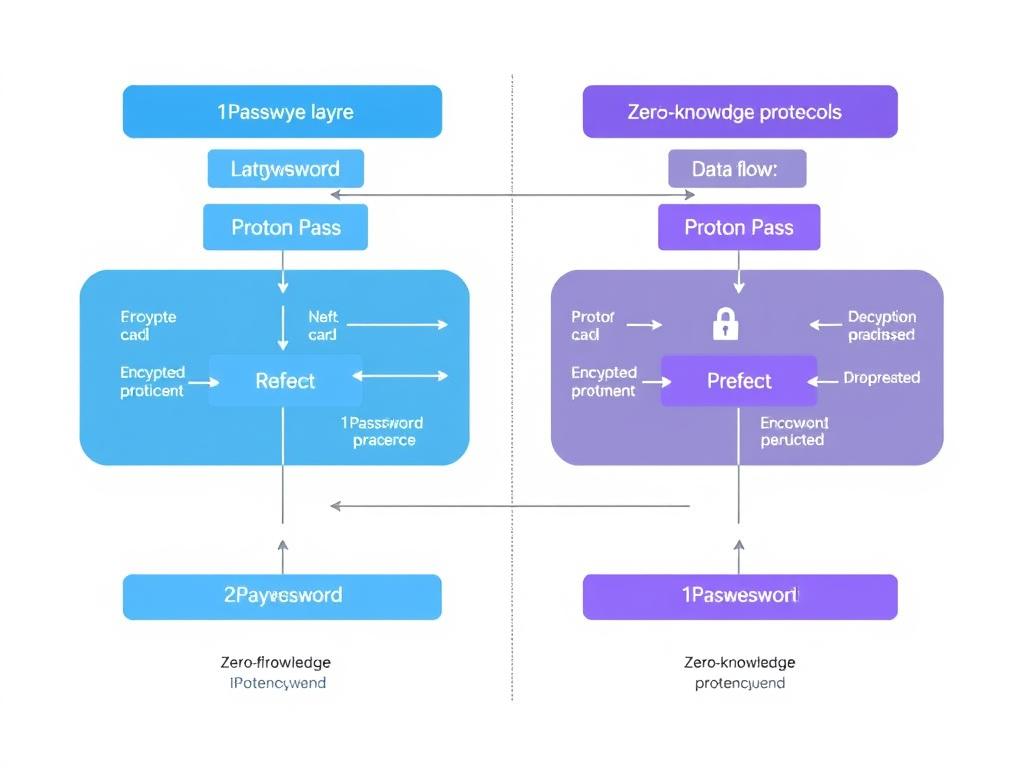
1Password vs Proton Pass security architecture visualization showing encryption methods

Encryption Methods

Both 1Password and Proton Pass utilize industry-standard AES-256 encryption to protect your stored passwords and sensitive information. This encryption standard is virtually unbreakable with current technology, ensuring your data remains secure from unauthorized access.

1Password implements an additional security layer through its unique Secret Key system. This 34-character key is generated when you create your account and combines with your master password to encrypt your data. Even if 1Password’s servers were compromised, attackers would need both your master password and Secret Key to access your information.

Proton Pass leverages the same end-to-end encryption technology used across the Proton ecosystem. All cryptographic operations occur locally on your device, ensuring that Proton never has access to your unencrypted data or master password.

Zero-Knowledge Architecture

Both password managers employ zero-knowledge protocols, meaning the companies cannot access your stored passwords or sensitive information. Your data is encrypted and decrypted locally on your device, with only encrypted data transmitted to and stored on their servers.

Enhanced Security with 1Password

1Password’s unique Secret Key provides an additional layer of protection that prevents even 1Password from accessing your data, even in the event of a server breach.

Open-Source Status

A significant difference between these password managers is their approach to code transparency. Proton Pass is fully open-source, allowing independent security researchers to verify its security implementation and identify potential vulnerabilities. This transparency provides additional assurance that the software functions as advertised without hidden backdoors.

1Password, while regularly audited by third-party security firms, maintains a closed-source codebase. While this doesn’t necessarily indicate security concerns, users who prioritize code transparency may prefer Proton Pass’s open approach.

Privacy Considerations

Proton Pass is developed by Proton AG, a Swiss company known for its privacy-focused services. Switzerland’s strong privacy laws provide additional legal protection for your data. Proton’s privacy policy explicitly minimizes data collection and emphasizes user privacy.

1Password is based in Canada, which is part of the Five Eyes intelligence alliance. While 1Password’s zero-knowledge architecture and Secret Key system ensure your encrypted data remains secure, privacy-conscious users may prefer Proton’s Swiss jurisdiction.

Key Features Comparison
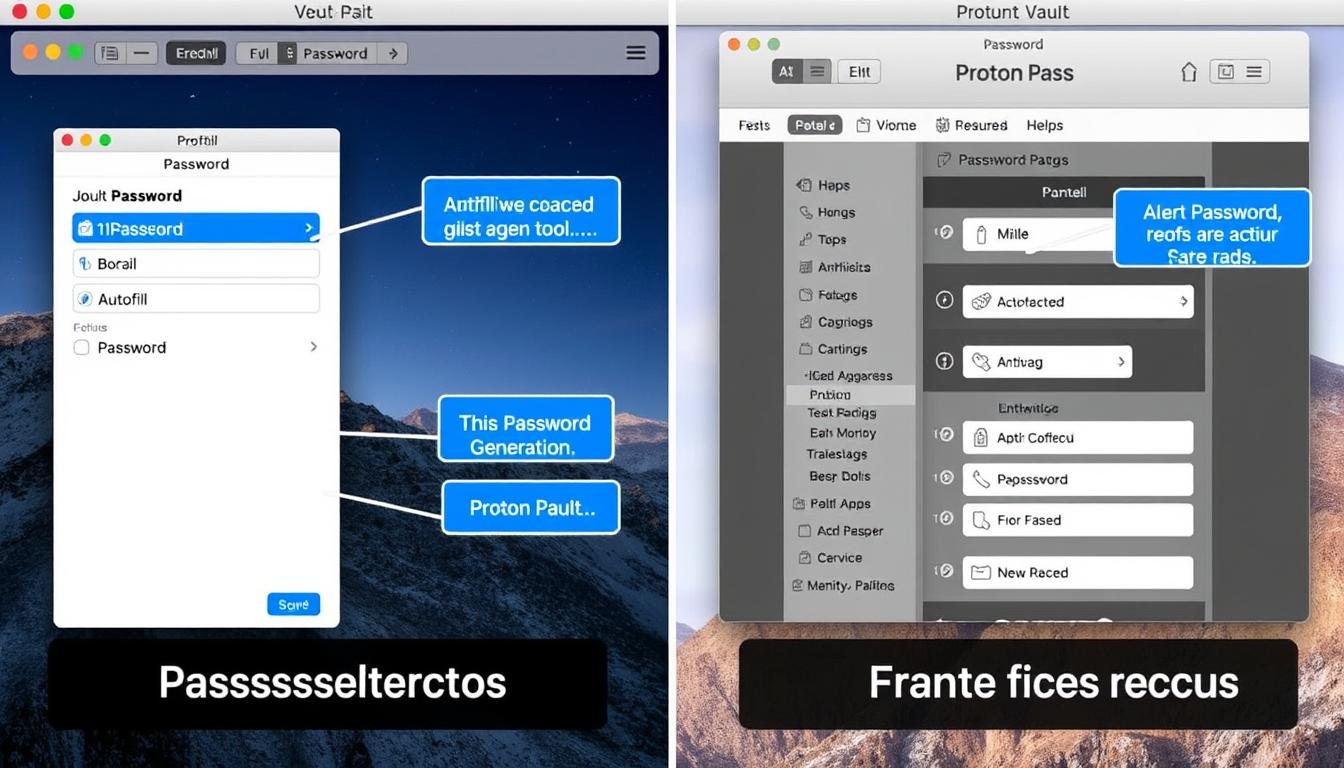
1Password vs Proton Pass feature comparison showing password generation and autofill interfaces

Password Generation and Management

Both 1Password and Proton Pass offer robust password generators that create strong, unique passwords. 1Password provides slightly more customization options, including the ability to generate PINs and passphrases with adjustable word counts and separators. Proton Pass offers similar functionality with options for random passwords or memorable passphrases.

For vault organization, 1Password provides a more mature system with customizable categories, tags, and favorites for quick access. Proton Pass offers a simpler but effective organization system that continues to evolve with regular updates.

Autofill Capabilities

Both password managers provide autofill functionality across major browsers and platforms. 1Password’s implementation is more refined, with consistent performance across devices and the ability to fill complex forms, including payment information. Proton Pass’s autofill works well for basic credentials but occasionally requires manual intervention for new accounts or complex forms.

1Password Autofill

  • Seamless form filling across platforms
  • Credit card and identity information autofill
  • Consistent performance across browsers
  • Intuitive browser extension interface

Proton Pass Autofill

  • Basic credential autofill functionality
  • Credit card autofill in development
  • User-initiated autofill for enhanced security
  • Improving with regular updates

Password Sharing and Emergency Access

Both password managers offer secure password sharing capabilities. 1Password allows sharing individual items or entire vaults with family members or team members. Its sharing links don’t require recipients to have a 1Password account, making it convenient for occasional sharing.

Proton Pass provides two sharing methods: generating secure links with optional expiration dates or sharing entire vaults with other Proton users. While slightly less flexible than 1Password, Proton Pass’s sharing features prioritize security and are adequate for most users.

Two-Factor Authentication (2FA)

Both 1Password and Proton Pass support two-factor authentication to protect your password vault. 1Password works with authentication apps like Authy or Google Authenticator. Proton Pass supports both authentication apps and physical security keys like YubiKey, providing an additional security option not available with 1Password.

Additionally, both services can function as authenticator apps themselves, generating time-based one-time passwords (TOTP) for your other online accounts that support 2FA.

Privacy-First Password Management

Proton Pass combines robust password management with privacy features like email aliases and open-source security, all backed by Swiss privacy laws.

Unique Selling Points
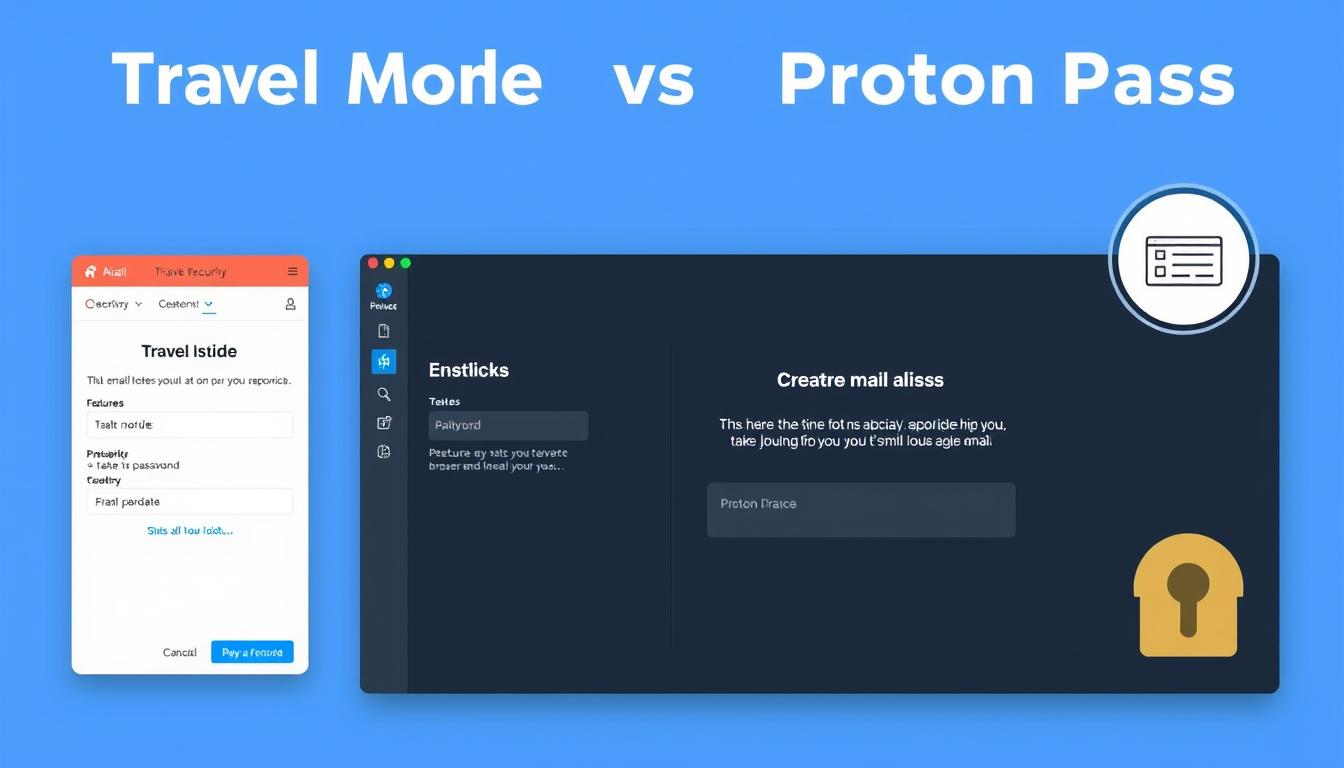
1Password Travel Mode and Proton Pass email aliases features highlighted

1Password’s Standout Features

1Password offers several unique features that set it apart from Proton Pass:

Travel Mode

1Password’s Travel Mode allows you to temporarily remove sensitive vaults from your devices when crossing borders or traveling in high-risk areas. This feature helps protect your data from border searches or device confiscation, with vaults automatically restoring when you turn Travel Mode off.

Watchtower

The Watchtower feature monitors your passwords for security vulnerabilities, including weak or reused passwords, compromised websites, and unsecured websites. It provides a comprehensive security score and actionable recommendations to improve your overall password security.

Secret Key

1Password’s Secret Key provides an additional layer of security beyond your master password. This unique 34-character key is required alongside your master password to access your vault on new devices, protecting against brute force attacks and server breaches.

Proton Pass’s Standout Features

Proton Pass offers several unique advantages that may appeal to privacy-conscious users:

Email Aliases

Proton Pass includes email alias functionality, allowing you to create unique email addresses for different services without revealing your primary email. This feature helps reduce spam, protect your identity, and track which services might be selling your information. Free users get 10 aliases, while paid users get unlimited aliases.

Proton Ecosystem Integration

Proton Pass integrates seamlessly with other Proton services, including Proton Mail, Proton Calendar, and Proton Drive. Users can access all services with a single account, creating a comprehensive privacy-focused digital ecosystem.

Open-Source Security

Proton Pass’s open-source approach allows independent verification of its security implementation. This transparency builds trust and enables community contributions to identify and fix potential vulnerabilities.

1Password Advantages

  • More mature, polished user experience
  • Travel Mode for secure border crossings
  • Comprehensive Watchtower security monitoring
  • Additional Secret Key protection layer
  • More refined autofill capabilities

Proton Pass Advantages

  • Free tier with unlimited passwords
  • Email alias functionality
  • Open-source transparency
  • Swiss privacy protection
  • Integration with Proton ecosystem

Pricing Models Comparison
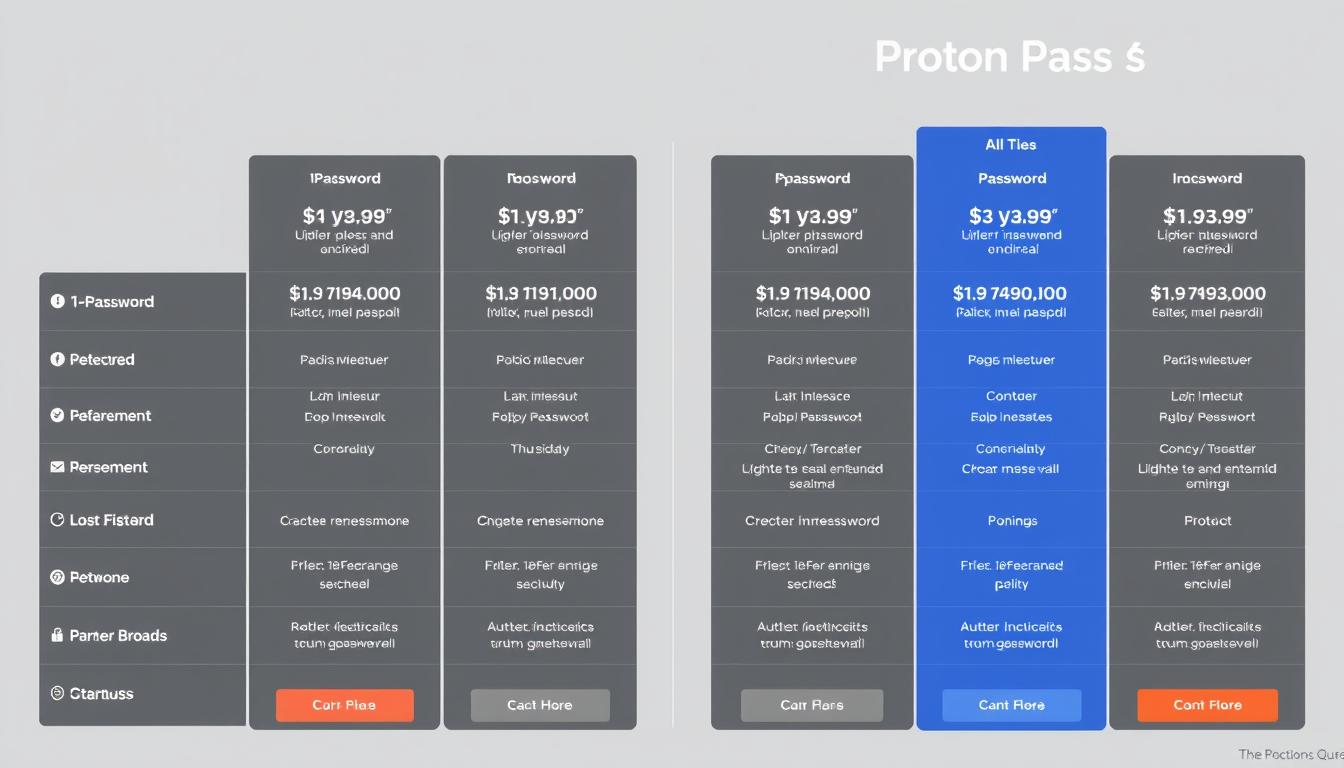
1Password vs Proton Pass pricing plans comparison chart

Free Options

The most significant pricing difference between these password managers is their approach to free users. Proton Pass offers a fully-featured free tier that includes unlimited passwords, 10 email aliases, and synchronization across unlimited devices. This makes it an excellent option for users on a budget.

1Password does not offer a permanent free option, instead providing a 14-day free trial. After the trial period, users must subscribe to continue using the service.

Individual and Family Plans

For individual users, 1Password charges $2.99/month with annual billing ($35.88/year). Proton Pass Plus is slightly more affordable at $1.99/month with annual billing ($23.88/year), offering a better value for budget-conscious users.

Family plans are similarly priced, with 1Password charging $4.99/month for up to 5 users and Proton Pass charging the same $4.99/month for up to 6 users. Proton Pass provides slightly better value by supporting an additional user.

Business Options

Both password managers offer business plans for teams and enterprises. 1Password’s Teams Starter Pack supports up to 10 users, while its Business plan ($7.99/user/month) supports unlimited users with additional features like SSO integration and advanced reporting.

Proton Pass offers more affordable business options, with its Essentials plan starting at $1.99/user/month (annual billing) and its Professional plan at $4.49/user/month. This significant price difference makes Proton Pass more attractive for cost-conscious businesses.

Best Value for Families

1Password’s Family plan offers a polished experience with sharing controls and emergency access for up to 5 users at $4.99/month.

Bundled Services

Proton offers a unique Unlimited plan ($9.99/month) that bundles Proton Pass with other Proton services, including Proton Mail, Proton Calendar, Proton Drive, and Proton VPN. This comprehensive package provides excellent value for users who need multiple privacy-focused services.

User Experience and Interface
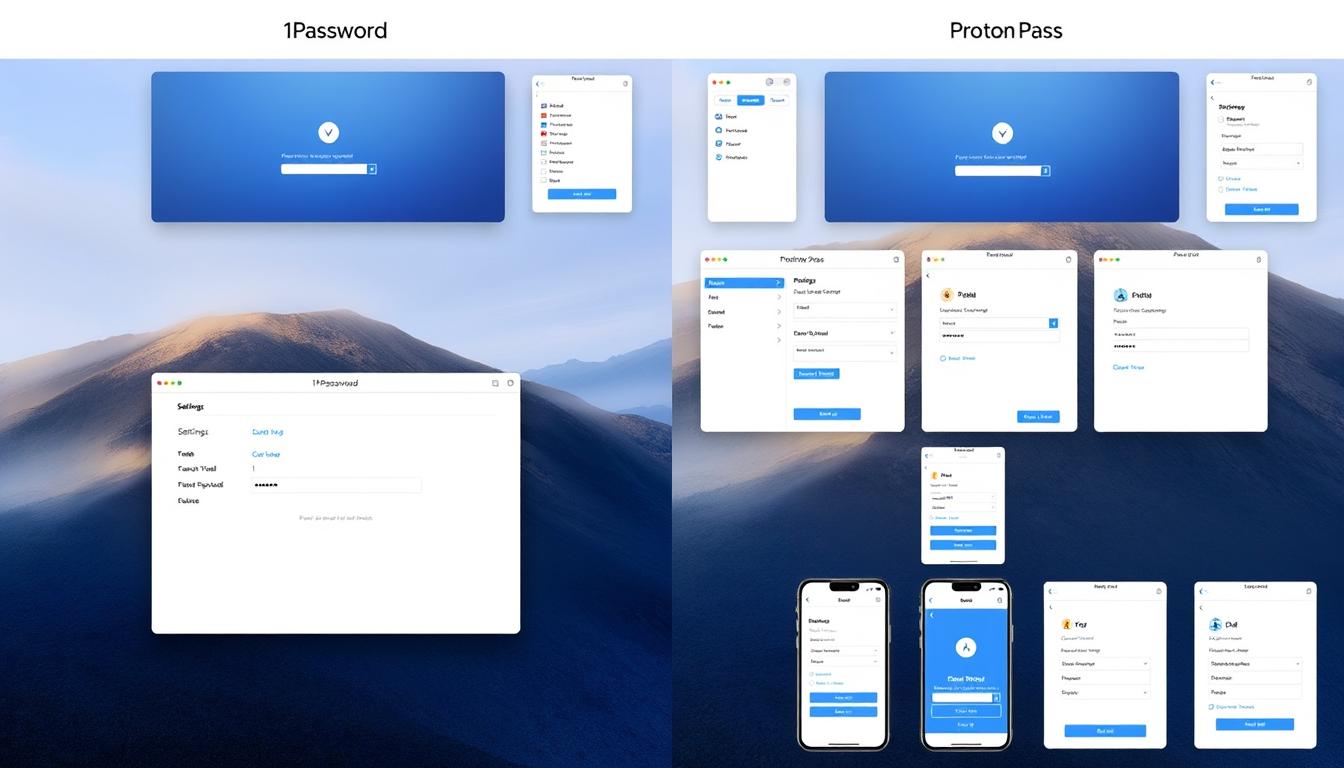
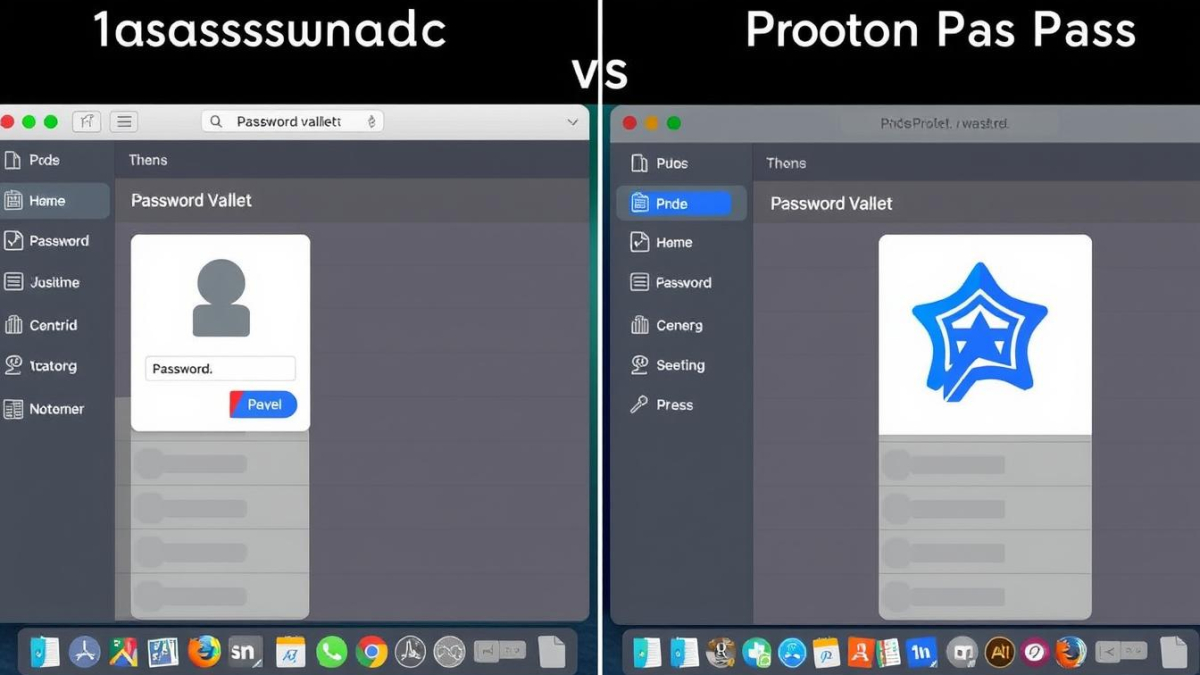
1Password vs Proton Pass user interfaces on desktop and mobile

Desktop Experience

1Password offers a polished, intuitive desktop experience across Windows, macOS, and Linux. Its interface features clear organization, customizable categories, and efficient navigation. The desktop app provides comprehensive functionality, including password importing/exporting and advanced security features.

Proton Pass’s desktop app has a similar layout but feels slightly less refined, which is understandable given its newer status. The interface is clean and functional, with essential features easily accessible, though some advanced options require more navigation compared to 1Password.

Mobile Experience

Both password managers offer mobile apps for iOS and Android that maintain core functionality. 1Password’s mobile experience closely mirrors its desktop interface, with thoughtful adaptations for smaller screens and touch controls. Its autofill integration with mobile browsers and apps is particularly seamless.

Proton Pass’s mobile app is well-designed and actually feels more polished than its desktop counterpart in some ways. The minimalist approach works well on smaller screens, though it lacks some customization options available in 1Password.
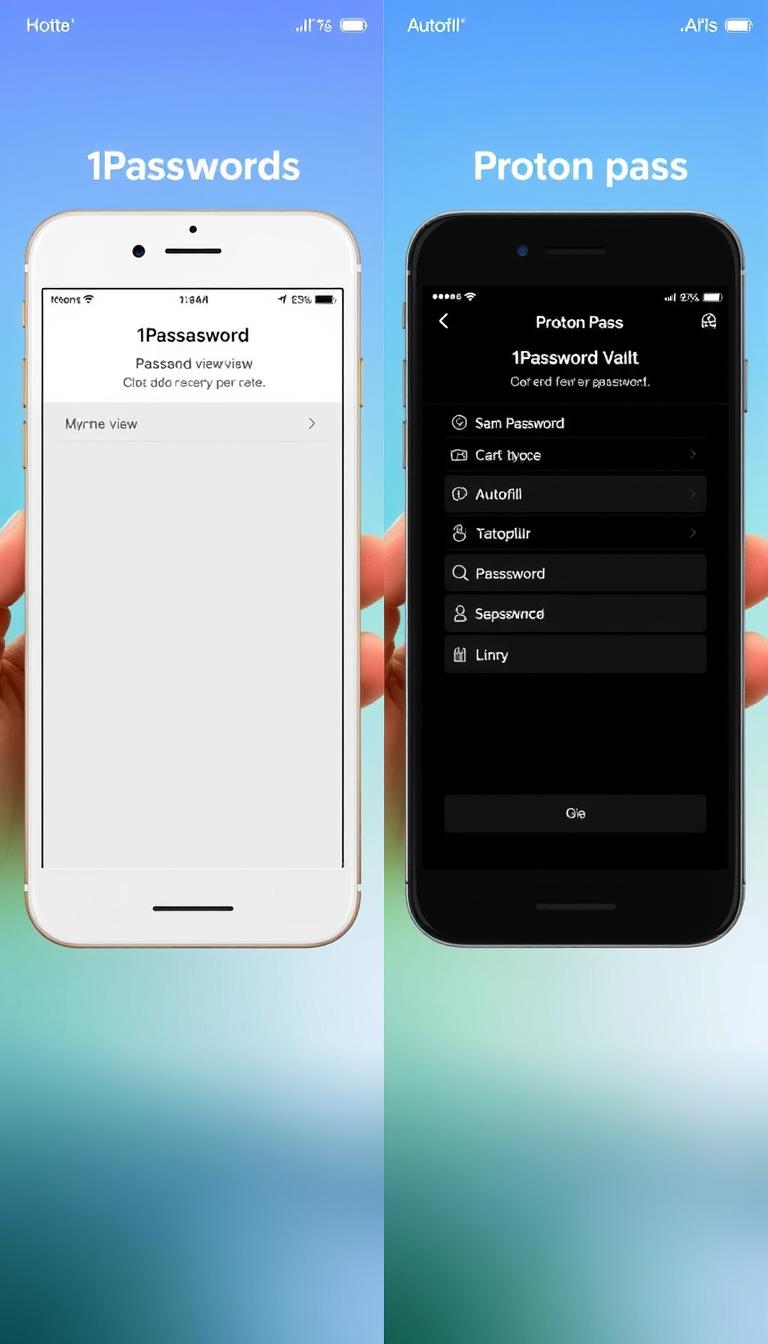
1Password vs Proton Pass mobile app interfaces showing password vault and autofill

Browser Extensions

Both password managers offer browser extensions for major browsers including Chrome, Firefox, Safari, and Edge. 1Password’s extension provides a comprehensive mini-version of the desktop app, with quick access to all essential functions and smooth autofill capabilities.

Proton Pass’s browser extension offers similar functionality in a compact interface. While it handles basic password management effectively, its autofill capabilities occasionally require more manual intervention compared to 1Password’s more mature implementation.

Ease of Setup and Migration

Both services offer straightforward setup processes and password importing from browsers and other password managers. 1Password provides more comprehensive import options, supporting a wider range of file formats and sources. Its password migration tools are more refined, making the transition from other services smoother.

Proton Pass offers adequate import functionality but with fewer source options. The process is straightforward but may require additional steps when migrating from less common password managers.

Best For Specific Use Cases
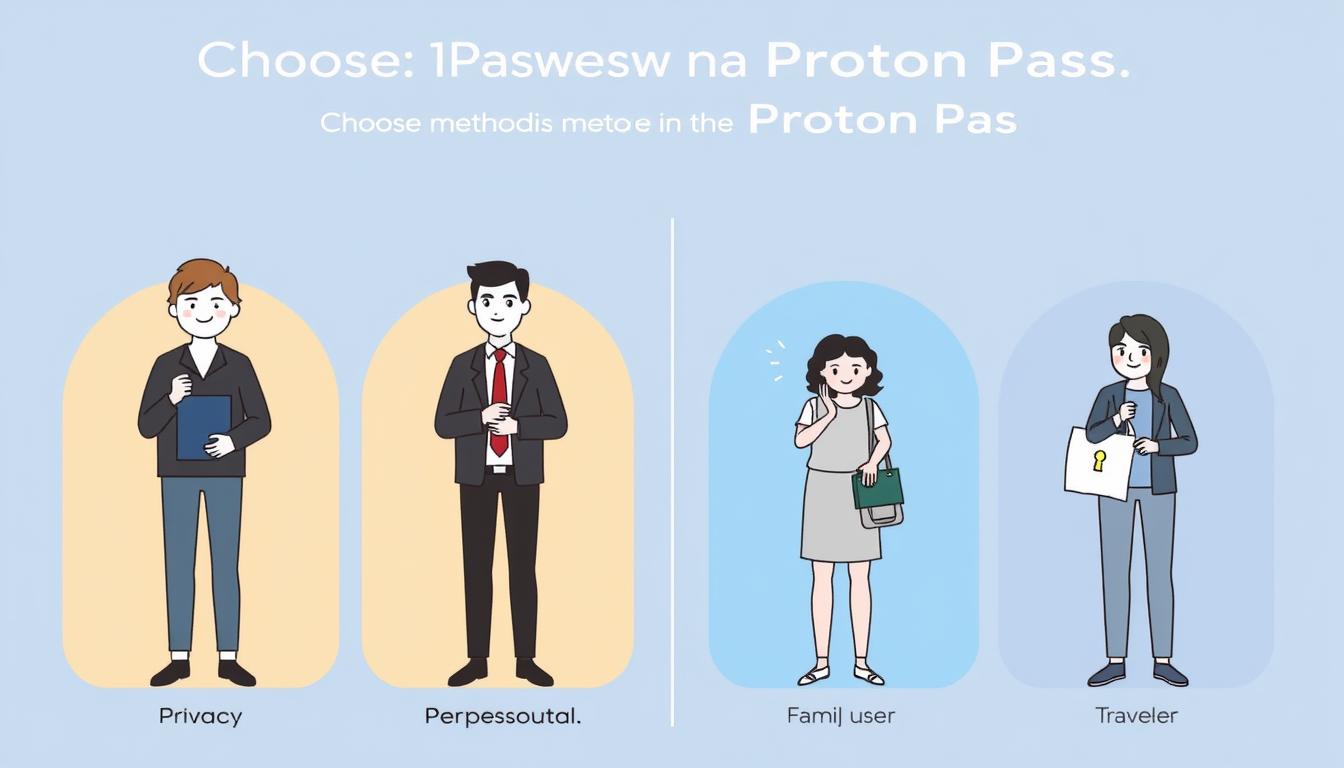
Different user personas choosing between 1Password and Proton Pass

Best for Privacy-Focused Users

Privacy-focused user with Proton Pass interface showing privacy features

Recommendation: Proton Pass

Proton Pass’s open-source approach, Swiss jurisdiction, and integration with other privacy-focused Proton services make it ideal for users who prioritize privacy and data sovereignty.

Best for Families
Family sharing passwords securely with 1Password's family plan

Recommendation: 1Password

1Password’s refined sharing controls, emergency access features, and polished cross-platform experience make it the better choice for families managing shared accounts and passwords.

Best for Business Users
Business team using password management with administrative controls

Recommendation: 1Password

1Password’s mature administrative controls, detailed security reports, and seamless cross-platform experience make it better suited for business environments, despite its higher cost.

Best for Budget Users
Budget-conscious user with Proton Pass free tier

Recommendation: Proton Pass

Proton Pass’s fully-featured free tier and lower-priced premium options make it the clear choice for budget-conscious users who don’t want to compromise on security.

Best for Travelers
International traveler using 1Password's Travel Mode at border crossing

Recommendation: 1Password

1Password’s unique Travel Mode feature provides essential protection for international travelers, allowing temporary removal of sensitive data when crossing borders or visiting high-risk areas.

Best for Privacy Ecosystem
User with complete Proton privacy ecosystem including Pass, Mail, and VPN

Recommendation: Proton Pass

For users already invested in Proton’s privacy-focused ecosystem (Mail, Calendar, VPN), Proton Pass provides seamless integration and unified account management.

Final Verdict: Which Password Manager Should You Choose?
1Password vs Proton Pass final comparison with key decision factors highlighted

Both 1Password and Proton Pass offer excellent password management solutions with strong security foundations. Your choice should ultimately depend on your specific needs and priorities:

Choose 1Password if:

  • You want a mature, polished user experience with refined features
  • You travel internationally and need Travel Mode protection
  • You require comprehensive security monitoring through Watchtower
  • You need advanced family sharing and emergency access features
  • You prefer a more established service with a longer track record

Choose Proton Pass if:

  • You want a free password manager with unlimited passwords
  • You prioritize privacy and prefer Swiss jurisdiction
  • You need email alias functionality to protect your identity
  • You value open-source transparency and verification
  • You use other Proton services and want ecosystem integration

For most users seeking a comprehensive, refined password management experience with advanced features, 1Password remains the top recommendation despite its subscription-only model. Its polished interface, mature feature set, and unique security features like Travel Mode and Secret Key provide exceptional value.

For privacy-focused users, those on a budget, or those already using other Proton services, Proton Pass offers a compelling alternative with its free tier, open-source approach, and Swiss privacy protection. While newer and still evolving, it provides all essential password management functionality with a strong privacy focus.

Ready to Secure Your Passwords?

Both services offer excellent security features to protect your online accounts. Choose the one that best matches your specific needs and preferences.

Can I transfer my passwords from 1Password to Proton Pass?

Yes, you can export your passwords from 1Password and import them into Proton Pass. 1Password allows exporting your data in CSV format using the desktop app. Proton Pass supports importing from various password managers, including 1Password, through its desktop app, web app, or browser extension.

Do both password managers support passkeys?

Yes, both 1Password and Proton Pass support passkeys, the emerging passwordless authentication standard. This allows you to use biometric authentication (like fingerprints or facial recognition) instead of traditional passwords for supported websites and services.

Which password manager is more secure?

Both 1Password and Proton Pass provide excellent security with AES-256 encryption and zero-knowledge architecture. 1Password adds an extra layer with its Secret Key system, while Proton Pass offers open-source transparency. Both approaches are highly secure, with the difference being philosophical rather than practical for most users.

. . . . . . . . . . . . . . . . . . . . . . . . . . . . . . . . . . . . . . . . . . . . . . . . . . . . . . . . . . . . . . . . . . . . . . . . . . . . . . . . . . . . . . . . . . . . . . . . . . . . . . . . . . . .

Proton Pass

Proton Pass: Secure Your Online Identity in 2025

In today’s digital world, keeping your online identity safe is key. Cyber threats are on the rise. So, having a reliable password manager is now essential.

As we enter 2025, protecting your online presence is more important than ever. Password management solutions are vital. Proton Pass is a standout tool in this area.

Managing many online accounts can be overwhelming. A best password manager like Proton Pass makes it easier. It keeps your online identity safe.

Key Takeaways

  • ProtonPass is a leading password management solution.
  • It offers advanced security features to protect your online identity.
  • Using a password manager simplifies managing multiple passwords.
  • Proton Pass stands out in the crowded password manager market.
  • Securing your online presence is vital in today’s digital world.

Table of Contents

The Digital Security Crisis of 2025

As we enter 2025, the digital world is getting more dangerous. Cyber threats and data breaches are on the rise. It’s now essential for everyone to strengthen their digital security. A good password manager is not just a nice-to-have, it’s a must-have.

Evolving Cyber Threats

Cyber threats are getting smarter, with hackers using advanced methods to get past security. AI-powered attacks are making it easier for bad actors to find weaknesses.

Password Vulnerability Statistics

Here are some worrying stats:

  • More than 80% of data breaches are due to weak or stolen passwords.
  • Most people have about 100 online accounts, making password management a big challenge.
  • Issues with passwords cost companies millions of dollars every year.

The Cost of Data Breaches

Data breaches can cost a lot. Studies show the average breach costs over $4 million. The damage to a company’s reputation can also last a long time, hurting customer trust and loyalty.

In this situation, using a best password keeper is key. It’s not just about keeping your online identity safe. It’s about protecting your whole digital world.

Proton Pass: An Overview

Proton Pass is the latest in Proton’s lineup of privacy-focused services. It’s designed to keep your online identity safe. As part of the Proton ecosystem, it benefits from years of experience in secure communication and privacy.

The Evolution of Proton Services

Proton started with Proton Mail, a secure email service. It set the standard for encrypted communication. Then, Proton added more privacy-focused services, leading to Proton Pass. This password manager offers strong security and works well with other Proton services.

proton services overview

Core Philosophy and Privacy Commitment

Proton Pass is built on a strong privacy commitment. Proton thinks your data should only be yours. It uses end-to-end encryption and a zero-logging policy to keep your passwords and sensitive info safe.

Swiss Privacy Laws and Jurisdiction Benefits

Being in Switzerland gives Proton Pass a big privacy advantage. Swiss privacy laws are very strict, adding extra protection for users. This means Proton Pass works under laws that really value user privacy and data safety.

Proton Pass combines advanced tech with a strong privacy framework. It’s a top choice for keeping your personal or business data safe. It fits right into Proton’s goal of making the internet more secure.

Key Security Features

Proton Pass is a strong shield against cyber threats. It has top-notch security features to keep your personal info safe from hackers.

End-to-End Encryption Technology

Proton Pass uses end-to-end encryption. This means your data is locked on your device before it reaches our servers. Even Proton Pass’s team can’t see your passwords.

Zero-Knowledge Architecture

Our zero-knowledge architecture is a big plus. Our servers don’t keep your encryption keys. This makes it super hard for hackers to get to your data.

Two-Factor Authentication Options

Proton Pass has strong two-factor authentication. You can pick from many options to make your account even more secure.

TOTP Integration

Proton Pass also supports TOTP integration. You can use authenticator apps for extra security. This is great for fighting off phishing attacks.

Hardware Key Support

For the ultimate in security, Proton Pass has hardware key support. You can use physical security keys for top-notch protection against online threats.

Proton Pass Security Features

With these advanced security features, Proton Pass is a safe place for your passwords. It works well on Android and other platforms, keeping your data safe.

Password Management Capabilities

Proton Pass offers a range of tools to protect your online identity. It has strong features to help you manage your passwords well. This keeps your online security strong.

Password Generator Functionality

The password generator in Proton Pass makes complex, unique passwords for your accounts. It saves you from making up hard passwords yourself. This lowers the chance of using weak or the same passwords.

Key benefits of the password generator include:

  • Generation of highly secure, random passwords
  • Customizable password length and complexity
  • Automatic password suggestions during account creation or login

Password Health Analysis

Proton Pass checks the strength and security of your saved passwords. It spots weak, reused, or compromised passwords. This lets you fix them quickly.

Breach Monitoring

The breach monitoring feature warns you if your passwords are in a data breach. This helps you change weak passwords before they’re used.

Vault Organization System

The vault system in Proton Pass organizes your passwords and login details. You can make folders, label items, and add notes. This makes managing your digital identities easier.

FeatureDescriptionBenefit
Password GeneratorGenerates complex, unique passwordsReduces risk of weak passwords
Password Health AnalysisEvaluates password strength and securityIdentifies vulnerable passwords
Breach MonitoringAlerts on compromised passwordsEnables proactive password changes
Vault OrganizationOrganizes login credentialsSimplifies password management
password manager for apps

Free vs. Premium: What You Get

Understanding what Proton Pass offers is key. Their free plan is great for everyone. Premium plans add more security and features for those who need them.

Free Plan Limitations and Capabilities

The free plan lets you store unlimited passwords and has a password generator. It also has basic security. But, it doesn’t give you access to advanced features.

Premium Features Breakdown

Premium features include better security checks and priority support. You also get more options for two-factor authentication.

FeatureFree PlanPremium Plan
Unlimited Password StorageYesYes
Advanced Security ChecksNoYes
Priority Customer SupportNoYes

Pricing Structure and Value Analysis

Proton Pass’s premium plan is priced well. It offers excellent value for individuals and families.

Family and Business Plan Options

Proton Pass has plans for families and businesses. They offer flexible pricing and features tailored to their needs.

Proton Pass Pricing Plans

User Experience Across Devices

Proton Pass makes sure your experience is the same on all devices. This is key in today’s world. You might start something on your computer, then switch to your phone or tablet.

Desktop Application Performance

The Proton Pass desktop app is built for optimal performance. It has a clean design that makes managing your passwords easy. It’s great for those who want a detailed view of their vault.

Mobile Experience (Android and iOS)

Proton Pass’s mobile apps for Android and iOS are easy to use. They let you quickly get to your passwords and generate new ones. The autofill feature is super helpful for logging in without typing your password.

Browser Extensions Functionality

Proton Pass has browser extensions that work well with your browser. They help autofill login info and generate strong passwords. This makes it easier to keep your passwords safe and strong.

Autofill Capabilities

Proton Pass’s autofill feature is a big plus. It saves you time by filling in your login info for you. This makes it easier to use strong, unique passwords everywhere.

FeatureDesktopMobileBrowser Extension
Password StorageYesYesYes
AutofillYesYesYes
Password GenerationYesYesYes
Password Health AnalysisYesYesLimited

Proton Pass gives you a secure experience on all devices. This means you can always protect your online identity, no matter where you are.

Setting Up and Migrating to Proton Pass

Proton Pass makes setting up and moving your passwords easy and secure. It’s designed to protect your online identity. The process is simple, so you can start using it quickly.

Creating Your Account

To start with Proton Pass, you need to create an account. You’ll choose a username and password. These are encrypted with top-notch security.

You can sign up on the Proton Pass website or through their mobile app. The app is available for Android and is known as one of the best password saver apps.

Importing Passwords from Other Managers

Switching from another password manager is easy with Proton Pass. Just export your passwords and import them into Proton Pass. The process is easy to follow.

Proton Pass uses end-to-end encryption to keep your data safe. This means your passwords are always protected, even from Proton Pass itself.

“The biggest risk with password management is not the manager itself, but the process of transitioning to it.”

Security Expert

Manual Entry Best Practices

For new passwords, you can enter them manually. It’s a good idea to use Proton Pass’s password generator. This makes strong, unique passwords easy to create.

Initial Security Configuration

After setting up your passwords, you need to configure your security settings. This includes turning on two-factor authentication (2FA). Proton Pass offers many 2FA options, so you can choose what works best for you.

FeatureDescriptionBenefit
End-to-End EncryptionEncrypts your data locally before it’s sent to Proton Pass servers.Ensures your passwords are always secure.
Two-Factor AuthenticationAdds an extra layer of security to your login process.Reduces the risk of unauthorized access.
Password GeneratorCreates complex, unique passwords for your accounts.Enhances security by avoiding weak or duplicate passwords.

By following these steps and setting up your account right, you’ll get the most out of Proton Pass. You’ll enjoy better security and ease of use.

Integration with Proton Ecosystem

Proton Pass works well with other Proton services. This makes your online space safer and easier to use.

Synergy with Proton Mail

Proton Pass pairs well with Proton Mail, the top encrypted email service. They team up to fight off phishing and cyber threats. You get a safe and private way to send emails.

Proton Calendar Integration

Proton Calendar keeps your schedule safe and private. It works with Proton Pass to protect your meetings and events.

Proton Drive Secure Storage

Proton Drive is a secure cloud storage that fits with Proton Pass. You can store and access your files safely, thanks to Proton’s strong security.

Single Sign-On Benefits

The Single Sign-On (SSO) feature makes logging in easier. With SSO, you can use one set of credentials for Proton MailProton CalendarProton Drive, and Proton Pass. This boosts your productivity and keeps your data safe.

ServiceFeatureBenefit
Proton MailEncrypted EmailSecure Communication
Proton CalendarEnd-to-End EncryptionPrivate Scheduling
Proton DriveSecure StorageProtected File Access

Using Proton Pass with the Proton ecosystem gives you a full security package. It protects your digital identity and online actions.

Comparing Proton Pass to Market Leaders

There are many password managers out there. Comparing Proton Pass to Bitwarden and Dashlane can help you choose the best one.

Security Comparison with LastPass and 1Password

Proton Pass has strong security features. It uses end-to-end encryption and zero-knowledge architecture, just like LastPass and 1Password. End-to-end encryption means your passwords are safe on your device and on Proton Pass servers. This makes it hard for others to get your data.

LastPass and 1Password have had security issues before. But Proton Pass is backed by ProtonMail, known for its strict security.

Feature Comparison with Bitwarden and Dashlane

Proton Pass has a password generator that’s top-notch. It creates strong, unique passwords for all your accounts. Bitwarden and Dashlane also have password generators, but Proton Pass’s connection to other Proton services is a big plus.

Proton Pass is easy to use. It helps you organize your passwords and fill in login details on different devices. Bitwarden and Dashlane offer this feature too.

Privacy Policy Analysis Across Providers

ProtonPass is based in Switzerland, where privacy laws are strict. This gives ProtonPass a big privacy advantage over some competitors.

Looking at privacy policies, ProtonPass and Bitwarden both focus on keeping user data safe. They don’t collect or store info that could identify you.

Value Proposition Assessment

When comparing ProtonPass to others, look at the cost and what you get. ProtonPass has a good price, with a free version and a premium option that adds more features.

The premium features, like advanced security alerts and customer support, are worth it. They’re great for those who need extra security and help.

Limitations and Possible Drawbacks

ProtonPass has its own set of limits and possible downsides. It has strong security features, but knowing its limits is key to making a smart choice.

Feature Gaps for Enterprise Users

ProtonPass is mainly for personal use and families. It might not have all the features big companies need. For example, it doesn’t have advanced admin controls or complex permission systems.

The table below shows some enterprise features and if Proton Pass has them:

Enterprise FeatureAvailability in ProtonPass
Advanced Administrative ControlsNo
Complex Hierarchical PermissionsNo
Single Sign-On (SSO)Yes

Learning Curve for New Users

ProtonPass is easy to use, but new users might find it a bit tricky. Switching from another password manager can be complex.

Offline Access Considerations

ProtonPass has some offline features, but it’s not as good without internet. Users needing lots of offline access might find it limiting.

Emergency Access Options

ProtonPass lets you set up emergency access. This lets trusted contacts get into your password vault in an emergency. But, it needs careful setup and understanding of the security risks.

Conclusion: Securing Your Digital Future with Proton Pass

In 2025, keeping your digital life safe is key. Just as new energy and transport change our world, ProtonPass changes the internet. It uses top tech like end-to-end encryption to keep your data safe.

Using ProtonPass means you’re protecting yourself online and helping others do the same. It’s like how proton conductivity helps move energy well. ProtonPass makes logging into your accounts easy and safe. It’s a big step towards a safer internet where you can trust your devices.

When you think about keeping your online life safe, ProtonPass is a top choice. It’s a reliable partner in your quest for a secure digital world.

You can download Proton Pass click here… If you want to more password managers visit our post 15 Best Password Managers

FAQ

What is Proton Pass, and how does it differ from other password managers?

ProtonPass focuses on keeping your data safe and private. It uses top-notch encryption and a zero-knowledge system. This makes it stand out from other password managers by protecting your privacy under Swiss laws.

How does Proton Pass ensure the security of my passwords?

ProtonPass uses strong encryption and a zero-knowledge system. This means only you can see your passwords. Even Proton Pass can’t access your data.

Can I use Proton Pass across multiple devices and platforms?

Yes, you can use ProtonPass on many devices and platforms. This includes desktops, Android, iOS, and browser extensions. It makes managing your passwords easy on all your devices.

What is the difference between the free and premium versions of Proton Pass?

The free version of Proton Pass has basic features. The premium version adds more, like advanced breach monitoring and better password analysis. It’s for those who need extra security.

How does Proton Pass integrate with other Proton services, such as Proton Mail and Proton Drive?

ProtonPass works well with Proton Mail and Proton Drive. This makes it easy to use all Proton services securely. You get single sign-on benefits.

Is Proton Pass suitable for enterprise or business use?

ProtonPass is very secure but might not have everything big businesses need. It has plans for families and small businesses. But, big companies should check if it fits their needs.

How does Proton Pass handle password generation and password health analysis?

ProtonPass has a password generator for strong, unique passwords. It also checks your passwords for weaknesses. It suggests ways to make them stronger.

What are the benefits of using a password manager like Proton Pass in the context of clean energy and sustainable transport?

Using ProtonPass is like using hydrogen fuel cells for clean energy. It keeps your digital life safe. This helps make the internet safer, just like clean energy makes our world better.

Can I import my existing passwords from other password managers into Proton Pass?

Yes, you can bring your passwords from other managers to ProtonPass. This makes switching easier and keeps all your passwords in one place.

How does Proton Pass support two-factor authentication (2FA)?

ProtonPass uses TOTP and hardware keys for 2FA. This adds extra security. Even if someone guesses your password, they can’t get in without the second factor.