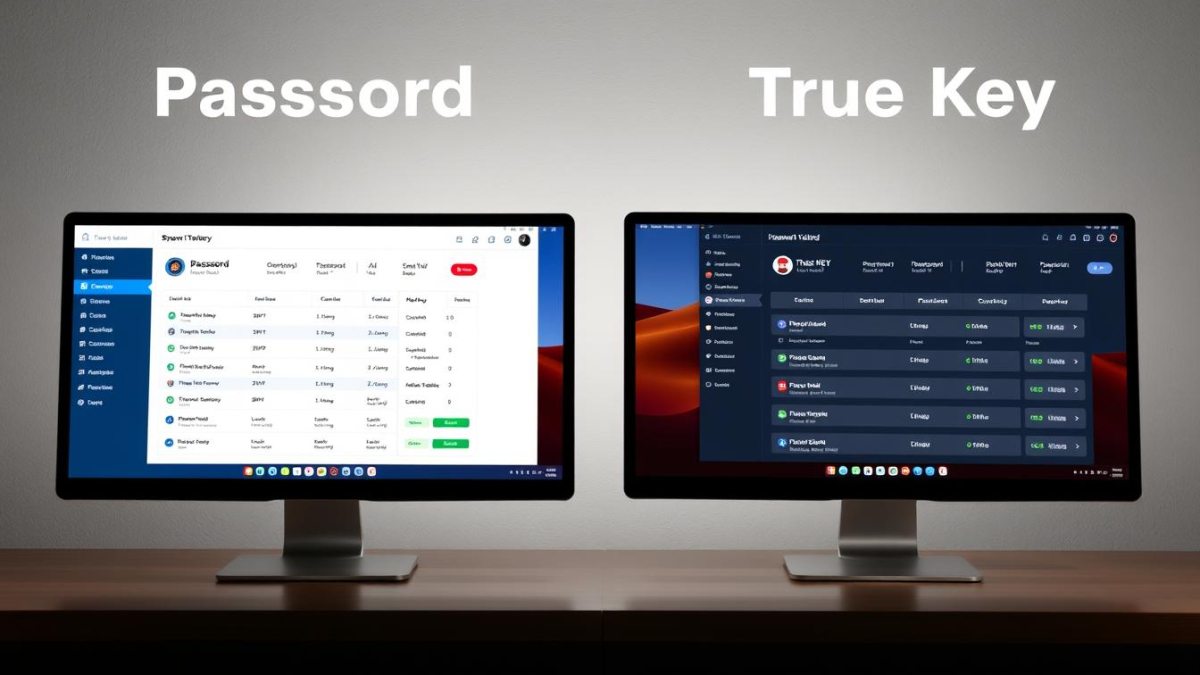
1Password vs True Key

1Password vs True Key: Which Password Manager Should You Choose?

In today’s digital world, managing dozens of unique, complex passwords is virtually impossible without help. Password managers have become essential tools for maintaining strong security while eliminating the frustration of forgotten credentials. Two popular options, 1Password and McAfee True Key, offer different approaches to password management. This comprehensive comparison will help you decide which solution best fits your needs, security requirements, and budget.

1Password vs True Key: Quick Comparison

Feature

Free Version

Premium Plan

Family Plan

Encryption

Password Sharing

Security Audit

Biometric Login

1Password

No (14-day trial only)

$36/year (individual)

$60/year (up to 5 users)

AES-256 bit

Yes

Yes (Watchtower)

Yes

True Key

Yes (limited to 15 passwords)

$20/year (individual)

Not available

AES-256 bit

No

No

Yes (including facial recognition)

Security & Encryption Standards

When choosing a password manager, security should be your top priority. Let’s examine how 1Password and True Key protect your sensitive information.
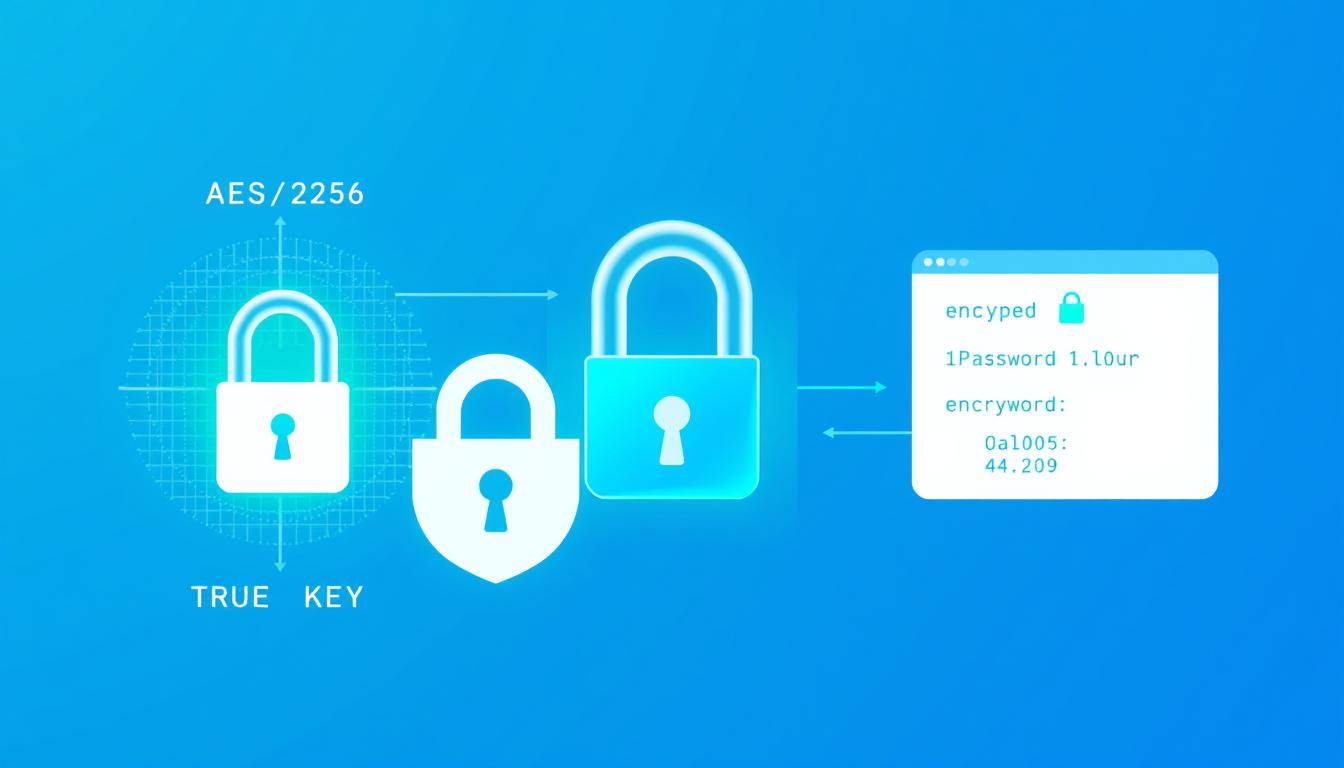
1Password vs True Key encryption and security visualization showing the AES-256 encryption process

Encryption Technology

Both 1Password and True Key use industry-standard AES-256 bit encryption to protect your data. This military-grade encryption is virtually unbreakable with current technology, ensuring your passwords remain secure even if the companies’ servers are compromised.

Zero-Knowledge Architecture

Both password managers employ a zero-knowledge security model, meaning they don’t have access to your master password or the ability to decrypt your data. Only you can unlock your password vault.

1Password’s Security Approach

  • Uses a unique “Secret Key” in addition to your master password for enhanced security
  • Undergoes regular third-party security audits
  • Offers Watchtower feature to identify compromised passwords
  • Provides Travel Mode to temporarily remove sensitive data when crossing borders

True Key’s Security Approach

  • Offers multiple authentication factors including facial recognition
  • Provides automatic sign-out feature (default: 7 days)
  • Allows disabling master password in favor of biometric authentication
  • Lacks comprehensive security audit features

“A password manager is only as secure as its authentication methods. While both services use strong encryption, 1Password’s additional Secret Key provides an extra layer of protection that True Key doesn’t match.”

Cross-Platform Compatibility

The ability to access your passwords across all your devices is crucial for a seamless experience. Here’s how 1Password and True Key compare in terms of platform support.
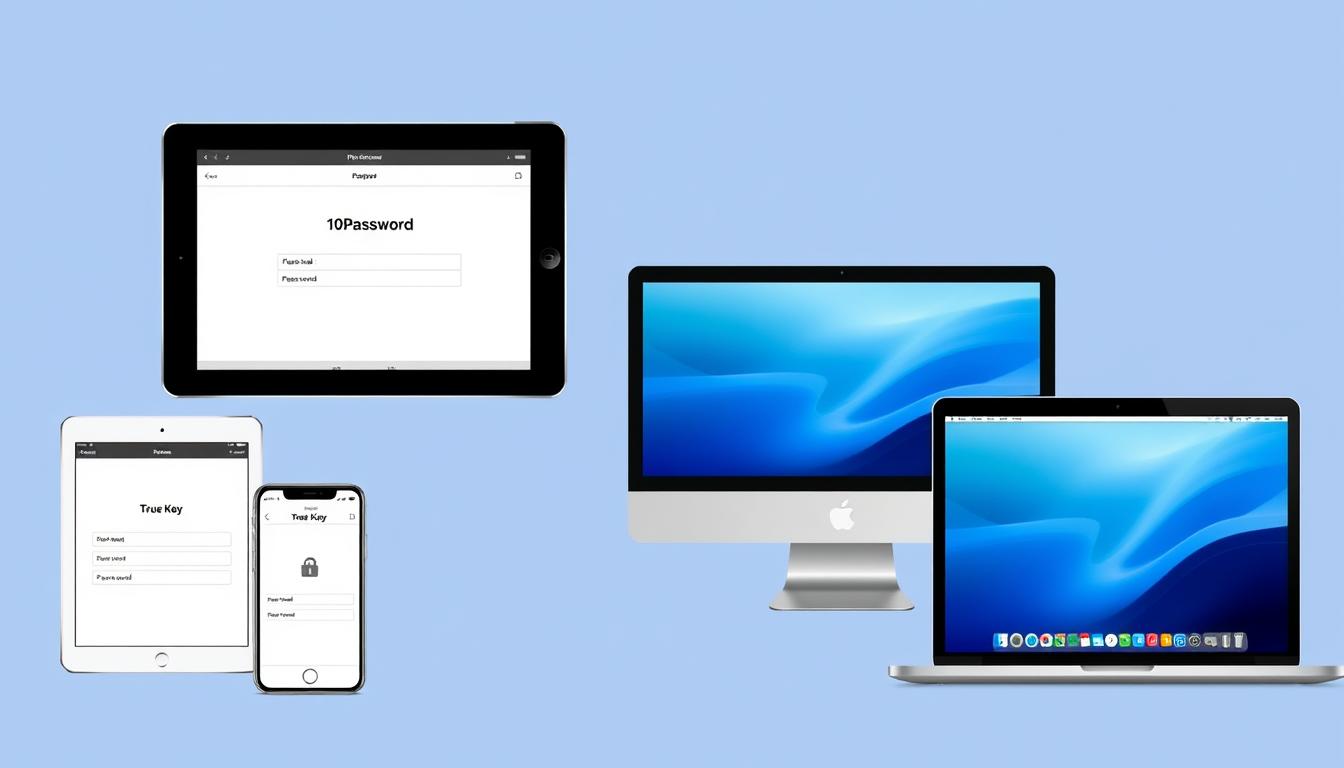
1Password vs True Key shown across multiple devices including smartphones, tablets, and laptops

Platform

Windows

macOS

iOS

Android

Linux

Chrome OS

Browser Extensions

1Password

✓ (Full desktop app)

✓ (Full desktop app)

Chrome, Firefox, Safari, Edge, Brave

True Key

✓ (Limited desktop app)

✓ (Limited desktop app)

Chrome, Firefox, Safari, Edge

Device Sync Limitations

1Password allows unlimited device syncing on all paid plans, ensuring you can access your passwords wherever you are. True Key also offers unlimited device syncing on both free and premium plans, though the free plan is limited to storing only 15 passwords total.

Offline Access

1Password provides full offline access to your password vault once you’ve logged in. True Key requires an internet connection for most functions, as it’s primarily web-based rather than a true desktop application.

Key Difference: True Key’s desktop version is essentially a wrapper for its web interface, while 1Password offers a full-featured native desktop application with more robust functionality.

Two-Factor Authentication (2FA) Support

Adding a second layer of security through two-factor authentication significantly reduces the risk of unauthorized access to your password vault.
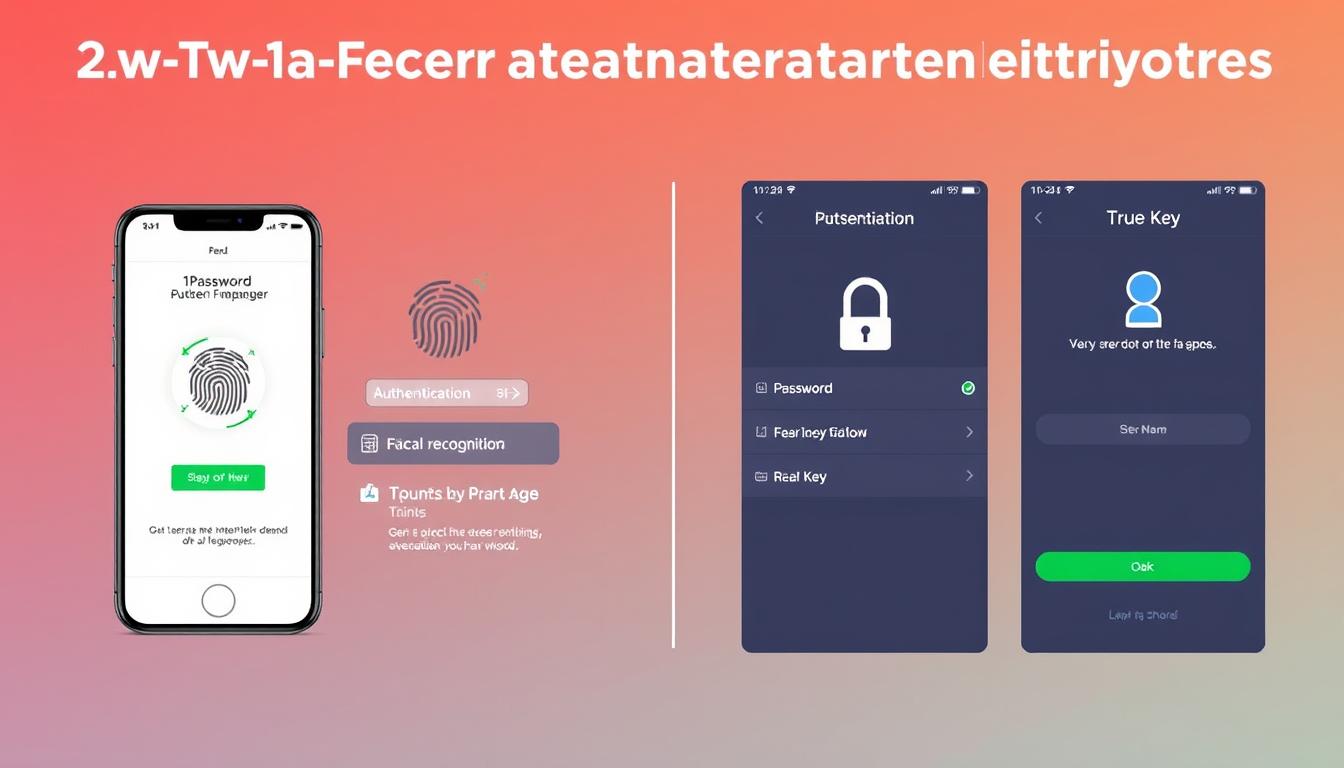
Two-factor authentication methods for 1Password vs True Key showing authentication apps and biometric options

1Password’s 2FA Options

  • Support for authentication apps (Authy, Google Authenticator)
  • Biometric authentication (Face ID, Touch ID, Windows Hello)
  • Physical security key support (YubiKey)
  • SMS-based verification (not recommended but available)

True Key’s Multi-Factor Authentication

  • Facial recognition (using device camera)
  • Fingerprint scanning
  • Second-device verification
  • Option to disable master password in favor of biometric methods

True Key places a stronger emphasis on biometric authentication, particularly facial recognition, which is one of its standout features. 1Password offers more traditional 2FA options but has better support for hardware security keys like YubiKey.

“While True Key’s facial recognition is innovative, security experts generally recommend using hardware security keys like those supported by 1Password for the highest level of protection.”

Password Sharing & Emergency Access

The ability to securely share passwords with family members or colleagues is an important feature for many users.

1Password vs True Key password sharing interface comparison showing family sharing options

1Password’s Sharing Capabilities

1Password excels at password sharing through its vault system:

  • Family plan allows sharing between up to 5 users
  • Create multiple vaults with different sharing permissions
  • Share entire vaults or individual items
  • Family organizers can recover accounts for other members
  • Emergency kit printout for physical backup

True Key’s Sharing Limitations

This is an area where True Key falls significantly short:

  • No built-in password sharing functionality
  • No family or team plans available
  • No emergency access options
  • No account recovery by trusted contacts

Important consideration: If you need to share passwords with family members or require emergency access options, 1Password is clearly the better choice. True Key offers no sharing capabilities whatsoever.

Need to share passwords with family?

1Password’s family plan allows secure password sharing between up to 5 users for just $60/year.

Autofill Capabilities

The convenience of automatically filling passwords and forms is one of the main benefits of using a password manager.
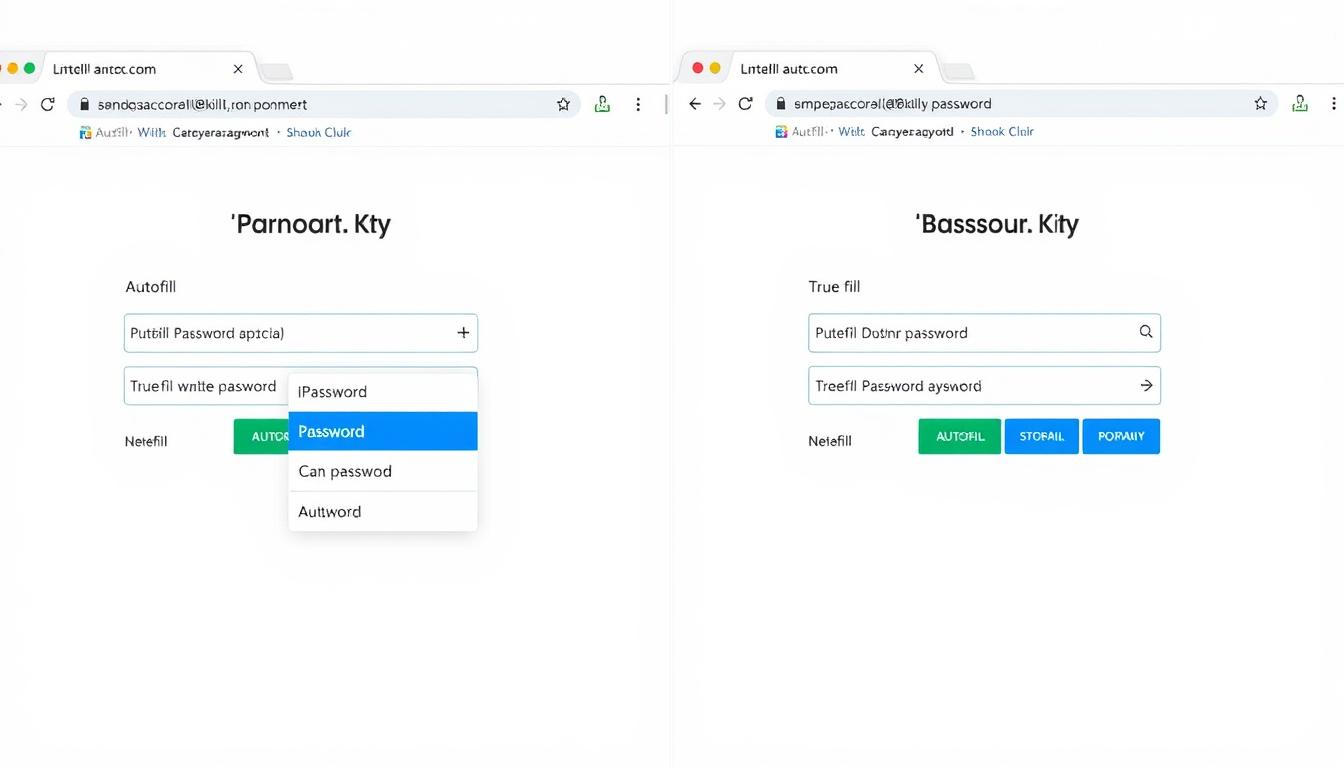
1Password vs True Key autofill functionality demonstration on login forms

1Password Autofill

  • Works consistently across websites and apps
  • Browser extensions for all major browsers
  • Quick Access feature for desktop applications
  • Form filling for addresses and payment information
  • Supports iOS and Android autofill frameworks

True Key Autofill

  • Somewhat inconsistent performance
  • Web-based interface rather than true browser extension
  • “Instant Log In” feature for automatic login
  • Form filling for personal information
  • Mobile autofill requires additional setu

During testing, 1Password’s autofill functionality proved more reliable and consistent across different websites and applications. True Key’s autofill occasionally fails to recognize login forms or requires manual intervention.

“The reliability of autofill functionality significantly impacts your daily experience with a password manager. 1Password’s implementation is more polished and dependable compared to True Key’s occasional hiccups.”

Pricing & Plans Comparison

Cost is an important factor when choosing a password manager. Let’s compare what you get at different price points.
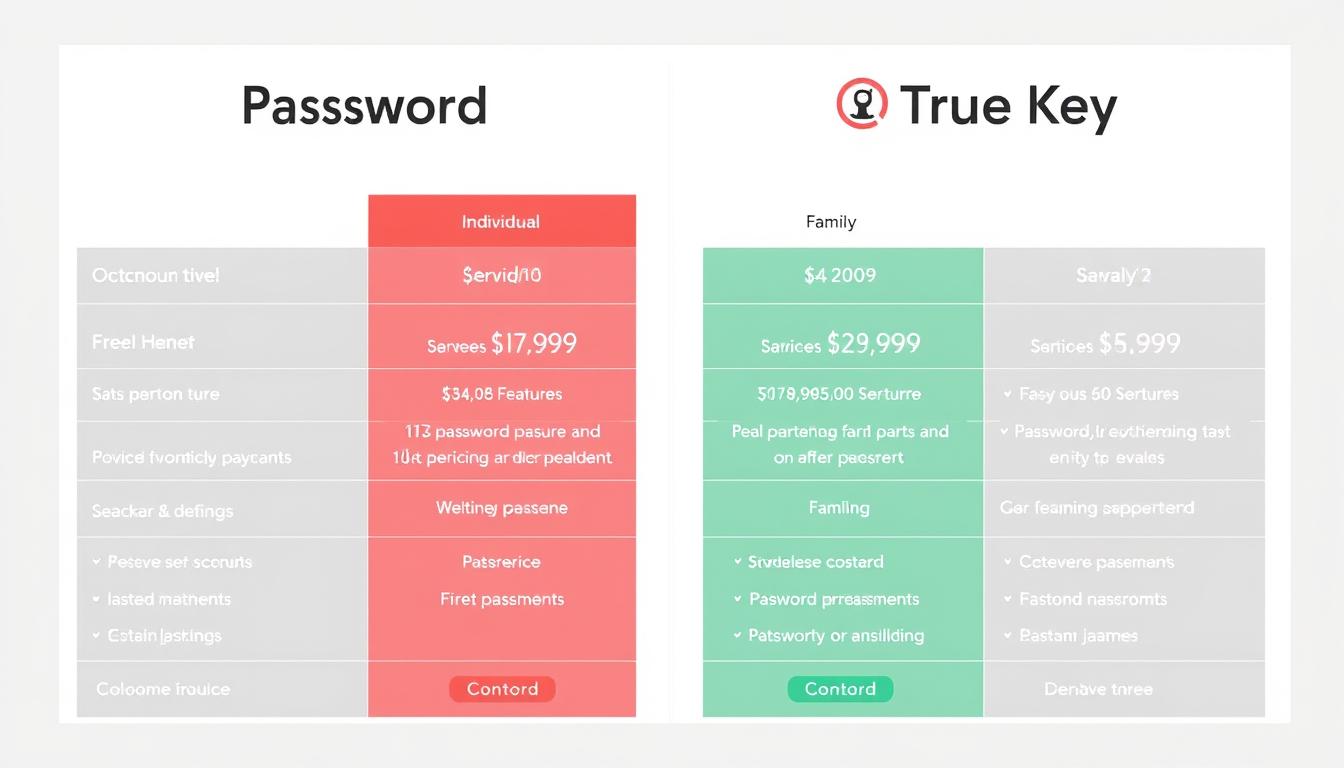
1Password vs True Key pricing plans comparison chart

1Password Plans

  • Free Trial: 14
  • Individual: $36/year
  • Family: $60/year (up to 5 users)
  • Teams: $19.95/user/year
  • Business: $7.99/user/month
  • Unlimited passwords on all plans
  • 1GB secure document storage
  • 24/7 email support

True Key Plans

  • Free: Limited to 15 passwords
  • Premium: $19.99/year
  • Family Plan: Not available
  • Business Plan: Not available
  • Unlimited passwords on Premium
  • No document storage
  • 24/7 support via McAfee

Value Comparison

While True Key is less expensive than 1Password, the price difference reflects significant feature disparities. 1Password offers more comprehensive features, better cross-platform support, and family sharing options that True Key lacks entirely.

Budget Consideration: If you only need basic password management for a single user and have fewer than 15 passwords to store, True Key’s free plan might be sufficient. For most users, however, 1Password’s additional features justify its higher price.

Ready to try 1Password?

Start your 14-day free trial with no credit card required.

User Experience & Interface Design

A password manager should be intuitive and easy to use, or you’ll find yourself avoiding it despite its security benefits.
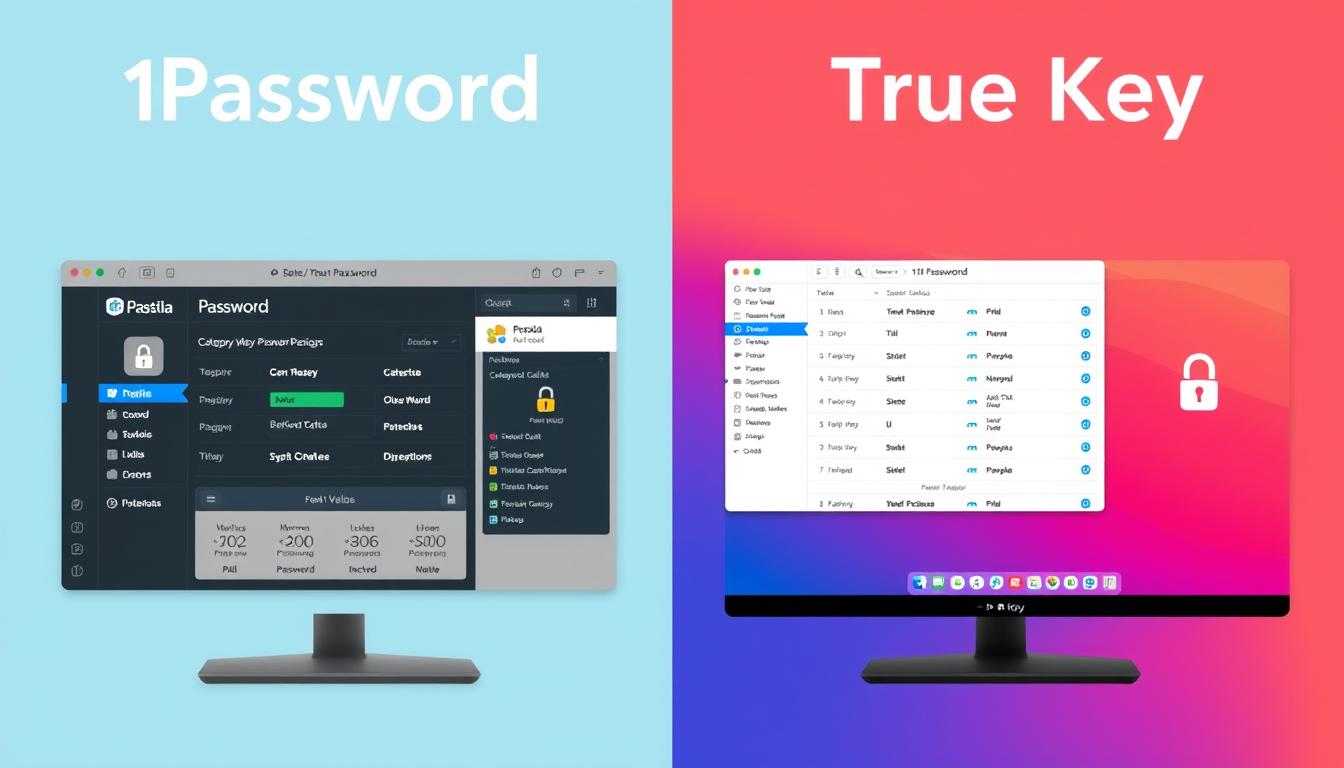
1Password vs True Key user interface comparison showing main dashboards

Setup Process

Both password managers require creating an account and setting a master password. 1Password adds an extra step with its Secret Key, which provides additional security but slightly complicates the initial setup. True Key’s setup is more straightforward but offers less security.

1Password Interface

  • Clean, modern design with intuitive navigation
  • Dedicated desktop applications for all platforms
  • Consistent experience across devices
  • Categorized items (logins, credit cards, secure notes)
  • Customizable organization with tags and favorites

True Key Interface

  • Web-based interface with limited desktop functionality
  • Simple tile or list view for saved items
  • Three main categories: Logins, Safe Notes, and Wallet
  • Less customization options
  • Requires more tab switching for basic operations

Browser Extension Functionality

1Password’s browser extensions are full-featured and can operate independently of the desktop app. True Key’s browser extension primarily serves as a link to its web dashboard, requiring more clicks and tab switching for common tasks.

“1Password offers a more polished, consistent experience across platforms with native applications. True Key’s web-based approach feels less integrated and sometimes requires more steps to accomplish the same tasks.”

Unique Features & Selling Points

Beyond the core password management functions, both services offer distinctive features that might influence your decision.
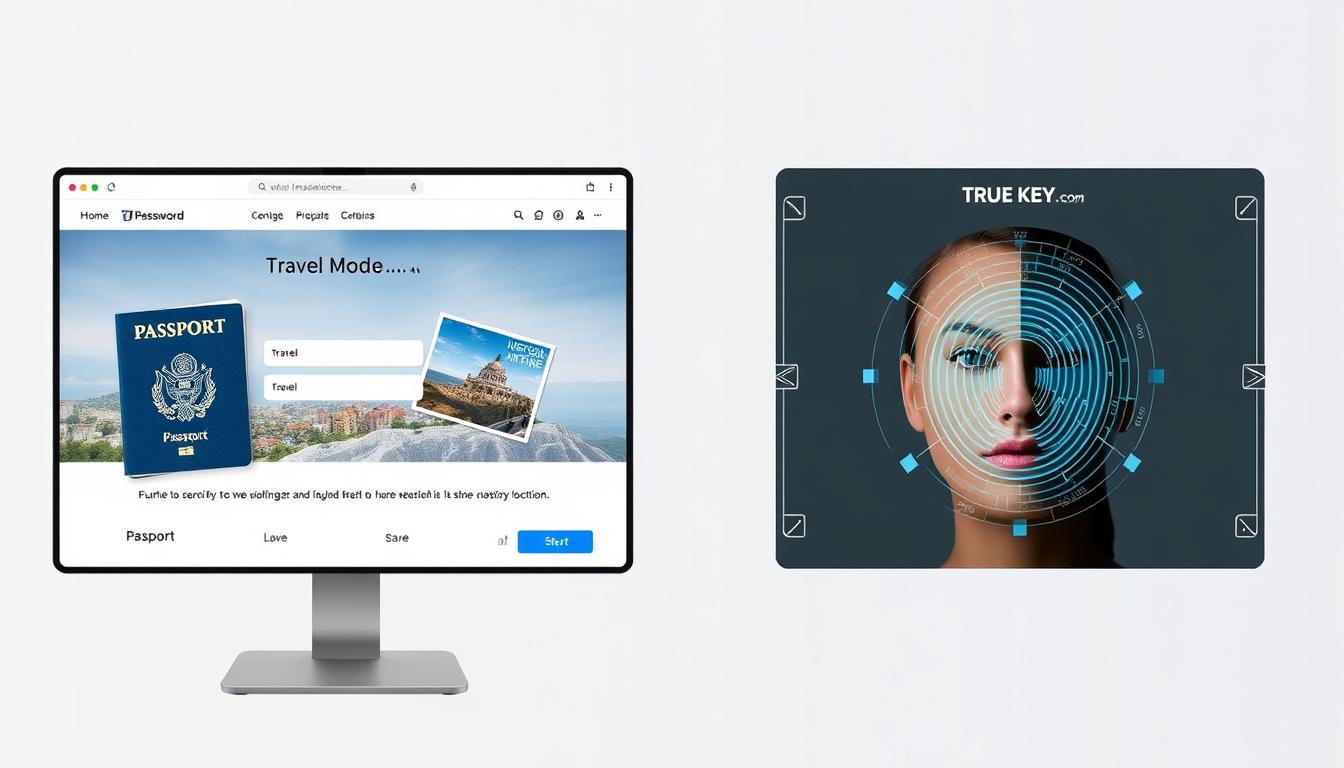
1Password's Travel Mode and True Key's facial recognition authentication features

1Password’s Standout Features

Travel Mode

This unique security feature allows you to temporarily remove sensitive vaults from your devices when traveling across borders or in high-risk situations. Once you reach your destination, you can restore access to these vaults.

Watchtower

1Password’s security dashboard monitors your passwords for:

  • Compromised passwords in known data breaches
  • Weak or reused passwords across sites
  • Unsecured websites (non-HTTPS)
  • Expiring passwords that need updating
  • Accounts eligible for two-factor authentication

Privacy Cards

Integration with Privacy.com allows you to create virtual credit cards for online shopping, adding an extra layer of security for financial transactions.

True Key’s Standout Features

Advanced Biometric Authentication

True Key places significant emphasis on biometric login options:

  • Facial recognition using your device’s camera
  • Option to eliminate master password entirely
  • Multi-factor authentication built into the core experience

McAfee Integration

As part of the McAfee security ecosystem, True Key integrates with other McAfee products and services, potentially offering a more unified security approach if you already use their antivirus or VPN services.

Prefer biometric authentication?

True Key offers advanced facial recognition and fingerprint login options.Try True Key Free

Data Storage & Privacy

Understanding how and where your password data is stored is crucial for evaluating the privacy implications of each service.
1Password vs True Key data storage and privacy visualization

Cloud vs. Local Storage

1Password offers both cloud and local storage options:

  • Primary method is cloud-based storage with end-to-end encryption
  • Option to store and sync your vault locally (though less emphasized now)
  • Data encrypted locally before being sent to 1Password servers

True Key uses a cloud-based approach exclusively:

  • All data synced through McAfee’s cloud servers
  • No option for local-only storage
  • Zero-knowledge encryption ensures data is encrypted before leaving your device

Privacy Policies

Both companies have clear privacy policies stating they cannot access your encrypted vault data. However, they do collect some metadata:

1Password Data Collection

  • Account information (email, name)
  • Billing information
  • Device information for troubleshooting
  • Usage analytics (can be disabled)

True Key Data Collection

  • Account information (email, name)
  • Billing information
  • Device information
  • Usage data as part of McAfee’s broader data collection

Third-Party Audits

1Password undergoes regular third-party security audits and publishes the results, demonstrating transparency about their security practices. True Key doesn’t publicly share information about independent security audits, making it harder to verify their security claims.

Privacy Consideration: If privacy is a top concern, note that True Key is owned by McAfee, a larger security company with broader data collection practices across its product suite. 1Password is focused solely on password management with a stronger emphasis on privacy.

Customer Support Options

When you’re locked out of your accounts or experiencing issues with your password manager, responsive support becomes crucial.
1Password vs True Key customer support options comparison

1Password Support

  • Email support (24/7)
  • Twitter support
  • Extensive knowledge base
  • Active community forums
  • Detailed setup guides with screenshots
  • No phone support

True Key Support

  • 24/7 live chat support (through McAfee)
  • Phone support hotline
  • Community forums
  • Knowledge base (part of McAfee support)
  • No email/ticket support

True Key benefits from McAfee’s larger support infrastructure, offering live chat and phone support that 1Password lacks. However, 1Password’s documentation is more comprehensive and specifically focused on password management issues.

“If you prefer direct human contact when troubleshooting, True Key’s live chat and phone support might be appealing. For self-service support with detailed documentation, 1Password offers superior resources.”

Import & Export Capabilities

The ability to easily move your passwords between services is important, especially when switching from another password manager.
1Password vs True Key import and export functionality comparison

Importing Options

1Password Import Sources

  • LastPass
  • Dashlane
  • RoboForm
  • Keeper
  • Chrome, Firefox, Safari password managers
  • Generic CSV files
  • 1Password vaults (.1pif files)

True Key Import Sources

  • LastPass
  • Dashlane
  • Chrome, Firefox, Internet Explorer password managers
  • Generic CSV files

Exporting Options

1Password allows exporting your data in multiple formats, including CSV and its proprietary 1PIF format. True Key only supports CSV exports, which contain less metadata and organizational information.

Migration Tip: If you’re currently using another password manager, check whether 1Password or True Key offers direct import from your current service. Direct imports typically preserve more information than generic CSV imports.

Pros & Cons Summary

Let’s summarize the strengths and weaknesses of both password managers to help you make your final decision.

1Password vs True Key pros and cons comparison chart

1Password Pros

  • Comprehensive feature set with Watchtower security monitoring
  • Excellent family sharing capabilities
  • Travel Mode for enhanced security while traveling
  • Native apps across all major platforms
  • Regular third-party security audits
  • Intuitive, consistent user interface
  • Reliable autofill functionality

1Password Cons

  • No free version (trial only)
  • Higher price than True Key
  • Secret Key adds security but complicates setup
  • No live chat or phone support

True Key Pros

  • Advanced biometric authentication options
  • Free tier available (limited to 15 passwords)
  • Lower premium price
  • 24/7 live chat and phone support
  • Simple, straightforward interface
  • Integration with other McAfee products

True Key Cons

  • No password sharing capabilities
  • No family or team plans
  • Limited desktop functionality (web-based)
  • Less reliable autofill
  • No security monitoring features
  • No Linux or Chrome OS support

Final Recommendation: Which Password Manager Should You Choose?
1Password vs True Key final recommendation visualization

Choose 1Password if:

  • You need to share passwords with family members
  • You want comprehensive security monitoring features
  • You travel frequently and need Travel Mode
  • You use Linux or Chrome OS
  • You prefer native desktop applications
  • You need to store secure documents
  • You value third-party security audits and transparency

Ready to try 1Password?

Get started with a 14-day free trial. No credit card required.Try 1Password Free

Choose True Key if:

  • You want advanced biometric authentication options
  • You need a free option for managing a small number of passwords
  • You prefer live chat and phone support
  • You already use other McAfee security products
  • You want a simpler, more straightforward interface
  • You’re looking for a lower-cost premium option

Want to try True Key?

Start with the free version for up to 15 passwords.Try True Key Free

Conclusion

Both 1Password and True Key offer secure password management with strong encryption, but they target different user needs. 1Password provides a more comprehensive solution with family sharing, security monitoring, and cross-platform support, making it ideal for users who want a complete password management system. True Key offers a simpler approach with innovative biometric authentication but lacks many advanced features.

For most users, 1Password’s additional features justify its higher price, especially if you need to share passwords with family members or want robust security monitoring. However, if you only need basic password management with strong biometric authentication, True Key’s free tier or lower-priced premium plan might be sufficient.

Whichever you choose, using a password manager is significantly more secure than reusing passwords across multiple sites. Both services will help you create and manage strong, unique passwords for all your accounts, dramatically improving your online security.

“The best password manager is the one you’ll actually use consistently. Consider your specific needs, budget, and which features matter most to you when making your decision.”

Can I use 1Password or True Key for free?

True Key offers a free version that allows you to store up to 15 passwords. 1Password doesn’t have a permanent free version but offers a 14-day free trial with all features unlocked.

Which password manager is more secure?

Both use strong AES-256 encryption and zero-knowledge architecture. 1Password adds an extra layer of security with its Secret Key system and undergoes regular third-party security audits, giving it a slight edge in security practices.

Can I share passwords with my family?

1Password offers robust password sharing through its family plan ($60/year for up to 5 users). True Key doesn’t offer any password sharing functionality.

True Key

Unlocking Security: How True Key Simplifies Your Digital Life in 2025

Managing passwords can feel like a never-ending struggle. With so many accounts and passwords to remember, it’s easy to feel overwhelmed. That’s where True Key comes in. This password manager by McAfee aims to simplify your digital life by securely storing your passwords and making it easy to access them when you need them. In this article, we’ll explore how True Key works, its features, benefits, and what users have to say about it.

Key Takeaways

  • True Key securely stores and manages your passwords, making online life easier.
  • It offers multi-factor authentication for added security, using methods like facial recognition.
  • You can access your passwords across all devices seamlessly with True Key.
  • The password generator feature helps create strong, unique passwords for your accounts.
  • User reviews highlight True Key’s convenience and efficiency in managing digital identities.

Overview of True Key Features

Password Management Simplified

True Key simplifies your digital life by securely storing all your passwords in one place. It’s like having a digital vault for all those tricky combinations you can never remember. No more sticky notes or trying the same password for every site (we’ve all been there!). True Key can also generate strong, unique passwords, which is a huge step up for your online security.

Multi-Factor Authentication

True Key takes security seriously with multi-factor authentication. This means that even if someone figures out your master password, they’ll still need another way to prove it’s really you. Think of it as adding extra locks to your front door. It might seem like a hassle, but it’s worth it for the peace of mind. You can use things like:

  • Fingerprint scanning
  • Facial recognition
  • A second device

Multi-factor authentication is a game-changer. It significantly reduces the risk of unauthorized access to your accounts, making your digital life much safer.

Cross-Platform Compatibility

True Key works on just about any device you can think of. Whether you’re on your computer, phone, or tablet, you can access your passwords. This cross-platform compatibility is super convenient because you don’t have to worry about being locked out of your accounts when you’re on the go. It supports Windows, Mac, iOS, and Android, so you’re covered no matter what you’re using.

Enhancing Security with True Key

Advanced Encryption Techniques

True Key uses advanced encryption to keep your passwords safe. This means your data is scrambled so that no one can read it without your permission. It’s like having a super-strong lock on your digital information. The system uses industry-standard algorithms, so you can be sure your passwords are well-protected.

Biometric Authentication

True Key lets you use your fingerprint or face to log in. This is called biometric authentication, and it’s way more secure than just using a password. Here’s why it’s cool:

  • It’s harder to fake a fingerprint or face than a password.
  • It’s faster than typing in a password.
  • It adds an extra layer of security to your account.

Using biometrics makes it much harder for someone to hack into your account, even if they know your master password.

Password Generation

True Key can create strong, unique passwords for all your accounts. This is important because using the same password for everything is a big security risk. Here’s how it helps:

  • It generates random passwords that are hard to guess.
  • It stores those passwords securely so you don’t have to remember them.
  • It helps you avoid using weak or reused passwords.
FeatureDescription
Password LengthCustomizable, typically 8-30 characters
Character TypesIncludes uppercase, lowercase, numbers, symbols
Uniqueness CheckEnsures password hasn’t been previously used

Convenience of True Key in Daily Life

True Key really shines when you start using it every day. It’s not just about security; it’s about making your digital life easier. I’ve found it especially helpful when I’m juggling multiple devices and constantly logging in and out of different accounts. It’s a real time-saver.

Autofill Capabilities

The autofill feature is a game-changer. No more struggling to remember usernames and passwords. True Key automatically fills in your login information on websites and apps, saving you precious seconds (which add up over time!). It’s surprisingly accurate, and I rarely have to manually enter anything anymore. It even works on those obscure websites that never seem to remember my login details. It’s a small thing, but it makes a big difference in my day-to-day browsing. I can now effortlessly use secure password management.

Sync Across Devices

One of the best things about True Key is how well it syncs across all my devices. Whether I’m on my laptop, phone, or tablet, my passwords are always up-to-date. This is super convenient when I’m on the go and need to access an account quickly. I don’t have to worry about manually updating my passwords on each device, which is a huge relief. It just works, and that’s what I appreciate most. I can easily access my accounts from my computer, smartphone, or tablet, without having to manually enter my passwords each time. This makes it convenient for users who are constantly on the go and need access to their accounts from different devices.

Master Password Access

Having a single master password to access all my other passwords is incredibly convenient. It simplifies the login process and reduces the mental load of remembering dozens of different passwords. It’s like having a digital key to my entire online life, and it’s surprisingly easy to manage. I was initially worried about forgetting the master password, but True Key has recovery options that put my mind at ease.

Here’s a quick breakdown of how I use the master password:

  • I only need to remember one strong password.
  • It unlocks all my other accounts.
  • It’s protected by multi-factor authentication for added security.

Pros and Cons of Using True Key

Strengths of True Key

True Key really shines when it comes to simplifying how you handle passwords. It’s great because it stores all your login details in one place, accessible with a single master password or even using your fingerprint. This is a big win for both security and saving time. Plus, it works on pretty much any device you might have – Windows, Mac, Android, iOS – making it super easy to keep everything synced. The cross-platform thing is a huge convenience.

  • Simplified password management
  • Advanced security features
  • Cross-platform compatibility

Potential Drawbacks

Okay, so it’s not all sunshine and roses. The free version of True Key is pretty basic. If you want all the cool features, you’ll need to pay for the premium version. Also, you need an internet connection to get to your passwords, which can be a pain if you’re somewhere without Wi-Fi. And, like any software, it’s not totally immune to security issues. password manager has had some vulnerabilities in the past, which is something to keep in mind.

It’s worth noting that no software is perfect, and True Key is no exception. While it offers a lot of great features, it’s important to be aware of its limitations and potential drawbacks before making a decision.

  • Limited free version
  • Reliance on internet connection
  • Potential vulnerabilities

User Experience Insights

Lots of people find True Key to be a trustworthy and secure way to manage passwords. They like that it can create strong, unique passwords and keep them safe. However, some users have had issues with syncing or setting up the software. It really depends on what you’re looking for in a password manager. Some find the interface a bit much at first, needing some time to get used to all the features. Others wish there was a completely free version for basic use. Ultimately, it’s about weighing the pros and cons to see if True Key fits your needs.

How True Key Works

Smartphone with digital security app on a desk.

Setting Up Your Account

Okay, so you’re ready to get started with True Key? The initial setup is pretty straightforward. First, you’ll need to download and install the True Key app on your device – whether it’s your computer, phone, or tablet. Once installed, you’ll be prompted to create a True Key account. This involves providing an email address and setting up a master password. Make sure this password is super strong and something you won’t forget, because it’s the key to everything!

Then, you’ll be guided through setting up your profile, which might include adding extra authentication factors like fingerprint or facial recognition. It’s a good idea to set up multiple factors for better security.

Using the Master Password

Your master password is the single key to accessing all your stored passwords and secure information within True Key. It’s like the main gate to your digital vault. Every time you open the True Key app or browser extension, you’ll need to enter this master password.

Think of it as the one password to rule them all. Keep it safe, don’t share it, and if you suspect it’s been compromised, change it immediately.

Accessing Your Passwords

Once you’re logged in with your master password, accessing your passwords is a breeze. True Key automatically detects when you’re on a website that requires a login. A little icon will appear in the password field, and with a click, True Key will autofill your username and password.

Here’s a quick rundown:

  • Autofill: True Key recognizes login fields and fills them in automatically.
  • Password Generation: If you’re creating a new account, it can generate a strong, unique password for you.
  • Password Storage: All your passwords are securely stored and encrypted within the True Key vault.
  • Cross-Device Sync: Access your passwords on any device where you have True Key installed.

It’s all about making your digital life easier and more secure. No more sticky notes with passwords!

True Key for Businesses

Laptops and smartphones in a modern office environment.

Enterprise Security Solutions

It isn’t just for personal use; it can also bring a lot to the table for businesses looking to improve their security posture. It offers a centralized platform for managing employee passwords, which can significantly reduce the risk of data breaches caused by weak or reused passwords. Security is a big concern for businesses, and it addresses this head-on.

  • Centralized password management.
  • Reduced risk of data breaches.
  • Improved compliance with security policies.

Team Collaboration Features

It can help teams work together more securely. It allows for the safe sharing of passwords and credentials among team members, eliminating the need to send sensitive information through insecure channels like email or chat. This is especially useful for teams that need to access shared accounts or resources. It’s all about making collaboration easier without sacrificing security.

Think of it as a digital vault where everyone with the right permissions can access what they need, when they need it, without exposing the company to unnecessary risks.

Managing Multiple Users

One of the biggest challenges for businesses is managing access for a large number of users. it simplifies this process by providing tools to easily add, remove, and manage user accounts. This ensures that only authorized personnel have access to sensitive information, and that access can be quickly revoked when an employee leaves the company. It’s about control and efficiency, making sure the right people have the right access at all times.

Here’s a simple breakdown of how it helps manage users:

  1. Easy user onboarding and offboarding.
  2. Role-based access control.
  3. Centralized management console.

User Testimonials on True Key

Real-Life Experiences

People seem to have mixed feelings about it. Some users have been using it for years and find it awesome for password management. They love that it remembers their passwords and fills in account info automatically. It’s a relief for them, especially since they don’t have to deal with the ‘forgot password’ hassle. They keep it installed on all their devices and rarely worry about passwords. However, others have had frustrating experiences, especially with the iPhone app. They often encounter an ‘unexpected error’ message, making it unreliable compared to other password managers. It only signs them in half the time, which is a major drawback.

Comparative Reviews

When you compare True Key to other password managers, it holds its own in some areas but falls short in others. It has multi-factor authentication, including facial and fingerprint recognition, which is a plus. Also, it’s autofill is pretty good, saving time and effort. It supports multiple platforms and browser extensions, so you can get to your passwords when you need them. But, some users find that it’s not great at generating passwords for new accounts created in apps. Others have switched from iCloud Keychain, hoping for a smoother experience, but have been disappointed by True Key’s inconsistency.

Expert Opinions

Experts generally agree that it is a solid choice for password management, especially with its competitive pricing. It caters to a wide range of needs, whether you’re tech-savvy or just want something easy to use. It ensures a secure password management system, incorporates biometric authentication, and provides flexibility across multiple devices. However, some experts point out potential drawbacks, like the removal of the legacy feature where you could designate someone to access your passwords if something happened to you. Many users really miss this feature and wish they would bring it back.

Final Thoughts on McAfee True Key

To wrap things up, McAfee True Key really shines when it comes to making your online life easier and safer. It takes the hassle out of remembering all those passwords by keeping them secure and accessible across your devices. With features like password generation and biometric logins, you get a solid mix of convenience and security. Sure, it might take a little time to get used to if you’re new to password managers, but once you do, it’s a game changer. If you want to simplify your digital life while keeping your information safe, giving It a shot is definitely worth it.

You can download True Key click here… If you want to more password managers visit our post 15 Best Password Managers

Frequently Asked Questions

What is True Key?

It is a password manager by McAfee that helps you store and manage your passwords securely.

How does True Key keep my passwords safe?

It uses strong encryption and multi-factor authentication to protect your passwords.

Can I use True Key on different devices?

Yes, It works on various devices like computers, smartphones, and tablets.

What happens if I forget my master password?

If you forget your master password, you may not be able to access your passwords, so it’s important to remember it.

Does True Key generate passwords for me?

Yes, It can create strong passwords for your accounts, making them harder to guess.

Is there a free version of True Key?

It offers a free trial, but after that, you may need to pay for full access to all features.