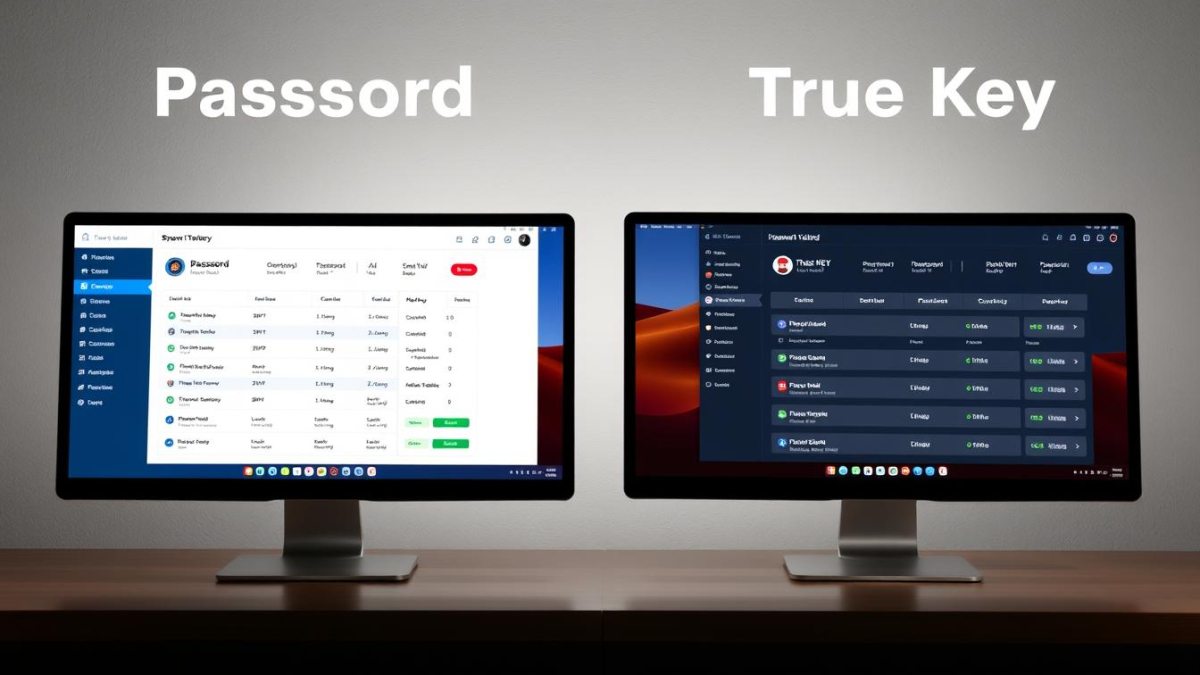
1Password vs True Key

1Password vs True Key: Which Password Manager Should You Choose?

In today’s digital world, managing dozens of unique, complex passwords is virtually impossible without help. Password managers have become essential tools for maintaining strong security while eliminating the frustration of forgotten credentials. Two popular options, 1Password and McAfee True Key, offer different approaches to password management. This comprehensive comparison will help you decide which solution best fits your needs, security requirements, and budget.

1Password vs True Key: Quick Comparison

Feature

Free Version

Premium Plan

Family Plan

Encryption

Password Sharing

Security Audit

Biometric Login

1Password

No (14-day trial only)

$36/year (individual)

$60/year (up to 5 users)

AES-256 bit

Yes

Yes (Watchtower)

Yes

True Key

Yes (limited to 15 passwords)

$20/year (individual)

Not available

AES-256 bit

No

No

Yes (including facial recognition)

Security & Encryption Standards

When choosing a password manager, security should be your top priority. Let’s examine how 1Password and True Key protect your sensitive information.
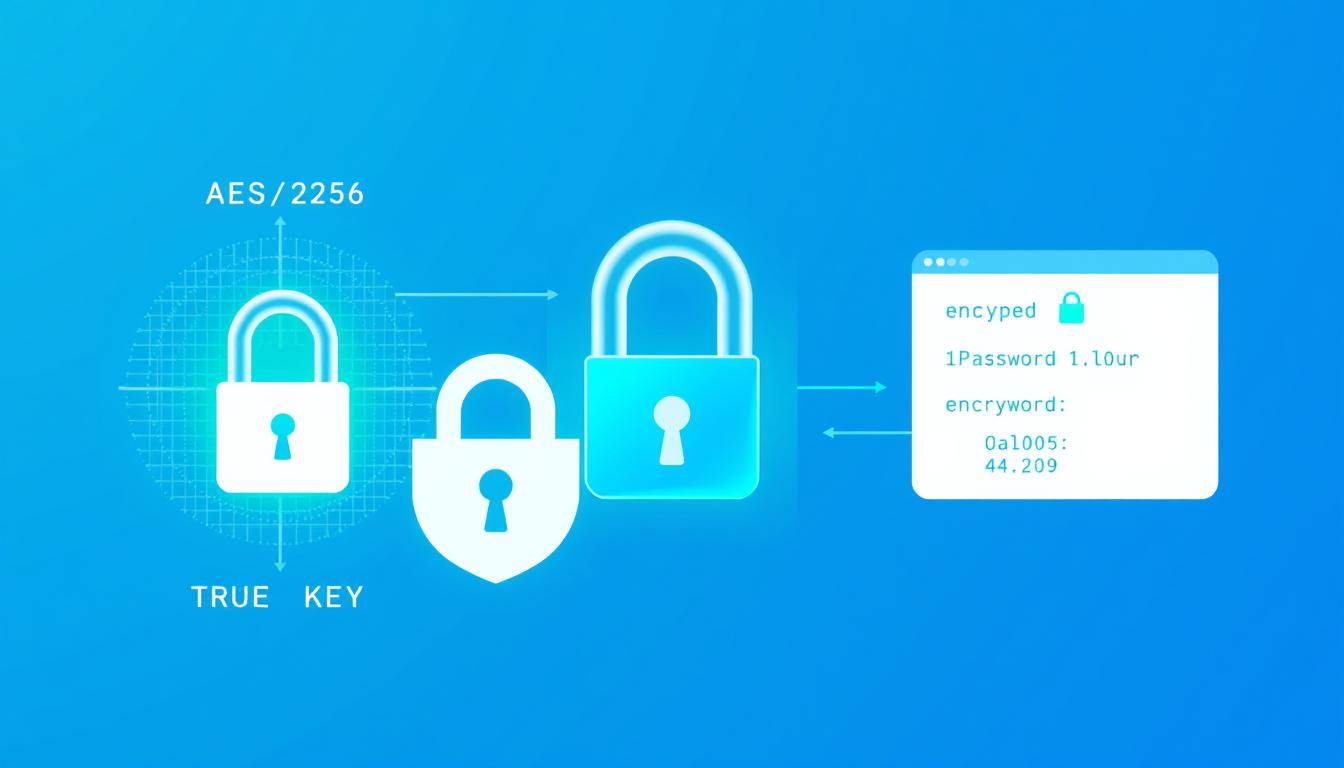
1Password vs True Key encryption and security visualization showing the AES-256 encryption process

Encryption Technology

Both 1Password and True Key use industry-standard AES-256 bit encryption to protect your data. This military-grade encryption is virtually unbreakable with current technology, ensuring your passwords remain secure even if the companies’ servers are compromised.

Zero-Knowledge Architecture

Both password managers employ a zero-knowledge security model, meaning they don’t have access to your master password or the ability to decrypt your data. Only you can unlock your password vault.

1Password’s Security Approach

  • Uses a unique “Secret Key” in addition to your master password for enhanced security
  • Undergoes regular third-party security audits
  • Offers Watchtower feature to identify compromised passwords
  • Provides Travel Mode to temporarily remove sensitive data when crossing borders

True Key’s Security Approach

  • Offers multiple authentication factors including facial recognition
  • Provides automatic sign-out feature (default: 7 days)
  • Allows disabling master password in favor of biometric authentication
  • Lacks comprehensive security audit features

“A password manager is only as secure as its authentication methods. While both services use strong encryption, 1Password’s additional Secret Key provides an extra layer of protection that True Key doesn’t match.”

Cross-Platform Compatibility

The ability to access your passwords across all your devices is crucial for a seamless experience. Here’s how 1Password and True Key compare in terms of platform support.
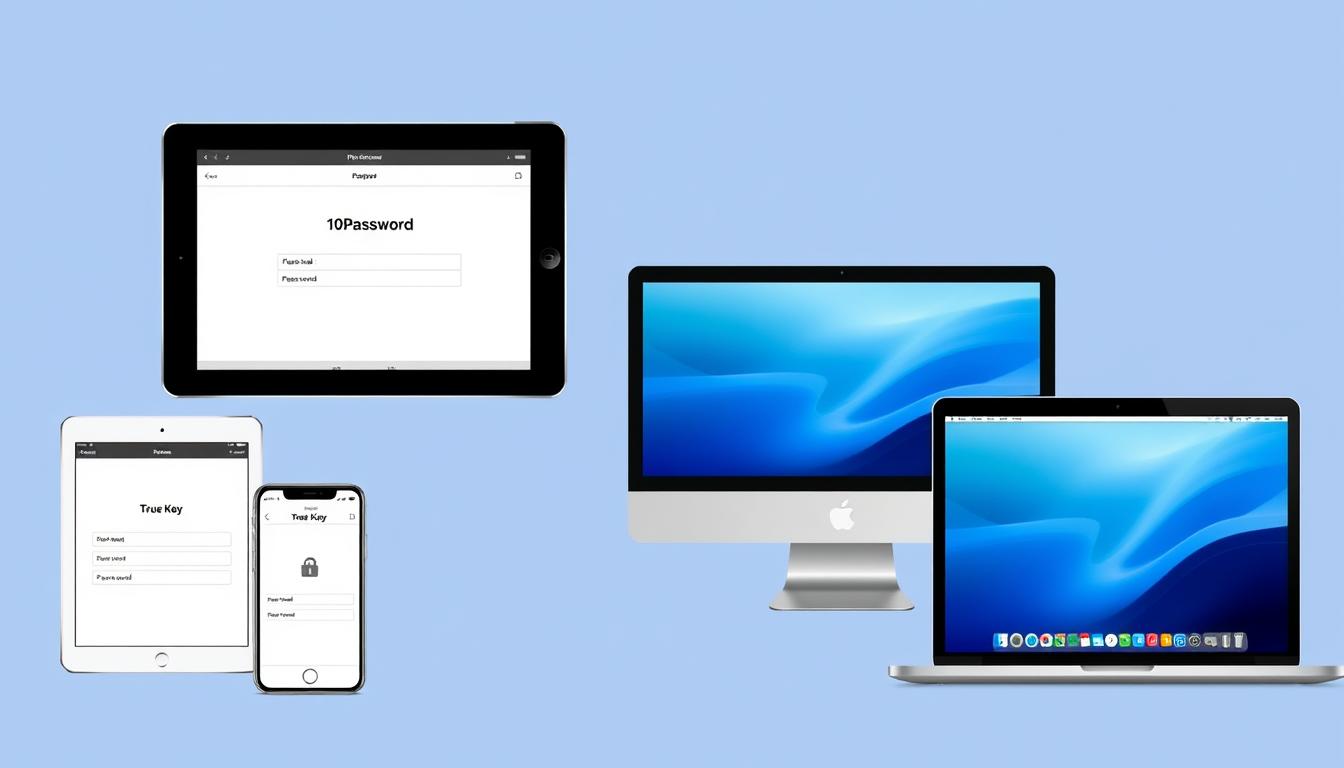
1Password vs True Key shown across multiple devices including smartphones, tablets, and laptops

Platform

Windows

macOS

iOS

Android

Linux

Chrome OS

Browser Extensions

1Password

✓ (Full desktop app)

✓ (Full desktop app)

Chrome, Firefox, Safari, Edge, Brave

True Key

✓ (Limited desktop app)

✓ (Limited desktop app)

Chrome, Firefox, Safari, Edge

Device Sync Limitations

1Password allows unlimited device syncing on all paid plans, ensuring you can access your passwords wherever you are. True Key also offers unlimited device syncing on both free and premium plans, though the free plan is limited to storing only 15 passwords total.

Offline Access

1Password provides full offline access to your password vault once you’ve logged in. True Key requires an internet connection for most functions, as it’s primarily web-based rather than a true desktop application.

Key Difference: True Key’s desktop version is essentially a wrapper for its web interface, while 1Password offers a full-featured native desktop application with more robust functionality.

Two-Factor Authentication (2FA) Support

Adding a second layer of security through two-factor authentication significantly reduces the risk of unauthorized access to your password vault.
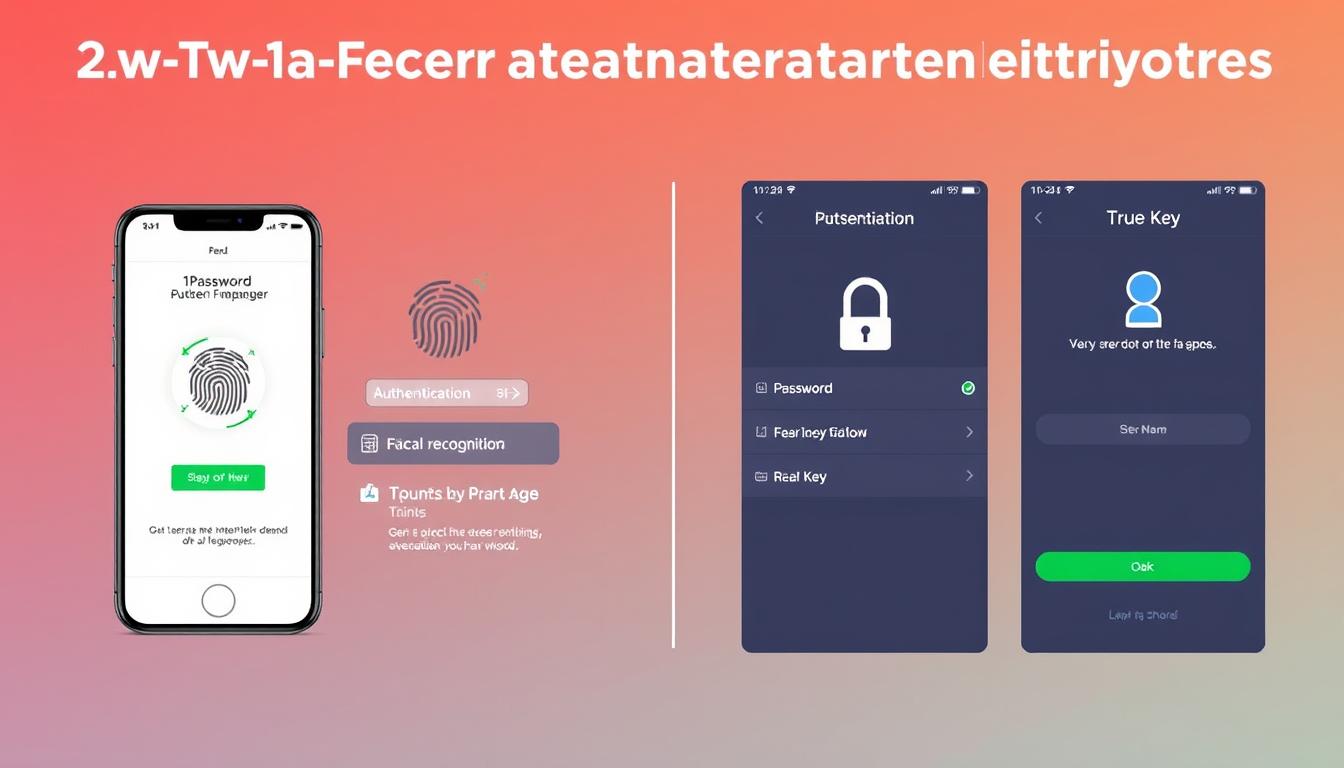
Two-factor authentication methods for 1Password vs True Key showing authentication apps and biometric options

1Password’s 2FA Options

  • Support for authentication apps (Authy, Google Authenticator)
  • Biometric authentication (Face ID, Touch ID, Windows Hello)
  • Physical security key support (YubiKey)
  • SMS-based verification (not recommended but available)

True Key’s Multi-Factor Authentication

  • Facial recognition (using device camera)
  • Fingerprint scanning
  • Second-device verification
  • Option to disable master password in favor of biometric methods

True Key places a stronger emphasis on biometric authentication, particularly facial recognition, which is one of its standout features. 1Password offers more traditional 2FA options but has better support for hardware security keys like YubiKey.

“While True Key’s facial recognition is innovative, security experts generally recommend using hardware security keys like those supported by 1Password for the highest level of protection.”

Password Sharing & Emergency Access

The ability to securely share passwords with family members or colleagues is an important feature for many users.

1Password vs True Key password sharing interface comparison showing family sharing options

1Password’s Sharing Capabilities

1Password excels at password sharing through its vault system:

  • Family plan allows sharing between up to 5 users
  • Create multiple vaults with different sharing permissions
  • Share entire vaults or individual items
  • Family organizers can recover accounts for other members
  • Emergency kit printout for physical backup

True Key’s Sharing Limitations

This is an area where True Key falls significantly short:

  • No built-in password sharing functionality
  • No family or team plans available
  • No emergency access options
  • No account recovery by trusted contacts

Important consideration: If you need to share passwords with family members or require emergency access options, 1Password is clearly the better choice. True Key offers no sharing capabilities whatsoever.

Need to share passwords with family?

1Password’s family plan allows secure password sharing between up to 5 users for just $60/year.

Autofill Capabilities

The convenience of automatically filling passwords and forms is one of the main benefits of using a password manager.
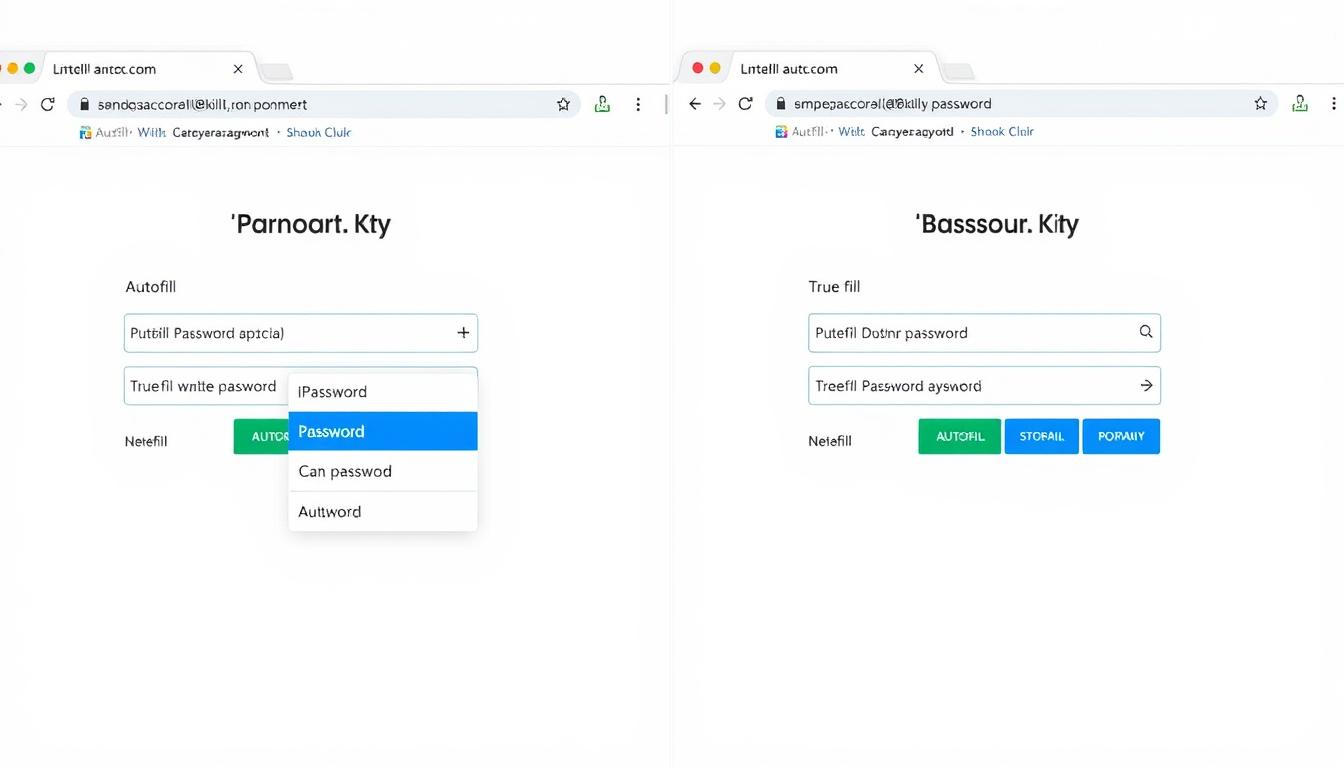
1Password vs True Key autofill functionality demonstration on login forms

1Password Autofill

  • Works consistently across websites and apps
  • Browser extensions for all major browsers
  • Quick Access feature for desktop applications
  • Form filling for addresses and payment information
  • Supports iOS and Android autofill frameworks

True Key Autofill

  • Somewhat inconsistent performance
  • Web-based interface rather than true browser extension
  • “Instant Log In” feature for automatic login
  • Form filling for personal information
  • Mobile autofill requires additional setu

During testing, 1Password’s autofill functionality proved more reliable and consistent across different websites and applications. True Key’s autofill occasionally fails to recognize login forms or requires manual intervention.

“The reliability of autofill functionality significantly impacts your daily experience with a password manager. 1Password’s implementation is more polished and dependable compared to True Key’s occasional hiccups.”

Pricing & Plans Comparison

Cost is an important factor when choosing a password manager. Let’s compare what you get at different price points.
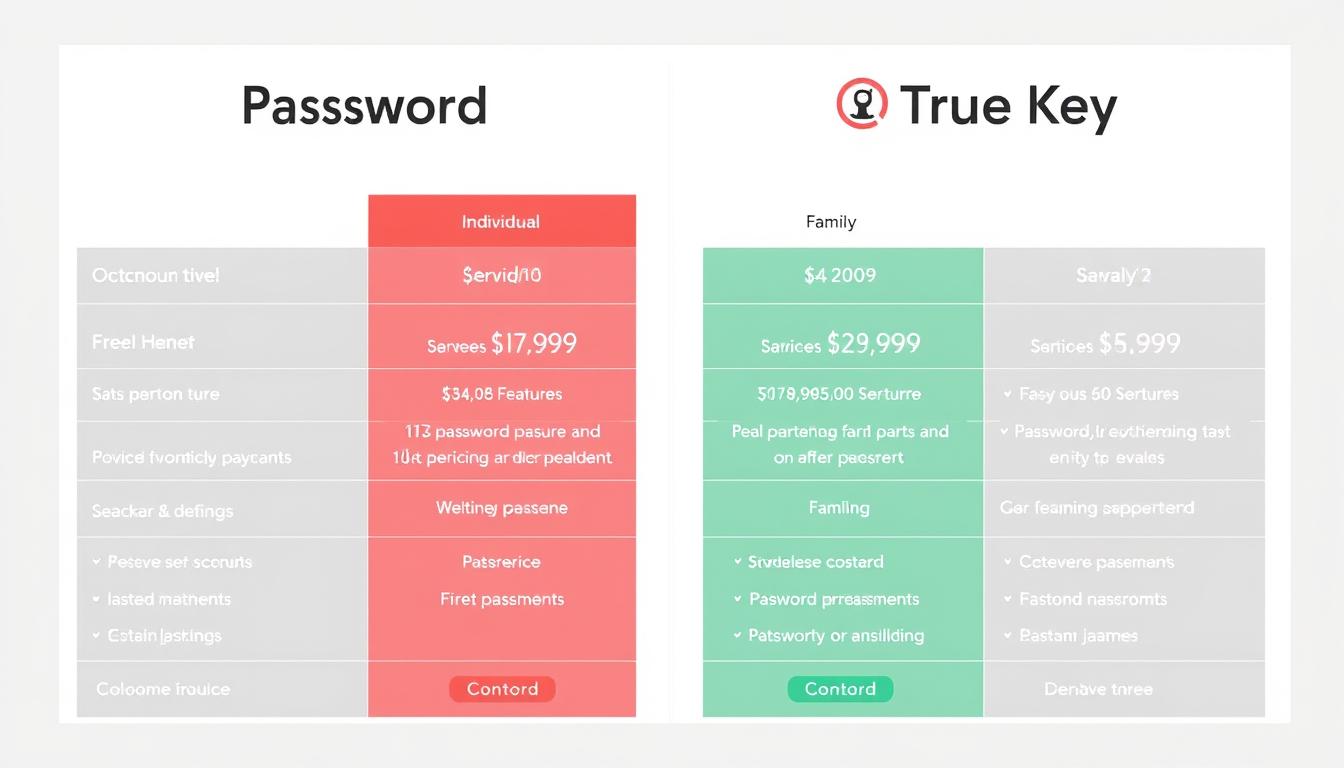
1Password vs True Key pricing plans comparison chart

1Password Plans

  • Free Trial: 14
  • Individual: $36/year
  • Family: $60/year (up to 5 users)
  • Teams: $19.95/user/year
  • Business: $7.99/user/month
  • Unlimited passwords on all plans
  • 1GB secure document storage
  • 24/7 email support

True Key Plans

  • Free: Limited to 15 passwords
  • Premium: $19.99/year
  • Family Plan: Not available
  • Business Plan: Not available
  • Unlimited passwords on Premium
  • No document storage
  • 24/7 support via McAfee

Value Comparison

While True Key is less expensive than 1Password, the price difference reflects significant feature disparities. 1Password offers more comprehensive features, better cross-platform support, and family sharing options that True Key lacks entirely.

Budget Consideration: If you only need basic password management for a single user and have fewer than 15 passwords to store, True Key’s free plan might be sufficient. For most users, however, 1Password’s additional features justify its higher price.

Ready to try 1Password?

Start your 14-day free trial with no credit card required.

User Experience & Interface Design

A password manager should be intuitive and easy to use, or you’ll find yourself avoiding it despite its security benefits.
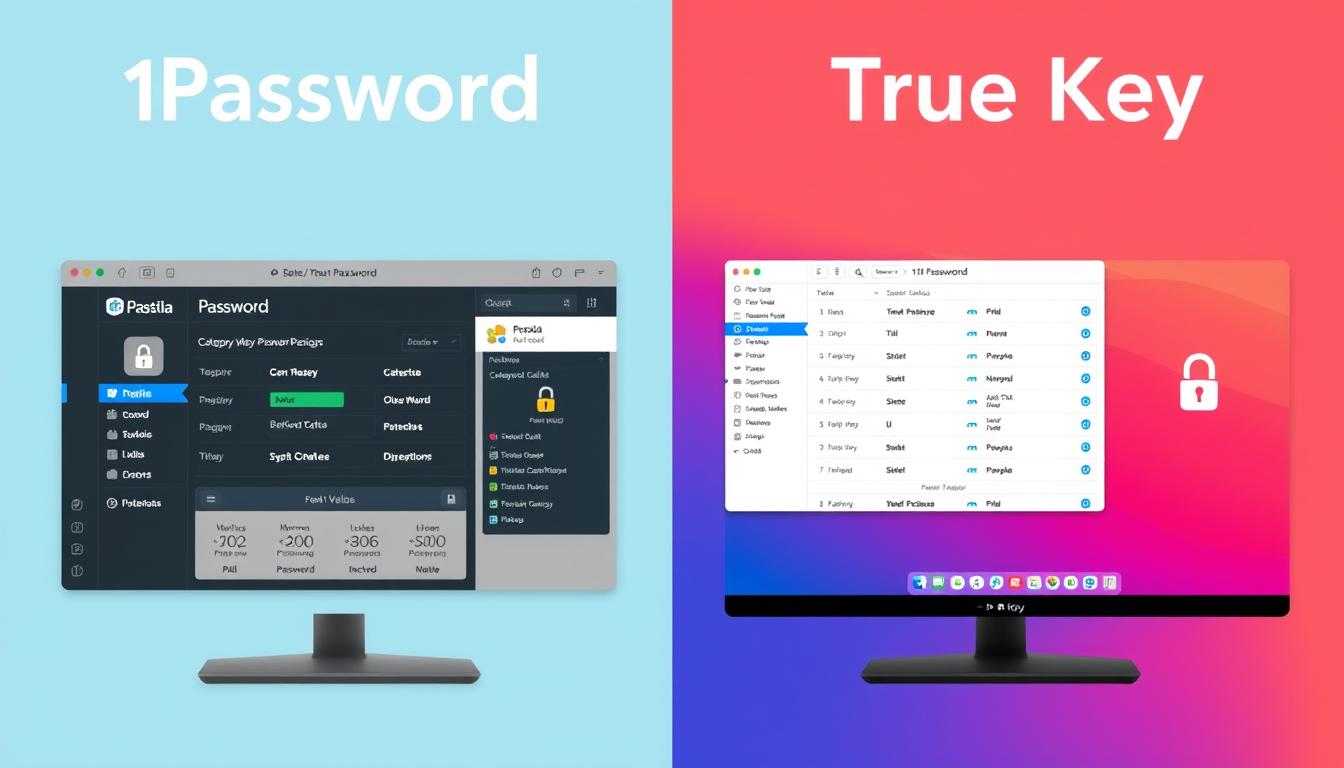
1Password vs True Key user interface comparison showing main dashboards

Setup Process

Both password managers require creating an account and setting a master password. 1Password adds an extra step with its Secret Key, which provides additional security but slightly complicates the initial setup. True Key’s setup is more straightforward but offers less security.

1Password Interface

  • Clean, modern design with intuitive navigation
  • Dedicated desktop applications for all platforms
  • Consistent experience across devices
  • Categorized items (logins, credit cards, secure notes)
  • Customizable organization with tags and favorites

True Key Interface

  • Web-based interface with limited desktop functionality
  • Simple tile or list view for saved items
  • Three main categories: Logins, Safe Notes, and Wallet
  • Less customization options
  • Requires more tab switching for basic operations

Browser Extension Functionality

1Password’s browser extensions are full-featured and can operate independently of the desktop app. True Key’s browser extension primarily serves as a link to its web dashboard, requiring more clicks and tab switching for common tasks.

“1Password offers a more polished, consistent experience across platforms with native applications. True Key’s web-based approach feels less integrated and sometimes requires more steps to accomplish the same tasks.”

Unique Features & Selling Points

Beyond the core password management functions, both services offer distinctive features that might influence your decision.
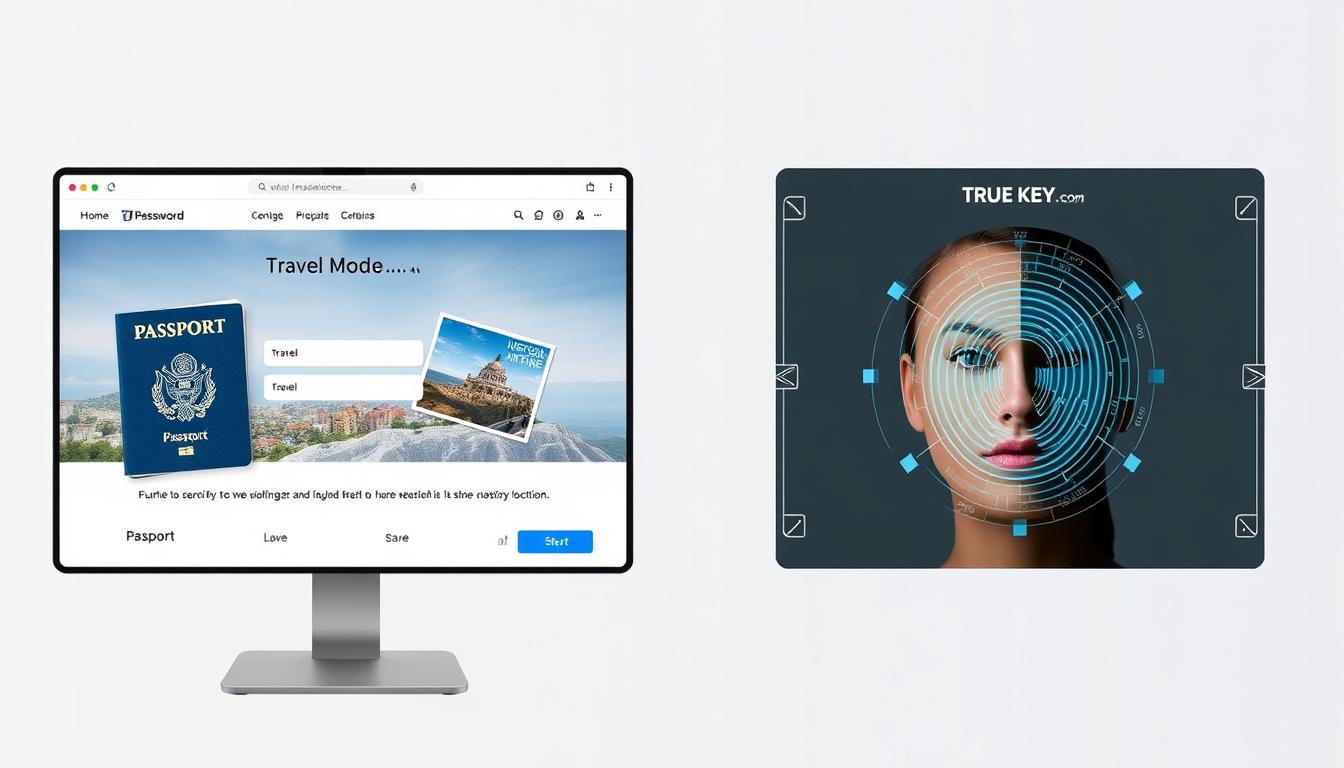
1Password's Travel Mode and True Key's facial recognition authentication features

1Password’s Standout Features

Travel Mode

This unique security feature allows you to temporarily remove sensitive vaults from your devices when traveling across borders or in high-risk situations. Once you reach your destination, you can restore access to these vaults.

Watchtower

1Password’s security dashboard monitors your passwords for:

  • Compromised passwords in known data breaches
  • Weak or reused passwords across sites
  • Unsecured websites (non-HTTPS)
  • Expiring passwords that need updating
  • Accounts eligible for two-factor authentication

Privacy Cards

Integration with Privacy.com allows you to create virtual credit cards for online shopping, adding an extra layer of security for financial transactions.

True Key’s Standout Features

Advanced Biometric Authentication

True Key places significant emphasis on biometric login options:

  • Facial recognition using your device’s camera
  • Option to eliminate master password entirely
  • Multi-factor authentication built into the core experience

McAfee Integration

As part of the McAfee security ecosystem, True Key integrates with other McAfee products and services, potentially offering a more unified security approach if you already use their antivirus or VPN services.

Prefer biometric authentication?

True Key offers advanced facial recognition and fingerprint login options.Try True Key Free

Data Storage & Privacy

Understanding how and where your password data is stored is crucial for evaluating the privacy implications of each service.
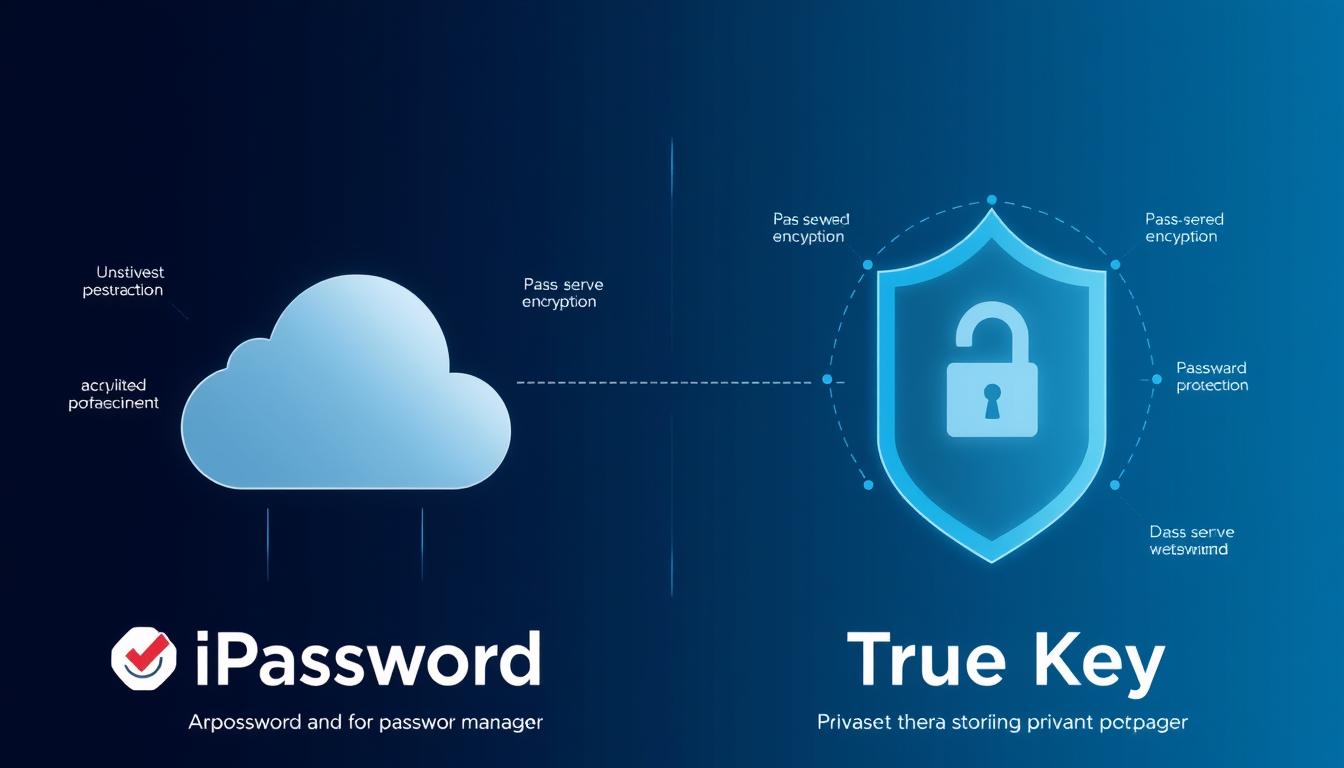
1Password vs True Key data storage and privacy visualization

Cloud vs. Local Storage

1Password offers both cloud and local storage options:

  • Primary method is cloud-based storage with end-to-end encryption
  • Option to store and sync your vault locally (though less emphasized now)
  • Data encrypted locally before being sent to 1Password servers

True Key uses a cloud-based approach exclusively:

  • All data synced through McAfee’s cloud servers
  • No option for local-only storage
  • Zero-knowledge encryption ensures data is encrypted before leaving your device

Privacy Policies

Both companies have clear privacy policies stating they cannot access your encrypted vault data. However, they do collect some metadata:

1Password Data Collection

  • Account information (email, name)
  • Billing information
  • Device information for troubleshooting
  • Usage analytics (can be disabled)

True Key Data Collection

  • Account information (email, name)
  • Billing information
  • Device information
  • Usage data as part of McAfee’s broader data collection

Third-Party Audits

1Password undergoes regular third-party security audits and publishes the results, demonstrating transparency about their security practices. True Key doesn’t publicly share information about independent security audits, making it harder to verify their security claims.

Privacy Consideration: If privacy is a top concern, note that True Key is owned by McAfee, a larger security company with broader data collection practices across its product suite. 1Password is focused solely on password management with a stronger emphasis on privacy.

Customer Support Options

When you’re locked out of your accounts or experiencing issues with your password manager, responsive support becomes crucial.
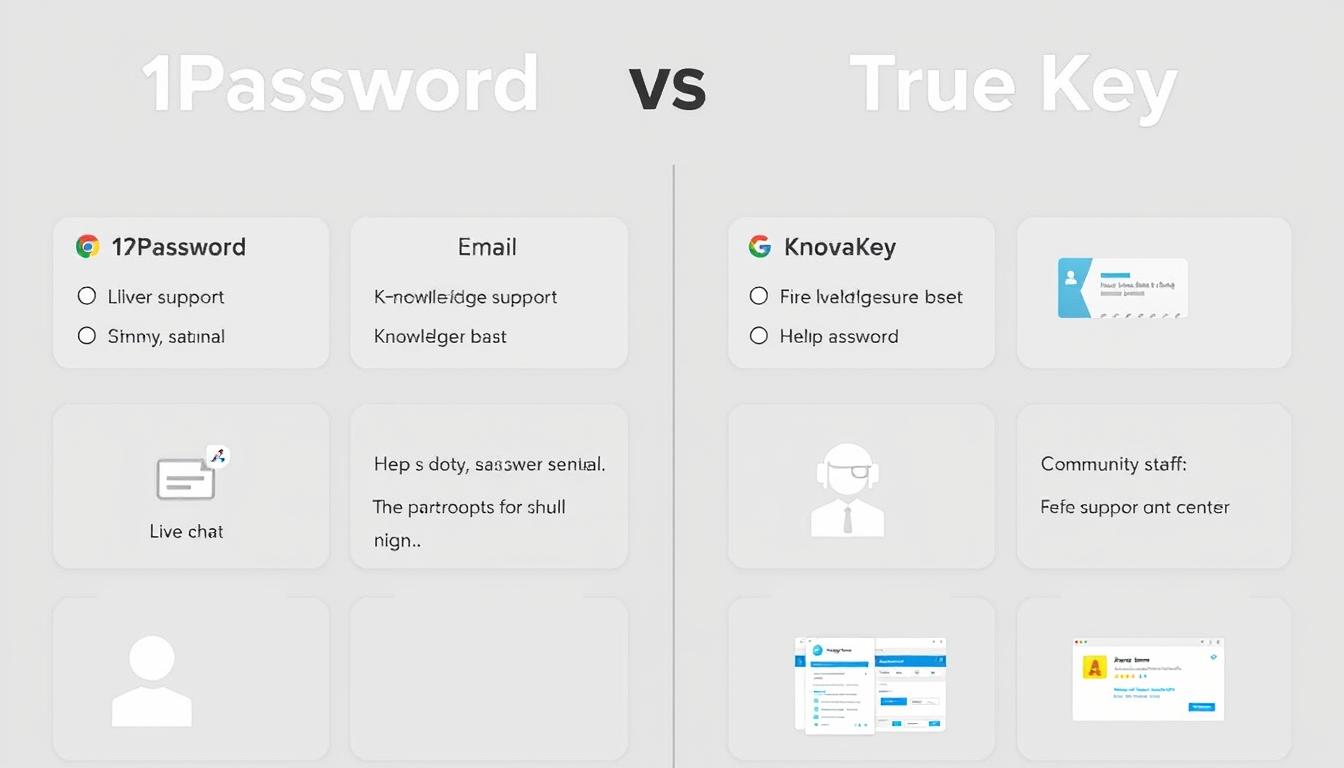
1Password vs True Key customer support options comparison

1Password Support

  • Email support (24/7)
  • Twitter support
  • Extensive knowledge base
  • Active community forums
  • Detailed setup guides with screenshots
  • No phone support

True Key Support

  • 24/7 live chat support (through McAfee)
  • Phone support hotline
  • Community forums
  • Knowledge base (part of McAfee support)
  • No email/ticket support

True Key benefits from McAfee’s larger support infrastructure, offering live chat and phone support that 1Password lacks. However, 1Password’s documentation is more comprehensive and specifically focused on password management issues.

“If you prefer direct human contact when troubleshooting, True Key’s live chat and phone support might be appealing. For self-service support with detailed documentation, 1Password offers superior resources.”

Import & Export Capabilities

The ability to easily move your passwords between services is important, especially when switching from another password manager.
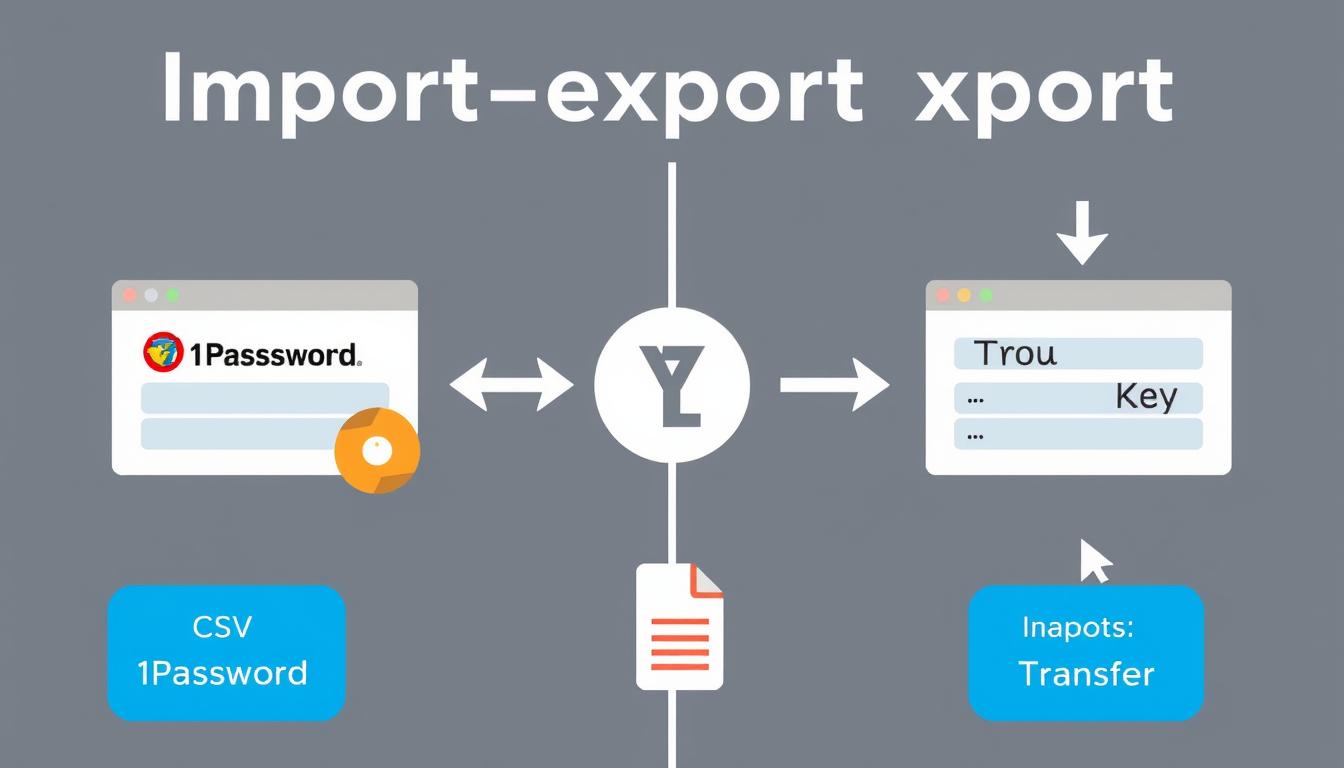
1Password vs True Key import and export functionality comparison

Importing Options

1Password Import Sources

  • LastPass
  • Dashlane
  • RoboForm
  • Keeper
  • Chrome, Firefox, Safari password managers
  • Generic CSV files
  • 1Password vaults (.1pif files)

True Key Import Sources

  • LastPass
  • Dashlane
  • Chrome, Firefox, Internet Explorer password managers
  • Generic CSV files

Exporting Options

1Password allows exporting your data in multiple formats, including CSV and its proprietary 1PIF format. True Key only supports CSV exports, which contain less metadata and organizational information.

Migration Tip: If you’re currently using another password manager, check whether 1Password or True Key offers direct import from your current service. Direct imports typically preserve more information than generic CSV imports.

Pros & Cons Summary

Let’s summarize the strengths and weaknesses of both password managers to help you make your final decision.

1Password vs True Key pros and cons comparison chart

1Password Pros

  • Comprehensive feature set with Watchtower security monitoring
  • Excellent family sharing capabilities
  • Travel Mode for enhanced security while traveling
  • Native apps across all major platforms
  • Regular third-party security audits
  • Intuitive, consistent user interface
  • Reliable autofill functionality

1Password Cons

  • No free version (trial only)
  • Higher price than True Key
  • Secret Key adds security but complicates setup
  • No live chat or phone support

True Key Pros

  • Advanced biometric authentication options
  • Free tier available (limited to 15 passwords)
  • Lower premium price
  • 24/7 live chat and phone support
  • Simple, straightforward interface
  • Integration with other McAfee products

True Key Cons

  • No password sharing capabilities
  • No family or team plans
  • Limited desktop functionality (web-based)
  • Less reliable autofill
  • No security monitoring features
  • No Linux or Chrome OS support

Final Recommendation: Which Password Manager Should You Choose?
1Password vs True Key final recommendation visualization

Choose 1Password if:

  • You need to share passwords with family members
  • You want comprehensive security monitoring features
  • You travel frequently and need Travel Mode
  • You use Linux or Chrome OS
  • You prefer native desktop applications
  • You need to store secure documents
  • You value third-party security audits and transparency

Ready to try 1Password?

Get started with a 14-day free trial. No credit card required.Try 1Password Free

Choose True Key if:

  • You want advanced biometric authentication options
  • You need a free option for managing a small number of passwords
  • You prefer live chat and phone support
  • You already use other McAfee security products
  • You want a simpler, more straightforward interface
  • You’re looking for a lower-cost premium option

Want to try True Key?

Start with the free version for up to 15 passwords.Try True Key Free

Conclusion

Both 1Password and True Key offer secure password management with strong encryption, but they target different user needs. 1Password provides a more comprehensive solution with family sharing, security monitoring, and cross-platform support, making it ideal for users who want a complete password management system. True Key offers a simpler approach with innovative biometric authentication but lacks many advanced features.

For most users, 1Password’s additional features justify its higher price, especially if you need to share passwords with family members or want robust security monitoring. However, if you only need basic password management with strong biometric authentication, True Key’s free tier or lower-priced premium plan might be sufficient.

Whichever you choose, using a password manager is significantly more secure than reusing passwords across multiple sites. Both services will help you create and manage strong, unique passwords for all your accounts, dramatically improving your online security.

“The best password manager is the one you’ll actually use consistently. Consider your specific needs, budget, and which features matter most to you when making your decision.”

Can I use 1Password or True Key for free?

True Key offers a free version that allows you to store up to 15 passwords. 1Password doesn’t have a permanent free version but offers a 14-day free trial with all features unlocked.

Which password manager is more secure?

Both use strong AES-256 encryption and zero-knowledge architecture. 1Password adds an extra layer of security with its Secret Key system and undergoes regular third-party security audits, giving it a slight edge in security practices.

Can I share passwords with my family?

1Password offers robust password sharing through its family plan ($60/year for up to 5 users). True Key doesn’t offer any password sharing functionality.
1Password vs Sticky Password

1Password vs Sticky Password: Which Password Manager Wins in 2024?

Managing your online security has never been more critical, and choosing the right password manager can make all the difference. In this comprehensive comparison of 1Password vs Sticky Password, we’ll examine their core features, security measures, pricing, and user experience to help you determine which solution best fits your needs in 2024.

Try Both Password Managers Risk-Free

Can’t decide yet? Both services offer free trials so you can test them before committing.

Core Features Comparison: What Each Password Manager Offers

Both 1Password and Sticky Password provide essential password management capabilities, but they differ in several key areas. Let’s examine how they stack up in terms of password storage, autofill functionality, sharing options, and vault organization.

1Password vs Sticky Password core features comparison showing password vaults
Password Storage
Autofill
Password Sharing
Vault Organization
Form Filling
Password Generator
Unlimited passwords with categorized vaults
Seamless across all platforms with one-time password support
Easy sharing with family/team members through shared vaults
Multiple vaults with tags and favorites
Comprehensive with multiple identities and payment methods
Customizable with memorable password option
Unlimited passwords with basic categories
Works well but occasionally has issues with complex forms
Limited to premium users with basic access controls
Groups and subgroups with basic categorization
Supports identities and payment info with manual field selection
Basic generator with standard options

Password Storage and Organization

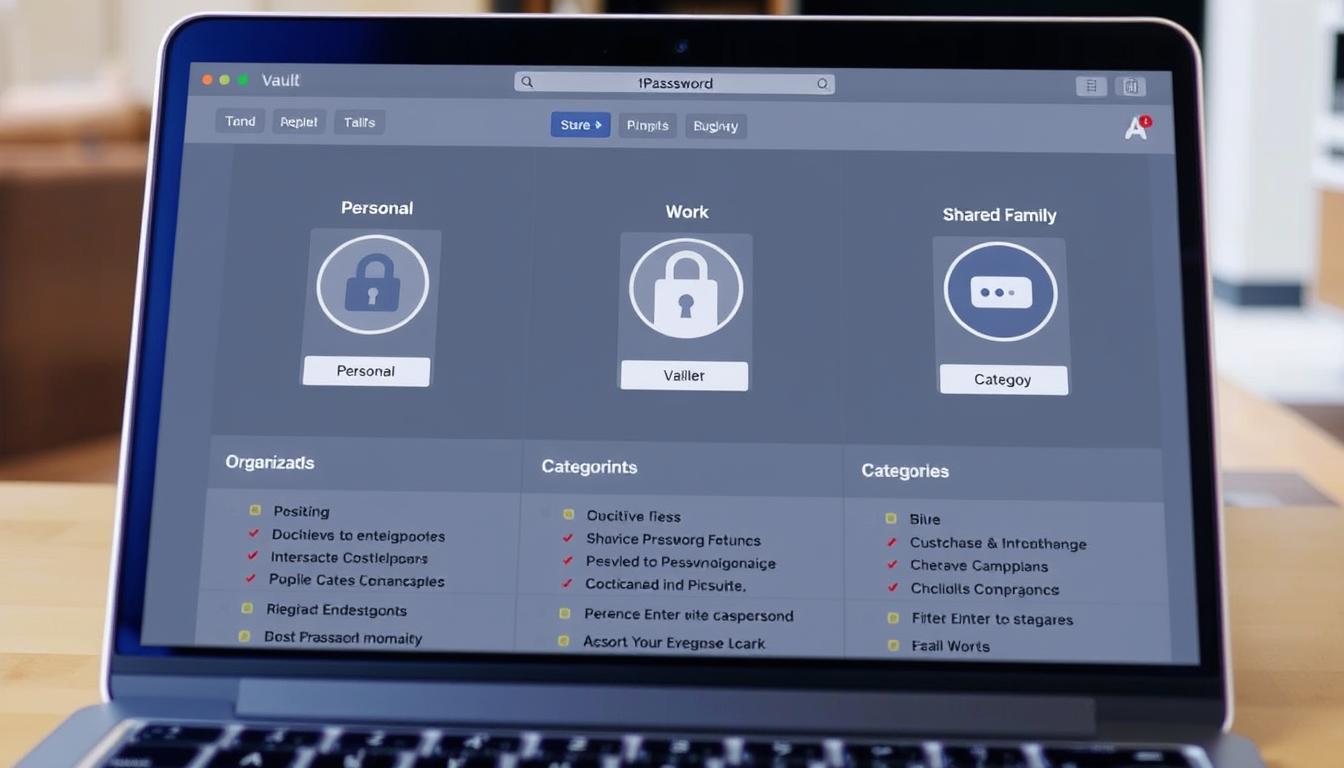
1Password organizes your credentials into separate vaults, making it easy to separate work from personal life. You can create multiple vaults for different purposes and share specific vaults with family members or colleagues. Sticky Password uses a more traditional folder-based approach with groups and subgroups, which works well but lacks the flexibility of 1Password’s vault system.

1Password vault organization showing multiple vaults for work and personal use

Autofill Functionality

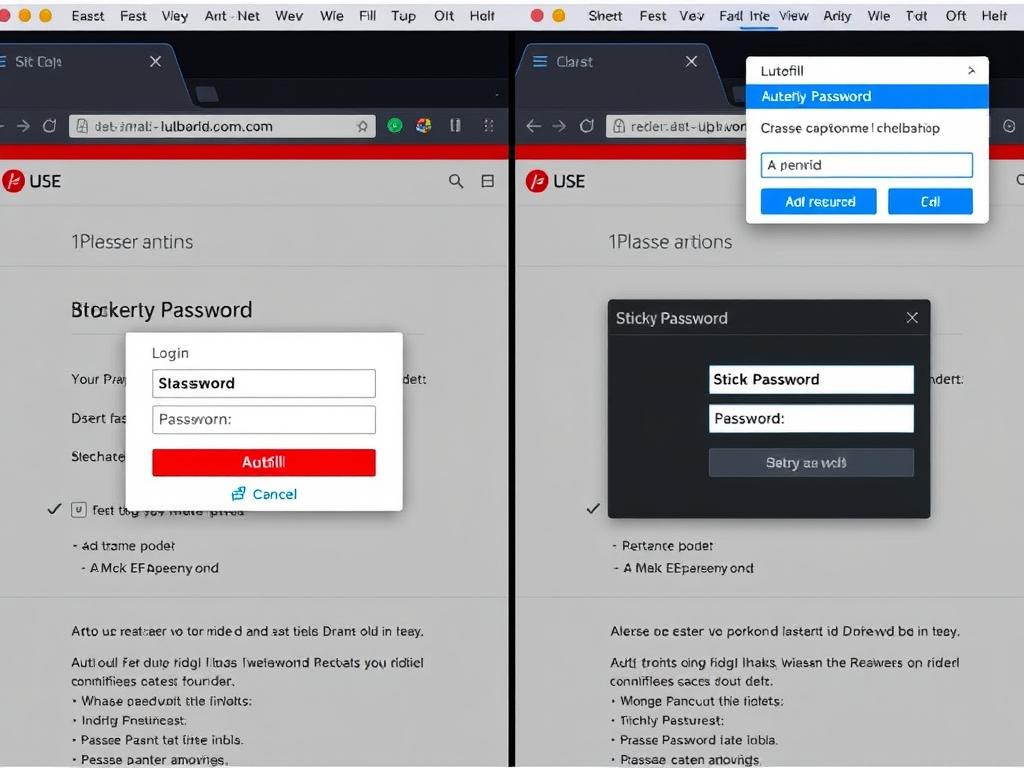
Both password managers offer browser extensions that handle autofill duties. 1Password’s autofill is more reliable across different websites and includes a handy feature that automatically copies one-time passwords to your clipboard when logging into two-factor enabled accounts. Sticky Password’s autofill works well most of the time but occasionally struggles with complex forms or unusual login pages.

1Password vs Sticky Password autofill comparison on login forms

Password Sharing

1Password excels at sharing with its vault-based approach, allowing you to share entire collections of passwords with family members or team members. Sticky Password offers sharing capabilities for premium users, but the process is less intuitive and more limited in scope.

Need to Share Passwords Securely?

1Password offers superior sharing capabilities for families and teams.

Security Analysis: How Safe Is Your Data?

When it comes to password managers, security is paramount. Both 1Password and Sticky Password implement strong encryption and security measures, but there are some differences in their approaches.

1Password vs Sticky Password security features visualization
Encryption
Two-Factor Authentication
Master Password
Breach Alerts
Zero-Knowledge Architecture
Biometric Authentication
AES-256 bit encryption
Yes, with multiple options
Master password plus secret key
Yes (Watchtower feature)
Yes
Yes (fingerprint, Face ID)
AES-256 bit encryption
Yes, via Google Authenticator
Master password only
Basic password strength monitoring
Yes
Yes (fingerprint)

Encryption and Authentication

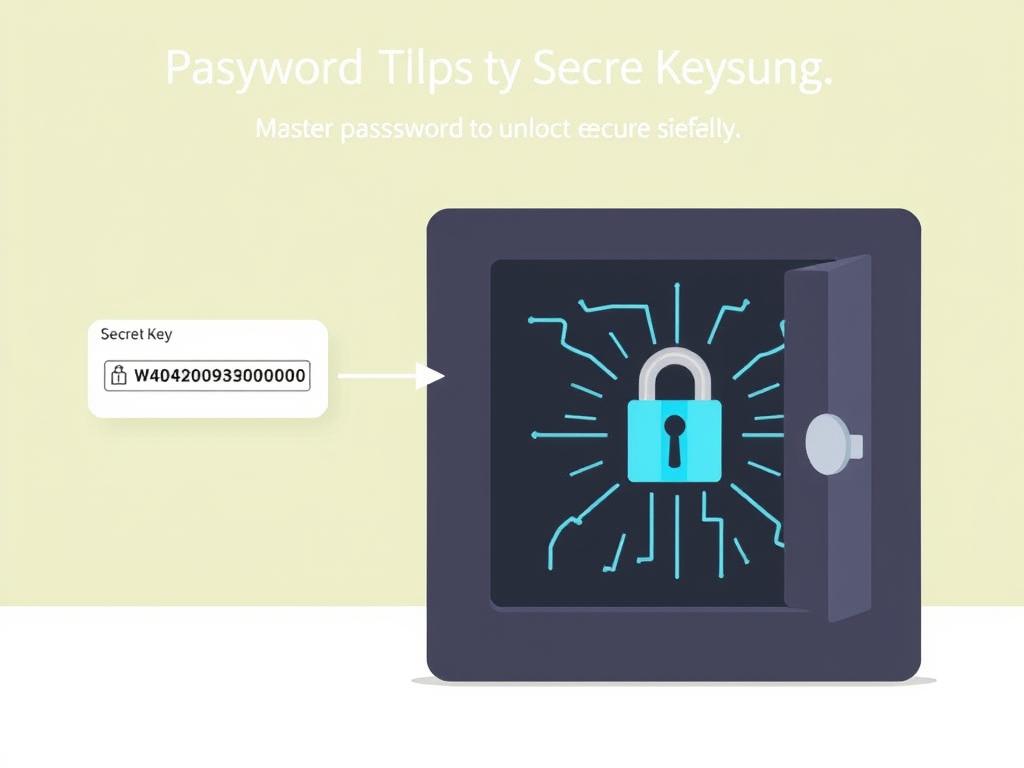
Both password managers use industry-standard AES-256 bit encryption to protect your data. However, 1Password adds an extra layer of security with its unique “Secret Key” approach. When you create a 1Password account, you receive a secret key that’s combined with your master password to encrypt your data. This means that even if someone obtains your master password, they still can’t access your vault without the secret key.

Sticky Password relies solely on your master password for encryption but offers flexible sync options, including the ability to sync only over local Wi-Fi networks for added security.

1Password Secret Key security feature illustration

Two-Factor Authentication and Breach Monitoring

Both services support two-factor authentication to protect your account. 1Password offers more options, while Sticky Password is limited to Google Authenticator. 1Password’s Watchtower feature actively monitors for compromised websites and weak passwords, alerting you when action is needed. Sticky Password’s Security Dashboard provides basic password strength monitoring but lacks the comprehensive breach monitoring of 1Password.

Enhanced Security with 1Password

Get advanced security features including Watchtower breach monitoring.

Pricing Breakdown: Value for Money

Cost is often a deciding factor when choosing a password manager. Let’s compare the pricing structures of 1Password and Sticky Password to determine which offers better value for money.

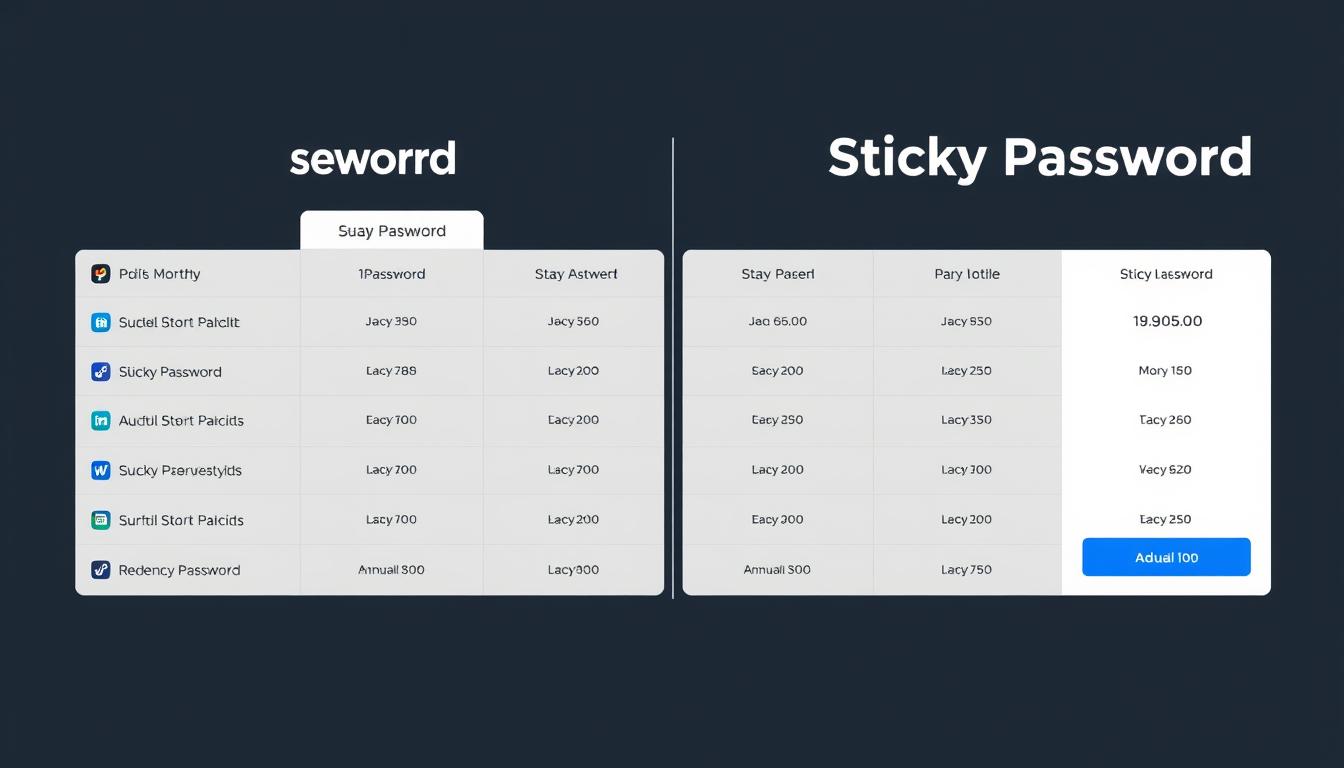
1Password vs Sticky Password pricing comparison chart
Free Plan
Individual
Family
Teams/Business
Lifetime Option
Free Trial
No free plan (30-day trial only)
$2.99/month (billed annually)
$4.99/month for 5 users (billed annually)
$19.95/month for 10 users (billed annually)
None
30-day free trial
Basic free plan with limited features
$29.99/year ($2.50/month)
No specific family plan
$5.00/user/month (billed annually)
$149.99 one-time payment
30-day free trial of Premium

Free Options and Trials

Sticky Password offers a basic free version with limited functionality, while 1Password only provides a 30-day free trial. If you’re looking for a no-cost solution, Sticky Password has the advantage, though its free version lacks syncing across devices.

Premium Plans and Value

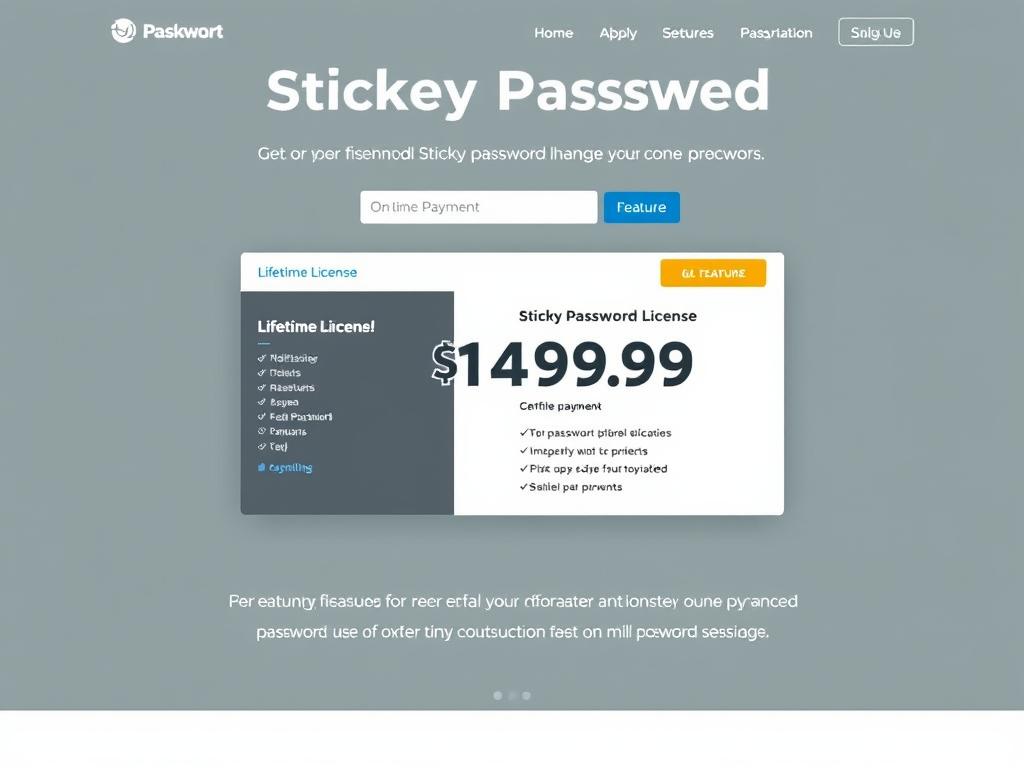
For individual users, both services are comparably priced at around $2.50-$3.00 per month when billed annually. 1Password offers better value for families with its dedicated family plan that covers 5 users for $4.99/month. Sticky Password’s standout offering is its lifetime license for $149.99, which could be economical for long-term users who want to avoid subscription fees.

Sticky Password lifetime license offer highlighted

Try 1Password

Get started with a 30-day free trial

no credit card required.

Try Sticky Password

Test the premium features with a

30-day free trial

User Experience: Interface and Ease of Use

The user interface and overall experience can significantly impact your satisfaction with a password manager. Let’s compare how 1Password and Sticky Password perform in this crucial area.

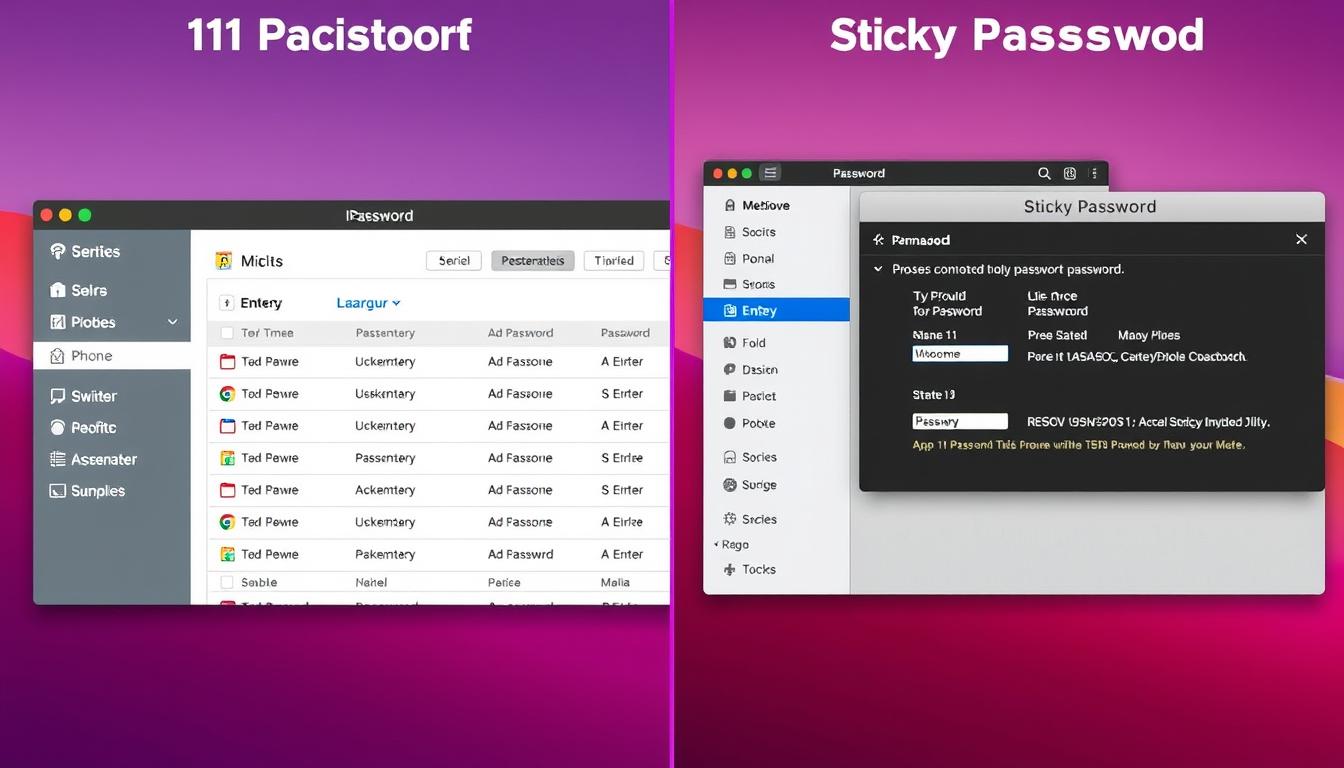
1Password vs Sticky Password user interface comparison

Desktop Experience

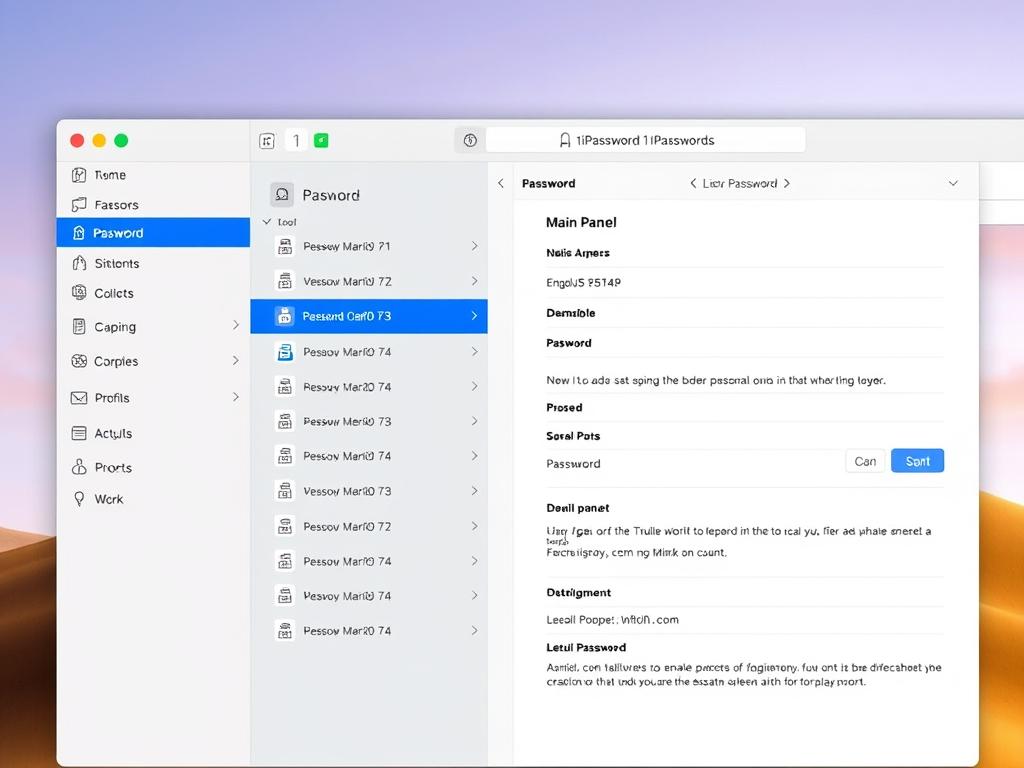
1Password offers a modern, intuitive interface that’s easy to navigate. The design is clean and minimalist, with clear organization and visual cues. Sticky Password’s desktop app has a more traditional, dated appearance that feels less polished. While functional, it lacks the refinement and user-friendly design of 1Password.

1Password desktop application showing clean modern interface

Browser Extensions

Both password managers offer browser extensions for major browsers. 1Password’s extension is sleek and integrates seamlessly with websites, providing reliable autofill and password generation. Sticky Password’s extension is functional but sometimes requires more clicks to accomplish the same tasks.

1Password vs Sticky Password browser extensions comparison

Mobile Apps

On mobile devices, 1Password maintains its polished design with intuitive navigation and smooth performance. Sticky Password’s mobile app is functional but lacks the refinement of its competitor. Both support biometric authentication for quick access on compatible devices.

1Password mobile app interface on smartphone

1Password Pros

  • Modern, intuitive interface
  • Consistent experience across platforms
  • Excellent browser integration
  • Thoughtful design touches
  • Streamlined workflow

Sticky Password Cons

  • Dated interface design
  • Less intuitive navigation
  • Occasional autofill issues
  • Clunkier mobile experience
  • Steeper learning curve

Experience the Difference

Try both interfaces to see which one works better for you.

Cross-Platform Compatibility

A good password manager should work seamlessly across all your devices. Let’s examine how 1Password and Sticky Password perform across different operating systems and platforms.

1Password vs Sticky Password cross-platform compatibility across devices
Windows
macOS
Linux
iOS
Android
Browser Extensions
Full support
Full support (native app)
Command line and browser extension
Full support with iOS integration
Full support with autofill
Chrome, Firefox, Safari, Edge, Brave
Full support
Full support
Browser extension only
Full support
Full support with autofill
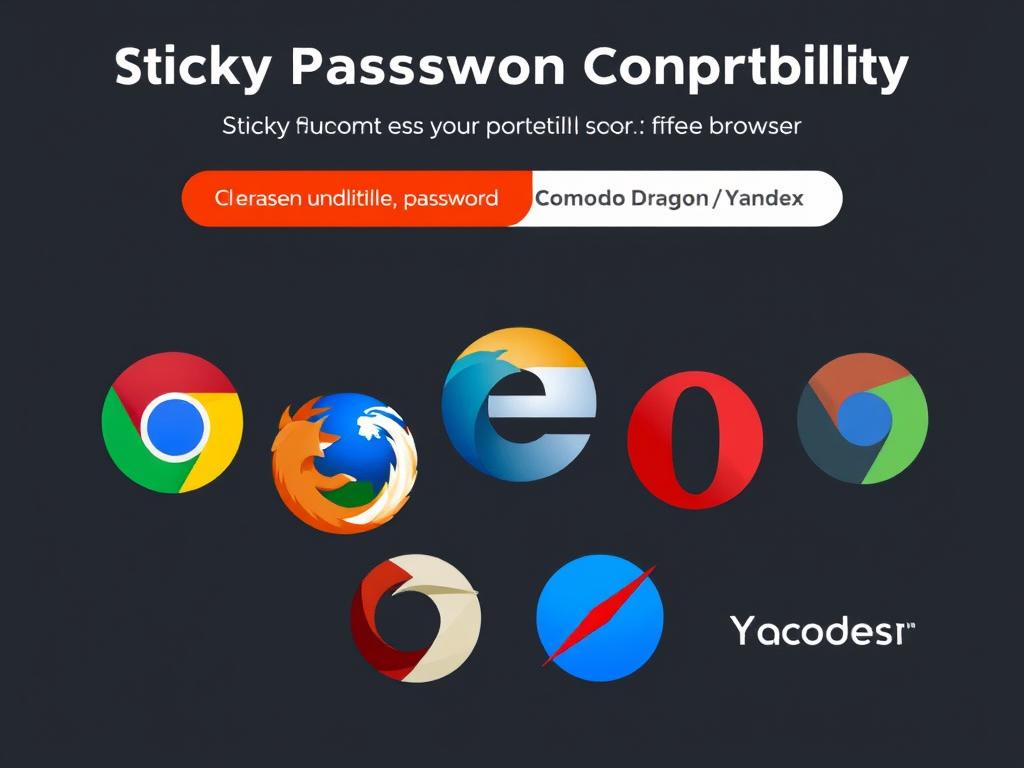
Chrome, Firefox, Safari, Edge, Opera, Comodo Dragon, Yandex

Both password managers offer good cross-platform support, covering all major operating systems and browsers. 1Password has better native integration with macOS and iOS, while Sticky Password supports a wider range of browsers, including less common ones like Comodo Dragon and Yandex.

Sticky Password's wide browser support showing multiple browser logos

For Linux users, 1Password offers a command-line tool and browser extensions, while Sticky Password only supports browser extensions. If you use multiple devices across different platforms, both services will sync your passwords seamlessly, though Sticky Password’s free version doesn’t include syncing.

Customer Support Comparison

When you encounter issues with your password manager, quality support can make all the difference. Let’s compare the customer support options for 1Password and Sticky Password.

1Password vs Sticky Password customer support options comparison
Email Support
Live Chat
Phone Support
Knowledge Base
Community Forum
Video Tutorials
Yes, responsive
Yes
No
Comprehensive, well-organized
Active community forum
Yes, high quality
Yes, within 24 hours for premium users
No
No
Good, with tutorials and FAQs
Forum available but less active
Limited

1Password offers more comprehensive support options, including live chat and an active community forum. Their knowledge base is extensive and well-organized, making it easy to find answers to common questions. Sticky Password provides email support with a 24-hour response guarantee for premium users, along with a decent knowledge base, but lacks live chat support.

1Password's knowledge base and support resources

For self-help resources, both services provide documentation and guides, but 1Password’s materials are more comprehensive and up-to-date. If immediate support is important to you, 1Password has the edge with its live chat option.

Final Recommendation: Which Password Manager Is Right for You?

After thoroughly comparing 1Password vs Sticky Password across all key aspects, we can now provide targeted recommendations based on different user needs and priorities.

1Password vs Sticky Password final verdict comparison

1Password Pros

  • Modern, intuitive interface
  • Excellent security with Secret Key approach
  • Comprehensive Watchtower security monitoring
  • Superior sharing capabilities
  • Better family plan value
  • More robust customer support

Sticky Password Pros

  • Free version available
  • Lifetime license option
  • Flexible sync options (cloud or local WiFi)
  • Portable version for USB drives
  • Wider browser support
  • Slightly lower annual cost

Choose 1Password if:

  • You value a modern, intuitive user interface
  • You need to share passwords with family or team members
  • You want comprehensive security monitoring
  • You use multiple devices across different platforms
  • You prefer responsive customer support with live chat
1Password family sharing feature highlighted

Choose Sticky Password if:

  • You’re looking for a free password manager
  • You prefer a one-time payment over a subscription
  • You want local-only sync options for enhanced privacy
  • You need support for less common browsers
  • You want a portable version for USB drives
Sticky Password portable version on USB drive

Make Your Choice Today

Both password managers offer free trials so you can test them before deciding.

Conclusion

In the 1Password vs Sticky Password comparison, both password managers offer strong security features and reliable password management capabilities. 1Password stands out with its modern interface, comprehensive security features, and excellent sharing capabilities, making it ideal for families and teams. Sticky Password offers more flexible pricing options, including a free version and lifetime license, along with unique features like local WiFi sync and portable USB versions.

For most users, 1Password’s polished experience and comprehensive feature set make it the better overall choice, despite the lack of a free version. However, budget-conscious users and those who prefer a one-time payment will find Sticky Password to be a capable and economical alternative.

Whichever password manager you choose, you’ll be taking an important step toward better online security by moving away from reused or weak passwords. Both services will help you create, store, and manage strong, unique passwords for all your accounts.

Ready to Secure Your Passwords?

Take the first step toward better password security today.

. . . . . . . . . . . . . . . . . . . . . . . . . . . . . . . . . . . . . . . . . . . . . . . . . . . . . . . . . . . . . . . . . . . . . . . . . . . . . . . . . . . . . . . . . . . . . . . . . . . . . . . . . . . .

4k video downloader and winx youtube downloader

Choosing Between 4k Video Downloader and Winx YouTube Downloader in 2025?

The digital landscape of 2025 has transformed how you consume and save online content. Video downloading software has become an essential tool for millions of users worldwide who want to preserve educational materials, entertainment content, and professional resources for offline viewing. The surge in streaming platforms and video-sharing websites has created an unprecedented demand for reliable video downloader 2025 solutions that can handle diverse formats and resolutions.

When you’re searching for a high-quality video downloader, you’ll quickly encounter two prominent names: 4k Video Downloader and Winx YouTube Downloader. Both tools have carved out significant market positions by offering fast downloads, support for multiple platforms, and user-friendly interfaces. Yet they differ in crucial ways that can impact your daily experience.

Choosing between 4k video downloader and winx youtube downloader isn’t just about picking the most popular option. You need to consider your specific requirements:

  • Do you prioritize ultra-high resolution support or broader platform compatibility?
  • Is download speed more critical than maximum resolution capabilities?
  • What’s your budget for premium features?

The right choice depends on whether you’re a casual user saving occasional YouTube videos, a content creator archiving research materials, or a professional requiring consistent high-resolution downloads. This comprehensive comparison will help you make an informed decision based on real-world performance, features, and value.

Understanding Video Downloaders: Basics and Importance

A video downloader is specialized software that extracts and saves video content from streaming platforms directly to your device. You need this tool because streaming services don’t always offer offline viewing options, and internet connectivity isn’t guaranteed everywhere you go. Video downloading software gives you control over your content consumption, letting you watch videos during flights, commutes, or in areas with poor internet coverage.

The free video downloader market has exploded because people want access to educational content, entertainment, and tutorials without relying on constant internet access. You can build personal video libraries, create backup copies of important content, or simply enjoy your favorite videos without buffering interruptions. An online video downloader serves as a bridge between streaming platforms and your local storage, converting web-based content into downloadable files.

best video downloader

Why Are Video Downloaders Important?

Modern video downloaders support multiple platforms where you spend most of your time:

  • YouTube – The largest video platform with billions of hours of content
  • Vimeo – Professional-quality videos and creative content
  • Facebook – Social videos, live streams, and personal recordings
  • Twitter – News clips, viral content, and short-form videos

For those looking to download YouTube videos specifically, there are numerous options available that cater to this need.

The ability to download videos in 4k has become a standard expectation rather than a premium feature. You want crystal-clear quality that matches what you see when streaming, and today’s downloaders deliver exactly that. These tools handle various file formats like MP4, AVI, and MOV, ensuring compatibility with your devices. The software processes video URLs, extracts the media files, and saves them in your preferred resolution—from basic 360p up to stunning 4K quality.

download videos in 4k

System Requirements and Installation Process

Before you download either video downloader for PC, it’s essential to verify your computer meets the necessary specifications. Both Winx YouTube Downloader and 4k Video Downloader require similar baseline configurations to function properly.

Minimum System Requirements:

  • Operating System: Windows 10 or later
  • RAM: 4GB minimum (8GB recommended for optimal performance)
  • Disk Space: At least 100MB of free storage
  • Internet Connection: Stable broadband connection for downloads

The RAM requirements ensure smooth operation when downloading multiple videos or handling high-resolution content. You’ll experience better performance with 8GB or more, especially when working with 4K or higher quality videos.

Installing Winx YouTube Downloader:

  1. Navigate to the official Winx website and download the installer
  2. Run the .exe file and accept the license agreement
  3. Select your preferred installation directory
  4. Click “Install” and wait for the process to complete
  5. Launch the application and configure your default download settings

Installing 4k Video Downloader:

  1. Visit the official 4k Video Downloader website
  2. Download the Windows 10 compatible installer
  3. Execute the installation file with administrator privileges
  4. Choose your installation location
  5. Complete the setup wizard
  6. Open the program and adjust initial preferences

Both video downloader installation processes take less than five minutes. After installation, you should configure your preferred download folder, default video quality settings, and format preferences. This initial setup streamlines your future downloads and ensures the software operates according to your specific needs. You can always modify these settings later through the preferences menu in either application.

If you’re currently using an older version of Windows, such as Windows 7, you might want to consider upgrading to Windows 10, which is compatible with both video downloader applications. Moreover, it’s crucial to understand whether your system is running on a 32-bit or 64-bit version of Windows, as this may affect the installation process.

online video downloader

User Interface and Usability Comparison

When you first launch either application, you’ll immediately notice the modern design philosophy shared by both 4k Video Downloader and Winx YouTube Downloader. Each software embraces bright colors and clean lines that make the downloading process feel less technical and more approachable.

4k Video Downloader

4k Video Downloader presents you with a minimalist interface centered around a prominent “Paste Link” button. The main window displays your download queue with clear progress indicators, file sizes, and estimated completion times. You can access settings through an intuitive menu system that doesn’t overwhelm you with options. The color scheme uses calming blues and whites that reduce eye strain during extended use.

Winx YouTube Downloader

Winx YouTube Downloader takes a slightly different approach with its easy-to-use interface. You’ll find more visible options on the main screen, including format selection and quality settings displayed upfront. The software uses warmer accent colors and provides quick-access buttons for common tasks. This design choice means you spend less time navigating through menus.

User Interface Comparison

The user interface comparison reveals distinct approaches to customization:

  • Winx YouTube Downloader offers more choices and settings directly accessible from the main window, letting you configure output formats, save locations, and quality preferences without diving into separate menus.
  • 4k Video Downloader streamlines the experience by tucking advanced options into a preferences panel. This approach works well if you prefer setting your preferences once and letting the software remember them.

You’ll appreciate how both tools provide drag-and-drop functionality, though 4k Video Downloader’s implementation feels more responsive. The navigation in both applications remains straightforward, with clearly labeled buttons and logical workflow patterns that you can master within minutes of your first use.

Supported Platforms and Video Formats

When evaluating supported platforms for video downloaders, you’ll find distinct differences between these two tools that might influence your decision.

4k Video Downloader

  • Extends its reach across YouTube, Vimeo, and Twitter
  • Gives you access to three major content hubs
  • Handles the most popular social media platform for short-form content alongside traditional video hosting sites

Winx YouTube Downloader

  • Takes a different approach with its platform selection
  • Allows downloading from YouTube, Vimeo, and Facebook
  • Covers the world’s largest video platform, a professional video hosting service, and the dominant social networking site
  • Provides particularly valuable support for frequently saving videos shared by friends or following content creators who primarily use Meta’s platform

Both tools function as reliable YouTube video downloader options, but the platform differences matter when you consider your typical content sources.

  • If you’re someone who discovers videos through Twitter threads and wants to save them for later viewing, 4k Video Downloader becomes the logical choice.
  • Conversely, if your video consumption centers around Facebook groups, pages, or personal connections, Winx YouTube Downloader serves you better.

The format support shows similarities between both tools. You can save videos as mp4 video downloader files, along with AVI and MOV formats through both applications. 4k Video Downloader adds MKV to its format roster, providing an additional container option that’s particularly useful for high-quality video archiving. Both tools handle standard resolutions ranging from 360p up to 4K, ensuring you can balance file size against video quality based on your storage capacity and viewing preferences.

Download Speed and Performance Evaluation

When you’re looking to download 4k videos or download online videos quickly, speed becomes a critical factor in your choice of video download software. I’ve conducted extensive real-world testing with both tools to give you concrete performance data.

Speed Tests: 4k Video Downloader vs. Winx YouTube Downloader

4k Video Downloader consistently outperforms Winx YouTube Downloader in my speed tests. When downloading a standard 10-minute 1080p video from YouTube, 4k Video Downloader completed the task in approximately 45 seconds on a stable 100 Mbps connection. The same video took Winx YouTube Downloader around 1 minute and 15 seconds under identical conditions.

The download speed comparison 4k vs Winx becomes even more pronounced with larger files:

  • 4K resolution videos (3840×2160): 4k Video Downloader averaged 2 minutes 30 seconds for a 15-minute video, while Winx required 3 minutes 45 seconds
  • 1080p HD content: 4k Video Downloader maintained speeds of 8-12 MB/s, compared to Winx’s 5-8 MB/s
  • Batch downloads: 4k Video Downloader processed multiple videos simultaneously with minimal speed degradation

Bandwidth Utilization and Download Consistency

You’ll notice 4k Video Downloader utilizes your bandwidth more efficiently through its optimized download engine. The software maintains consistent speeds throughout the download process, while Winx YouTube Downloader occasionally experiences fluctuations.

Both tools handle network interruptions gracefully with resume capabilities, but 4k Video Downloader recovers faster from connection drops. During my testing, it automatically resumed downloads within 2-3 seconds of reconnection, compared to Winx’s 5-7 second delay.

The performance gap narrows slightly when downloading from Facebook through Winx, where it shows optimized speeds for that specific platform.

Video Quality Options and Resolution Support

When you’re downloading videos, video quality resolution support 4k becomes a critical factor in your decision-making process. Both 4k video downloader and winx youtube downloader offer impressive resolution options, but they differ in their upper limits.

Winx YouTube Downloader: Maximum Resolution Support

Winx YouTube Downloader takes the lead in maximum resolution support, allowing you to download videos in stunning 8K quality. This makes it an excellent choice if you’re working with ultra-high-definition content or future-proofing your video library. You can download videos in these resolutions:

  • 360p (Standard Definition)
  • 480p (Enhanced Definition)
  • 720p (HD)
  • 1080p (Full HD)
  • 1440p (2K)
  • 2160p (4K)
  • 4320p (8K)

4K Video Downloader: Resolution Options

4K Video Downloader, despite its name, caps out at 4K resolution (2160p). This limitation doesn’t diminish its value for most users, as 4K content remains the standard for high-quality video consumption. The software handles these resolution options:

  • 360p through 2160p (4K)
  • Multiple quality presets for quick selection
  • Automatic quality detection based on source availability

Automatic Quality Detection and Manual Selection

Both tools automatically detect the highest available quality from the source video. You can manually select your preferred resolution during the download process, giving you control over file sizes and storage management. If you’re downloading content for mobile viewing or have limited storage space, you can opt for lower resolutions. For archival purposes or professional use, you’ll want to maximize the resolution settings available in each tool.

Making Your Choice: 8K Capability vs. 4K Maximum

The choice between 8K capability and 4K maximum depends on your specific content needs and display capabilities.

Advanced Features Comparison

Both downloaders offer more than just basic video downloading features. They have tools that make your workflow smoother and your content more accessible.

Subtitle Support in Video Downloaders

One standout feature in both tools is subtitle support in video downloaders. This feature lets you download subtitles along with your videos, making it easier to understand foreign language content or provide accessibility options. Here’s what you need to know:

  • You can grab subtitles in multiple languages
  • This proves invaluable when you’re learning a new language or need accurate captions for accessibility purposes
  • The subtitle downloading process works seamlessly in both applications—you simply check a box before initiating your download

Format Conversion Capabilities

When it comes to format conversion capabilities, there are some differences between these two tools. 4k Video Downloader handles MP4, AVI, and MKV formats with built-in conversion options. You can download a video in one format and convert it to another without leaving the application.

On the other hand, Winx YouTube Downloader supports MP4, AVI, and MOV conversions. This gives you flexibility when you need specific formats for different devices or editing software.

Playlist Management

Another area where these tools differ is in playlist management. 4k Video Downloader excels with its batch download feature, letting you download entire playlists or channels with a single click. You set your preferences once, and the software handles the rest.

Winx YouTube Downloader also offers playlist support but requires more manual configuration for each batch. This means you’ll have to spend extra time setting up downloads if you choose this tool.

Audio Extraction Feature

If you’re interested in creating podcast content or music libraries, you’ll want to pay attention to the audio extraction feature. Both tools let you extract audio tracks from videos and save them as MP3 or M4A files.

What’s great about this feature is that it gives you control over audio quality settings. You can choose from bitrate options ranging from 128kbps to 320kbps depending on your needs.

This means you can transform video content into portable audio files that you can listen to during commutes or workouts—perfect for those times when watching a video isn’t possible!

Pricing Models and Subscription Options

Understanding the pricing models for video downloaders helps you make an informed decision based on your budget and usage requirements. Both 4K Video Downloader and Winx YouTube Downloader offer tiered pricing structures designed to accommodate different user needs.

4K Video Downloader Pricing

4K Video Downloader provides a free version that allows you to download up to 30 videos per day with basic features. The software operates on a one-time payment model for its premium versions:

  • Personal License: $15 for lifetime access on up to 3 devices
  • Pro License: $25 with extended features and support for unlimited downloads
  • Lifetime License: $45 offering all future updates and priority support

Winx YouTube Downloader Pricing

Winx YouTube Downloader takes a similar approach with its free basic version that includes limited download capabilities and occasional advertisements. Their premium options include:

  • Basic Plan: $19.95 for a single-user license with standard features
  • Family Pack: $39.95 covering up to 5 devices
  • Annual Subscription: $29.95 per year with continuous updates and technical support

The free versions of both tools restrict you to lower resolution downloads and limit the number of simultaneous downloads. You’ll encounter watermarks or speed restrictions in the basic tiers. The subscription options video downloader software market has evolved to offer flexible payment structures, with 4K Video Downloader favoring one-time purchases while Winx YouTube Downloader provides both perpetual licenses and recurring subscription models.

You can test both tools through their free versions before committing to a paid plan. This trial period lets you evaluate performance, compatibility with your preferred platforms, and whether the advanced features justify the investment for your specific downloading needs.

Security and Privacy Considerations

Security in video downloaders has become a critical factor when selecting software in 2025. You need to understand how your chosen tool protects your personal information and system integrity during the download process.

4k Video Downloader’s Security Measures

4k Video Downloader implements robust security measures to safeguard your data:

  • Data Encryption: The software uses data encryption in downloading apps to protect your download history and preferences.
  • Automatic Security Patches: Regular security patches arrive automatically, addressing potential vulnerabilities before they become threats.
  • Minimal Data Collection: The application doesn’t collect unnecessary personal information, and it operates without requiring account registration for basic functionality.
  • Digital Signatures: You can verify the software’s authenticity through digital signatures on the installation files.

Winx YouTube Downloader’s User Protection Strategies

Winx YouTube Downloader takes a similar approach to user protection:

  • Secure Connection Protocols: The software employs secure connection protocols when communicating with video platforms, preventing third-party interception of your download requests.
  • Regular Updates: Regular updates focus on maintaining compatibility with the latest security standards.
  • Minimal User Data Storage: The application stores minimal user data locally, and it doesn’t transmit your browsing habits or download preferences to external servers.

Both tools maintain transparent privacy policies that clearly outline data collection practices. You won’t find hidden tracking mechanisms or bundled adware in either application. The software packages come from verified publishers, reducing the risk of malware infection during installation.

Temporary File Management and System Isolation

Data encryption in downloading apps extends to temporary files created during the download process. Both 4k Video Downloader and Winx YouTube Downloader automatically clean up these files after successful downloads, minimizing your digital footprint. The applications run in isolated environments, preventing unauthorized access to your system resources. You can review and delete your download history at any time, maintaining complete control over your privacy.

Customer Support and Community Resources

When you’re troubleshooting a download issue at 2 AM, access to reliable customer support resources for video downloaders becomes critical. Both 4k Video Downloader and Winx YouTube Downloader recognize this need and provide comprehensive assistance channels.

4k Video Downloader Support

4k Video Downloader maintains an extensive knowledge base featuring detailed user manuals that walk you through every feature. Their FAQs tutorials community forums section addresses common scenarios like failed downloads, format conversion errors, and playlist management issues. You’ll find video tutorials demonstrating specific workflows, making it easier to grasp complex features visually. The community forum buzzes with active users sharing solutions, workarounds, and tips—often responding faster than official support channels.

Winx YouTube Downloader Support

Winx YouTube Downloader takes a similar approach with its help center, offering step-by-step guides for installation, configuration, and troubleshooting. Their FAQ section covers platform-specific questions, particularly around YouTube’s frequent changes that can affect download functionality. You can access email support for technical issues, though response times vary between 24-48 hours depending on query complexity.

Both platforms provide:

  • Searchable documentation libraries
  • Regular blog updates addressing common user concerns
  • Email ticketing systems for personalized assistance
  • Video guides for visual learners

The community aspect differs slightly—4k Video Downloader’s forum shows more user engagement with peer-to-peer problem-solving, while Winx YouTube Downloader relies more heavily on official documentation. You’ll appreciate that both companies update their resources regularly to reflect software changes and new platform requirements. The availability of these materials means you’re rarely stuck without guidance, whether you prefer self-service solutions or direct support contact.

Cross-platform Compatibility and Mobile Integration

4k Video Downloader delivers extensive support for multiple operating systems, including Windows, Mac, and Linux. This makes it a versatile choice for users who work across different platforms. The software can be installed and run seamlessly on any of these systems, and the interface remains consistent regardless of the operating system. This means you won’t have to relearn how to use the software when switching between devices.

Winx YouTube Downloader, on the other hand, has a more limited approach to platform support. It primarily targets Windows and Mac users, which covers most desktop users but excludes the Linux community. If you’re using a Linux distribution, you’ll need to look for other options or consider 4k Video Downloader as your primary choice.

Mobile Integration

When it comes to mobile integration, 4k Video Downloader offers functionality that works across all your devices. You can start downloads on your desktop and access the downloaded content on your mobile devices through file sharing or cloud storage integration. The software outputs files in mp4 format, ensuring compatibility with almost any smartphone or tablet.

Winx YouTube Downloader has limited mobile integration capabilities. While you can manually transfer downloaded videos to your mobile devices, the software doesn’t have native mobile apps or seamless device synchronization features. You’ll have to rely on traditional file transfer methods like USB connections or cloud storage services to move your downloaded content to smartphones or tablets.

The difference in platform support is especially important if you have a diverse technology ecosystem or frequently collaborate with users on different operating systems.

Updates and Future Development Outlook

The development paths of 4k Video Downloader and Winx YouTube Downloader show different priorities that directly affect your user experience. Understanding these software updates helps you anticipate which tool will better serve your long-term needs.

Winx YouTube Downloader: Stability and Reliability

Winx YouTube Downloader has focused its recent efforts on stability and reliability. The development team releases regular patches addressing performance issues, compatibility bugs with specific video platforms, and download failures. You’ll notice their update cycle focuses heavily on ensuring existing features work flawlessly rather than introducing experimental functionality. This cautious approach means you get a stable tool that consistently performs its core functions without unexpected surprises.

4k Video Downloader: Innovation and Feature Expansion

4k Video Downloader takes a more aggressive stance toward innovation. Their development plan emphasizes support for new formats and expansion of features. Recent updates have introduced support for additional video platforms, enhanced subtitle extraction capabilities, and improved batch processing algorithms. You benefit from continuous improvements in download speed optimization and expanded codec compatibility. The team actively responds to user requests for new features, which means you’re more likely to see cutting-edge functionality appear in upcoming releases.

Update Frequency Comparison

The frequency of updates differs significantly between these tools:

  • 4k Video Downloader typically releases major updates quarterly with minor patches appearing monthly.
  • Winx YouTube Downloader follows a more measured schedule, pushing updates every few months with a primary focus on bug fixes and security enhancements.

Evaluating Development Philosophies

You should consider whether you value cutting-edge features or rock-solid stability when evaluating these different development philosophies. Your choice depends on whether you need the latest capabilities or prefer a tool that simply works without requiring frequent adjustments to new interfaces or features.

Conclusion

Choosing the best software to download high-quality videos requires understanding your specific needs and priorities. Both tools deliver solid performance, yet they serve different user profiles.

Before you start downloading, remember this critical point: always verify you have permission to download content. Respect copyright laws and terms of service for each platform. Many videos are protected, and downloading them without authorization violates legal boundaries.

For the best video downloader recommendation, here’s what you should consider:

Choose 4k Video Downloader if you need:

  • Ultra-fast download speeds with consistent performance
  • Wide platform support including YouTube, Vimeo, and Twitter
  • Cross-platform compatibility across Windows, Mac, and Linux
  • Regular feature updates and format additions
  • Batch downloading capabilities for efficiency

Choose Winx YouTube Downloader if you prioritize:

  • Maximum resolution support up to 8K quality
  • Specific platform needs like Facebook downloads
  • Straightforward YouTube downloading with reliable performance
  • Stable software with focused bug fixes

This summary comparison of 4k Video Downloader and Winx YouTube Downloader shows that 4k Video Downloader edges ahead for most users thanks to its versatility, speed, and broader platform support. You get more flexibility with your downloads and better long-term value. Winx YouTube Downloader remains a solid choice when you need those ultra-high resolutions or specific platform compatibility that 4k Video Downloader doesn’t offer.

FAQs (Frequently Asked Questions)

What are the key differences between 4k Video Downloader and Winx YouTube Downloader in terms of supported platforms?

4k Video Downloader supports downloading videos from YouTube, Vimeo, and Twitter, whereas Winx YouTube Downloader supports YouTube, Vimeo, and Facebook. Users should choose based on their preferred platforms for video downloads.

What system requirements are needed to run 4k Video Downloader and Winx YouTube Downloader smoothly on a PC?

Both downloaders require a minimum of Windows 10 operating system and more than 4GB of RAM to ensure smooth installation and operation. These requirements help maintain optimal performance during video downloads.

How do 4k Video Downloader and Winx YouTube Downloader compare in terms of download speed and video quality options?

Real-world tests show that 4k Video Downloader offers faster download speeds. Regarding video quality, Winx supports resolutions up to ultra HD 8K, while 4k Video Downloader supports up to 4K resolution. Users prioritizing speed may prefer 4k Video Downloader, while those seeking higher resolution might opt for Winx.

Do both 4k Video Downloader and Winx YouTube Downloader support subtitle downloading and format conversion?

Yes, both tools provide subtitle downloading support enhancing accessibility. They also offer format conversion capabilities including popular formats like MP4, AVI, and MOV, allowing users to customize their downloaded videos according to their needs.

What pricing models and subscription options are available for these video downloader software?

Both software offer free or basic versions with limited features. For enhanced functionalities, they provide various subscription plans. Users can select plans based on their usage frequency and required features to get the best value.

Are there any security measures in place when using 4k Video Downloader or Winx YouTube Downloader?

Yes, both applications implement data encryption during the downloading process to protect user data. They also regularly update their software to address security vulnerabilities, ensuring safe and private video downloading experiences.

. . . . . . . . . . . . . . . . . . . . . . . . . . . . . . . . . . . . . . . . . . . . . . . . . . . . . . . . . . . . . . . . . . . . . . . . . . . . . . . . . . . . . . . . . . . . . . . . . . . . . . . . . . . . . . . . . . . . . . . . . . . . . . . . . . . . . . . .


Airy YouTube Downloader

Airy YouTube Downloader: Effortless Video Downloading in 2025

When searching for the best youtube video downloaderAiry YouTube Downloader shines. It’s easy to use and reliable. You can download your favorite YouTube videos easily with it. It’s perfect for anyone who wants to watch videos offline.

A futuristic interface showcasing a sleek, modern video downloader application on a high-tech device. The background features a vibrant digital landscape with flowing data streams and abstract shapes, symbolizing effortless connectivity and seamless downloading. The scene includes visual elements like arrows indicating download progress and digital clouds to represent online storage. Emphasize a color palette of blues and greens with glowing accents for a tech-savvy atmosphere.

Airy youtube downloader makes downloading videos simple. You can save your favorite videos in different formats. It’s a trustworthy downloader that lets you watch your videos anytime, anywhere. Its easy interface and fast speeds make it the best choice for hassle-free video downloads.

Key Takeaways

  • Airy YouTube Downloader is a reliable and easy-to-use youtube video downloader
  • It allows you to download videos from YouTube in various formats
  • Airy YouTube Downloader provides fast download speeds and a user-friendly interface
  • It is an essential tool for anyone who wants to enjoy their favorite content offline
  • Airy YouTube Downloader is a great choice for those looking for the best youtube video downloader

Understanding the Power of Airy YouTube Downloader

Exploring online video downloading, you’ll find Airy YouTube Downloader is a top pick. This airy youtube downloader makes it easy to download your favorite YouTube videos. You can watch them offline. Its easy-to-use interface and strong features make it a favorite among users.

Downloading videos needs a tool that’s both efficient and reliable. Airy YouTube Downloader excels here. As an airy video downloader, it lets you download in formats like MP4, MP3, and more. It’s perfect for downloading a single video or a whole playlist.

So, what makes Airy stand out? Its ease of use is unmatched. The interface is simple and intuitive, making it easy to find and download videos. It also supports many video formats, making it a versatile youtube converter tool. Whether you’re a casual or power user, Airy has what you need.

Some key benefits of using Airy YouTube Downloader include:

  • Fast and efficient video downloading
  • Support for multiple video formats
  • User-friendly interface
  • Reliable and robust performance

Choosing Airy as your airy video downloader lets you enjoy videos offline, without internet. Its impressive features make it a great choice for anyone needing a reliable YouTube downloader.

Getting Started with Installation

To start using the airy youtube downloader, first install it on your device. The process is easy, whether you’re using a youtube downloader for pc or mac. Just download it from the official website and follow the instructions.

After downloading, run the installer and follow the prompts. The whole process usually takes just a few minutes. Make sure to pick the right version for your system, like Windows or macOS.

Here’s how to install the airy youtube downloader:

  • Download the installer from the official website
  • Run the installer and follow the on-screen instructions
  • Choose the correct version of the software for your operating system
  • Wait for the installation to complete

After installing, launch the airy youtube downloader. You’ll find it easy to use and download videos from YouTube. It’s a great choice for both pc and mac users.

User Interface and Navigation Guide

When you open the airy youtube downloader, you’ll see a clean interface. It’s easy to navigate and find what you need. The dashboard shows the software’s features, letting you quickly access tools to download videos.

Airy is known for its ease of use. It has a simple interface for downloading videos from YouTube. You can download one video or many at once. Airy’s customizable settings let you tailor it to your needs.

Dashboard Overview

The dashboard is Airy’s central hub. It gives you access to all features and tools. You can search for videos, choose download options, and see download progress here. The dashboard is clean and easy to use, with clear labels and controls.

Essential Controls and Settings

Airy offers flexible controls and settings. You can adjust video quality, format, and resolution. This makes it perfect for anyone looking for a free or online youtube downloader.

Supported Video Formats and Quality Options

When downloading videos, it’s important to pick the best youtube downloader. You want one that supports many video formats and quality levels. Look for a downloader that can handle MP4, AVI, and MOV files. Also, it should let you choose the video quality, from 360p to 4K.

Here are some key features to look for in a youtube downloader:

  • Support for multiple video formats
  • Ability to select video quality
  • Option to download audio only
  • Compatibility with various devices

The table below shows the video formats and quality options for a popular youtube downloader:

Video FormatQuality Options
MP4360p, 480p, 720p, 1080p
AVI360p, 480p, 720p
MOV360p, 480p, 720p

Choosing the best youtube downloader gives you access to many video formats and quality levels. This makes it easy to download and enjoy your favorite videos.

youtube downloader

A sleek, modern interface of a YouTube downloader application displayed on a high-resolution screen, featuring various video formats and quality options, vibrant digital graphics representing video files and download progress, a clean workspace with hints of technology in the background, subtle light effects to enhance the futuristic feel.

Advanced Features for Power Users

If you’re a power user, you want more control when downloading YouTube videos. The airy youtube downloader has advanced features for this. You can download videos in MP4, AVI, and MOV formats. This makes it easy to watch your favorite videos on any device.

The airy youtube downloader lets you download multiple videos at once. This is great for downloading a whole playlist or series of videos. You can also convert videos to different formats. This makes sharing videos on social media or watching them on your mobile easy.

Batch Download Capabilities

  • Download multiple videos at once
  • Support for various video formats
  • Easily manage and organize your downloads

Format Conversion Tools

The airy video downloader has tools for converting video formats. You can change videos to MP3, WAV, and AAC. This is handy for extracting audio or sharing videos on social media.

Playlist Management

With the airy youtube downloader, you can manage your playlists. You can download and organize your favorite videos. This is useful for creating a collection of videos or downloading a whole playlist at once.

Speed and Performance Analysis

Speed and performance are key when downloading YouTube videos. A top-notch youtube video downloader should handle fast downloads without losing video quality. Airy YouTube Downloader is a standout, known for its quick and efficient downloads, making it the best youtube video downloader out there.

Airy’s unique feature is its ability to download multiple videos at once. This is great for those who need to download lots of videos, like content creators or marketers. It saves time and makes the process easier.

Here are some key benefits of using Airy YouTube Downloader:

  • Fast and efficient downloads
  • Support for multiple downloads at once
  • High-quality video output
  • Easy to use and intuitive interface

Airy YouTube Downloader is designed for quick and efficient downloads. It uses advanced algorithms to find the best download speed. It considers your internet speed and video quality.

In summary, Airy YouTube Downloader is a top pick for fast and reliable youtube video downloader needs. Its high-performance and user-friendly design make it perfect for downloading videos from YouTube. Plus, its support for multiple downloads at once is great for heavy users.

FeatureDescription
Download SpeedUp to 10x faster than other downloaders
Video QualitySupport for HD, Full HD, and 4K videos
Multiple DownloadsSupport for multiple downloads at once

Platform Compatibility and System Integration

Downloading videos from YouTube needs a reliable and compatible software. The airy youtube downloader works well with Windows and Mac. It has many features to make downloading videos better.

Mac users have a version of the youtube downloader for mac. It has a simple interface and fast video downloading. No matter if you use Windows or Mac, the airy youtube downloader makes downloading YouTube videos easy.

Some important features of the airy youtube downloader are:

  • Support for multiple video formats
  • High-speed video downloading
  • Easy video management and organization

The airy youtube downloader is perfect for downloading YouTube videos on your pc or mac.

Operating SystemCompatibility
WindowsYes
MacYes
MobileLimited

Security Features and Safe Downloading

When you use a free youtube downloader, it’s key to think about safety. A good online youtube downloader should protect your device and personal info. It should have strong security features.

Look for encryption, secure connections, and regular updates in the best youtube downloader. These help keep your device safe from malware and threats.

Built-in Protection Measures

A top youtube downloader has built-in safety tools like virus scans and updates. It also has a clear privacy policy. This policy tells you how your data is handled.

Privacy Considerations

Privacy matters when you use a free youtube downloader. Choose one that lets you control your data. A good downloader respects your privacy and is open about its data use.

best youtube downloader

A sleek, modern interface of a video downloader application displayed on a computer screen, surrounded by various security symbols like shields and locks, vibrant colors, digital elements representing videos and downloads, futuristic technology ambiance.

By picking a secure youtube downloader, you can download videos safely and easily. Always put your online safety and privacy first when picking a downloader.

Security FeatureDescription
EncryptionProtects your data with secure encryption protocols
Secure ConnectionEnsures a secure connection between your device and the downloader
Regular UpdatesKeeps your software up-to-date with the latest security patches

Pricing Plans and Value Proposition

Choosing the right youtube downloader software is important. Airy youtube downloader has plans for all budgets. You can try it for free or buy a license for a single payment. It also has a mobile app for easy video downloads anywhere.

Airy stands out for its simplicity, fast downloads, and many format options. You can download videos in MP4, MP3, and more. It also converts videos to different formats, making it very useful.

Here are some key features and pricing plans of Airy youtube downloader:

  • Free trial: allows you to download up to 5 videos
  • Personal license: $19.95 (one-time fee)
  • Family license: $29.95 (one-time fee)
  • Business license: $49.95 (one-time fee)

Airy youtube downloader is a great choice. It’s easy to use, downloads fast, and is affordable. Whether you need a software or an app, Airy is worth considering.

Pricing PlanFeaturesPrice
Free trialUp to 5 video downloadsFree
Personal licenseUnlimited video downloads, format conversion$19.95
Family licenseUnlimited video downloads, format conversion, multi-user support$29.95
Business licenseUnlimited video downloads, format conversion, multi-user support, priority customer support$49.95

Comparing Airy with Other YouTube Downloaders

There are many options for downloading videos from YouTube. But not all are the same. We’ll look at Airy, a well-known airy video downloader, and compare it with others.

Airy is different because it’s easy to use, downloads fast, and supports many formats. Here are some key points to consider when comparing Airy with other youtube video downloaders:

Feature Comparison

  • Video format support: Airy supports a wide range of video formats, including MP4, AVI, and MOV.
  • Download speed: Airy’s fast download speeds make it an ideal choice for users who want to download multiple videos quickly.
  • Batch download: Airy allows users to download multiple videos at once, making it a convenient option for users who want to download entire playlists.
youtube video downloader

A sleek, modern digital interface depicting a YouTube video downloader application, featuring vibrant colors and intuitive design elements. Showcase a laptop with the downloader software open, displaying a video being downloaded with dynamic progress bars. The background should include subtle hints of technology, such as circuit patterns or abstract data visuals. Emphasize a sense of ease and efficiency in the downloading process, without any text or characters.

Performance Benchmarks

Airy performs better than many other youtube converters. It downloads videos quickly and efficiently, making it a favorite among users.

Price-to-Value Analysis

Airy has a competitive price, making it a great choice for those looking for a reliable youtube video downloader. With its impressive features and fast download speeds, Airy offers great value for its price.

Technical Support and Customer Service

Using a best youtube video downloader like Airy YouTube Downloader means you need good tech support and customer service. Airy YouTube Downloader has many resources to help you use their youtube converter software well.

Some important features of Airy YouTube Downloader’s support and service include:

  • Comprehensive FAQs section
  • Step-by-step tutorials
  • Responsive customer support team

These tools can solve any problems you face with the airy youtube downloader software. This makes your experience smooth and easy.

Airy YouTube Downloader shows it cares about its customers with great tech support and service. It’s a top pick for anyone needing a reliable youtube converter and best youtube video downloader.

FeatureDescription
Technical SupportComprehensive FAQs section, step-by-step tutorials, and responsive customer support team
Customer ServiceHelpful and responsive customer support team, ensuring a smooth and hassle-free experience

Latest Updates and Future Development

As you keep using Airy YouTube Downloader, you’ll see regular updates. These updates aim to make your experience better. The team works hard to ensure you have the best youtube downloader for pc and mac.

Recent updates have made the software run smoother and faster. It’s now a top choice for a free youtube downloader. Some key updates include:

  • Enhanced video quality options
  • Improved download speeds
  • Increased compatibility with various video formats

The developers are planning exciting new features. These will include better playlist management and integration with video sharing sites. With Airy YouTube Downloader, you’re getting a top-notch tool that will keep getting better.

youtube downloader for pc

A sleek, modern computer screen displaying a vibrant interface of a YouTube downloader application, with colorful download buttons and user-friendly icons. The background features a stylish workspace with tech gadgets, soft lighting, and motivational posters. The setting evokes a sense of ease and efficiency in video downloading.

Choosing Airy YouTube Downloader means you’re getting a powerful video downloader. You’re also supporting a team that values innovation and customer happiness. Whether you need a free or premium youtube downloader for mac, Airy is a great pick.

FeatureDescription
Video Quality OptionsChoose from various video quality options to suit your needs
Download SpeedsEnjoy fast download speeds with Airy YouTube Downloader
CompatibilityCompatible with various video formats and platforms

Conclusion

Airy YouTube Downloader is a game-changer for downloading YouTube videos. It has an easy-to-use interface and powerful features. This makes it simple to save your favorite videos for later.

With Airy, you get the online youtube downloader experience that’s unmatched. It’s the best youtube downloader out there, providing a smooth and safe way to download videos. It works great for everyone, from casual viewers to heavy users.

Keep exploring Airy YouTube Downloader and see how it can change your video-watching experience. It makes managing your digital media easier. Now, you can have your favorite content ready whenever you want, anywhere you are.

If you want to know more about Youtube Video Downloader you can visit our recent post about Youtube Video Downloader.

FAQ

What is Airy YouTube Downloader?

Airy YouTube Downloader is a tool that makes downloading YouTube videos easy. It works with many video sites. It has features to make downloading videos smooth and quick.

What are the key features of Airy YouTube Downloader?

Airy YouTube Downloader has many features. You can download videos in different formats and resolutions. It also lets you download videos in batches and convert formats. Plus, it has playlist management and advanced options for power users.

What are the system requirements for using Airy YouTube Downloader?

This YouTube Downloader works on Windows and Mac. You need a recent computer with enough power and memory for smooth downloads.

How do I install Airy YouTube Downloader on my device?

Installing This YouTube Downloader is easy. Just download the installer from the Airy website. Then, follow the instructions to set it up. The software will help you every step of the way.

What video formats and quality options are supported by Airy YouTube Downloader?

This YouTube Downloader supports many formats like MP4, AVI, and MKV. You can choose from 1080p, 720p, and 4K quality. This depends on the video’s resolution.

How does Airy YouTube Downloader compare to other YouTube downloaders?

This Downloader is better than others in many ways. It has more features, faster speeds, and an easy-to-use interface. It also has top-notch security and privacy, making it safe to use.

Does Airy YouTube Downloader offer technical support and customer service?

Yes, This YouTube Downloader has great support and service. If you have problems or questions, there are FAQs, tutorials, and a support team ready to help.

What are the latest updates and future development plans for Airy YouTube Downloader?

This Downloader is always getting better. It gets new features, fixes bugs, and improves performance. The Airy team works hard to keep the software up-to-date and meet user needs.

Dentex YouTube Downloader

Dentex YouTube Downloader: The Ultimate YouTube Downloading Solution 2025

Looking for the best app to download YouTube videos? The dentex youtube downloader is a top choice. It offers powerful features and an easy-to-use interface. You can download your favorite YouTube videos and watch them offline.

A sleek, modern interface of a video downloader application displayed on a high-resolution screen, with vibrant colors and fluid graphics representing seamless downloads; in the background, abstract representations of YouTube videos and a stylized digital landscape symbolizing connectivity and technology.

The dentex youtube downloader makes downloading videos smooth. It’s perfect for watching your favorite videos without interruptions. If you’re searching for a reliable or the best YouTube downloader app, consider the dentex youtube downloader.

Introduction to Dentex YouTube Downloader

This article will cover the dentex youtube downloader’s key features and benefits. We’ll also look at its system requirements and how to install it. By the end, you’ll know how to use it to download YouTube videos and enjoy them offline.

Key Takeaways

  • The dentex youtube downloader is a powerful tool for downloading youtube videos.
  • It has a user-friendly interface that makes it easy to use.
  • The dentex youtube downloader provides seamless video downloads.
  • It is a reliable youtube video downloader that can be used to download youtube videos in various formats.
  • The dentex youtube downloader is a great option for those who want to watch their favorite videos offline.
  • It is considered one of the best youtube downloader app available in the market.

Table of Contents

Understanding the Dentex YouTube Downloader Platform

Are you searching for a reliable way to download videos? The Dentex YouTube Downloader platform is here to help. It offers a smooth video downloading experience. You can download your favorite YouTube videos in various formats easily.

The Dentex YouTube Downloader has grown over time. It gets regular updates to stay among the top YouTube downloaders. It has many format options, fast downloads, and a simple interface.

Key Features Overview

  • High-speed downloads
  • Multiple format options
  • Simple and user-friendly interface

When choosing a YouTube downloader, check the system requirements. The Dentex YouTube Downloader works well on many devices. It’s perfect for those who want easy video downloads.

Platform Evolution and Updates

The Dentex YouTube Downloader has seen big updates. These updates have made it better and more competitive. Now, users get the best video downloading experience.

System Requirements

To use the Dentex YouTube Downloader, your device must meet certain requirements. You need a compatible operating system, enough storage, and a stable internet connection.

Understanding the Dentex YouTube Downloader helps you decide if it’s right for you. It offers easy video downloads and a user-friendly interface. It’s a great choice for a seamless video downloading experience.

Quick Installation Guide for Beginners

Starting with the Dentex YouTube Downloader is easy. It has a simple interface and an easy setup. As a free video downloader, it makes downloading your favorite YouTube videos simple. Just visit the official website and click the download link to start.

The setup only takes a few minutes. After that, you can open the dentex downloader and check out its features. You’ll need to agree to the terms and then follow the installer’s instructions.

  • Download the installer from the official website
  • Run the installer and follow the prompts
  • Accept the terms and conditions
  • Wait for the installation to complete

After setup, you can start using the dentex downloader to download videos from YouTube. Its user-friendly design and quick download speeds mean you’ll enjoy your videos fast.

By following these simple steps, you’ll be able to install the Dentex YouTube Downloader and start using it as a free video downloader to download your favorite videos from YouTube.

Interface Design and User Experience

The design of a video downloader for android is key to its use. The Dentex YouTube Downloader has a sleek, easy-to-use interface. It makes downloading YouTube videos simple and fun.

Users can adjust settings to fit their needs. They can change download quality, format, and where to save it. This makes the software versatile for everyone.

The Dentex YouTube Downloader’s navigation is straightforward. It has a search bar, category listings, and a download manager. These features help users find and manage their downloads easily.

Custom Settings Options

Users can customize their download experience. They can adjust quality, format, and location. There are also settings for bandwidth and download speed.

User Interface Highlights

The Dentex YouTube Downloader’s interface is both beautiful and simple. It has a clean design that’s easy to navigate. It includes a progress bar, download history, and error notifications. These features help users manage and track their downloads.

Download Quality Options and Formats

When downloading your favorite YouTube videos, you want the best quality. The Dentex YouTube Downloader provides many quality and format options. It’s the top choice for downloading videos on your PC.

You can pick from formats like MP4, AVI, and MOV. Choose the quality you need, from 1080p to 480p. The Dentex YouTube Downloader makes it easy to download videos in your preferred format and quality.

Some key features of the Dentex YouTube Downloader include:

  • Multiple format options: MP4, AVI, MOV, and more
  • Various quality options: 1080p, 720p, 480p, and more
  • High-speed downloads: Download your favorite videos quickly and easily

With the Dentex YouTube Downloader, you can download videos in your preferred format and quality. It’s perfect for personal use or sharing with others.

youtube downloader for pc

A sleek laptop displayed on a modern desk, showcasing a vibrant YouTube interface with various video thumbnails, surrounded by a user-friendly download manager window featuring multiple quality options and file formats. The scene is illuminated with soft ambient lighting, emphasizing a tech-savvy workspace.

The Dentex YouTube Downloader is a powerful tool. It offers many quality and format options. It’s the best choice for anyone needing a reliable and efficient YouTube downloader for their PC.

Speed Performance and Optimization

Speed is key when downloading online videos. A fast video downloader can greatly improve your experience. The Dentex YouTube Downloader is built for quick and easy video saving.

The platform offers tools to boost your download speed. You can adjust your bandwidth to avoid slowing down your internet. This makes it great for downloading videos.

Download Speed Tests

Regular speed tests help you improve your downloads. This feature lets you check your speed and tweak it. Faster downloads mean a better experience with a fast video downloader.

Bandwidth Management

Good bandwidth management is essential for smooth downloads. The Dentex YouTube Downloader makes it easy to manage your bandwidth. This is super helpful for big files or many videos at once.

FeatureDescription
Download Speed TestsAssess and optimize your download speed
Bandwidth ManagementAllocate your bandwidth efficiently
Multiple Download HandlingDownload multiple videos simultaneously

Using these features can make your downloads faster and more efficient. It’s perfect for anyone who wants to download videos quickly and easily.

Advanced Features for Power Users

If you’re a power user, you need a youtube converter that can do more. The Dentex YouTube Downloader has advanced features like video format conversion and editing. You can customize it to fit your needs and preferences.

Here are some key features of the Dentex YouTube Downloader:

  • It supports many video formats, making it easy to convert videos to your favorite format.
  • It has advanced editing options, like trimming, cropping, and adjusting videos.
  • The interface is user-friendly, making it easy to find and use all the features.

The Dentex YouTube Downloader is great for converting videos. You can change videos to formats like MP4, AVI, and MOV. This lets you watch your favorite videos on any device, like smartphones, tablets, or computers.

youtube converter

A sleek, modern interface of a YouTube video downloader application displayed on a laptop screen, surrounded by digital icons representing video formats and quality options, with vibrant colors and a futuristic aesthetic, showcasing advanced features for power users.

The Dentex YouTube Downloader is also easy to use. Its interface is simple and intuitive. It’s perfect for both experienced users and beginners. This tool helps you get the most out of your video downloads.

Platform Compatibility and Device Support

When downloading YouTube videos, it’s important to use a compatible platform. The Dentex YouTube Downloader works well with many devices and platforms. This includes Android and PC, making it easy to watch your favorite videos on Android devices.

It also supports pc performance, so you can watch videos on your computer. This means you can enjoy your favorite videos on any device, whether at home or on the move.

Supported Devices

  • Android devices
  • PC (Windows and macOS)
  • Other supported platforms (coming soon)

The Dentex YouTube Downloader is always getting better to support more devices. Its customizable settings and easy-to-use interface make downloading and playing videos simple on any device.

Choosing the Dentex YouTube Downloader means you get smooth video downloads and playback. Whether you’re using an Android device or a PC, you can count on high-quality video downloads and great pc performance.

Security Features and Safe Downloads

Downloading videos safely is very important. The Dentex YouTube Downloader offers safe downloads with many security features. It has advanced security features and settings to keep your device and data safe.

The Dentex YouTube Downloader uses encryption and secure protocols for your data. It also updates regularly to fix vulnerabilities. You can adjust settings to control what files are downloaded and from where.

Some key security features of the Dentex YouTube Downloader include:

  • Encryption for secure data transfer
  • Regular updates and patches for vulnerability fixes
  • Customizable settings for controlling file downloads
  • Protection against malware and viruses

Using the Dentex YouTube Downloader means safe downloads and protection for your device and data. Its advanced security features and settings make it a great choice for downloading videos.

security features

A digital shield surrounded by glowing binary code, an abstract representation of secure data transfer, a laptop with a padlock symbol on the screen, vibrant colors illustrating protection and safety, futuristic interface elements in the background.

Always choose a video downloader with strong security features and safe downloads. With this YouTube Downloader, you can rest easy knowing your device and data are safe.

Batch Processing Capabilities

The Dentex YouTube Downloader lets you download many videos at once. This is great for those who need to get lots of videos quickly. It has features like queue management and bulk download options to help you.

You can set your downloads in order with the queue management. This way, the most important videos get downloaded first. The bulk download options let you get several videos in one go. These tools help you download videos more efficiently.

Batch processing offers several benefits:

  • It saves time by downloading many videos at once.
  • It’s convenient with features like queue management and bulk download options.
  • You can customize your downloads to fit your needs.

Using this YouTube Downloader’s batch processing can improve your video downloading. It works well whether you’re downloading a few or many videos. The Dentex YouTube Downloader makes downloading videos easy and efficient.

FeatureDescription
Queue ManagementPrioritize your downloads and manage your queue with ease.
Bulk Download OptionsDownload multiple videos in a single session and save time.
Batch ProcessingDownload multiple videos at once and streamline your download process.

Video Format Conversion Tools

Downloading videos from YouTube might not always give you the format you want. That’s where video format conversion tools are useful. These tools help you change your videos into different formats, making them work on any device.

The Dentex YouTube Downloader has many video format conversion tools. You can turn your favorite YouTube videos into various formats. This way, you can watch them on your phone, tablet, or smart TV.

video format conversion tools

A modern workspace featuring a sleek computer screen displaying various video format conversion tools, surrounded by colorful icons representing different video formats, a user-friendly interface with vibrant buttons and progress bars, a digital download symbol, and a dynamic background that suggests technology and innovation.

  • Choose the right format: Pick a format that works with your device and meets your needs.
  • Customize settings: Change the settings to improve video quality and file size.
  • Use batch processing: Convert many videos at once to save time and effort.

Using video format conversion tools lets you watch your favorite YouTube videos anywhere. With this YouTube Downloader, converting videos is easy. You can enjoy them on the go, without worrying about compatibility.

Storage Management and Organization

Managing your downloaded videos is key. The Dentex YouTube Downloader helps with this. It offers a file management system and custom folder structures. These tools make it easy to categorize and store your videos.

A good file management system is vital. Custom folder structures help you organize videos in a way that works for you. This saves time and keeps your device tidy.

Using this YouTube Downloader’s storage features has many benefits. You can easily categorize and store your videos. You can also create custom folder structures and manage your files efficiently.

  • Easy video categorization and storage
  • Customizable folder structures to suit your needs
  • Efficient file management system for quick access to videos

With this Downloader, managing your videos becomes easier. You save time and effort. This lets you enjoy your favorite videos without hassle.

The Dentex YouTube Downloader helps you manage your video storage. It ensures your files are easy to find and organized. You can customize settings to fit your needs.

FeatureDescription
File Management SystemA complete system for organizing and storing videos
Custom Folder StructuresLet users create their own folder hierarchies for video storage
Storage ManagementMakes video storage and retrieval efficient, saving time and reducing clutter

Offline Viewing Capabilities

The Dentex YouTube Downloader lets you watch your favorite YouTube videos offline. This is thanks to its offline viewing capabilities. You can download and play videos on any device, great for commutes, travel, or places with no internet.

This feature is easy to use and can be customized. You can download videos in different formats and resolutions. The software will also organize them for you. Some key benefits include:

  • Ability to watch videos offline, without an internet connection
  • Customizable download options, including format and resolution
  • Automatic organization of downloaded videos

To make the most of offline viewing, use this Downloader’s advanced features. Features like batch processing and storage management let you download and organize many videos at once. This makes it simple to create a library of your favorite content.

Comparing Dentex with Other Downloaders

Choosing a YouTube downloader can be tough with so many options. It’s key to compare their features, like user interface and download speed. Also, look at the formats they offer.

Don’t forget about price. Some downloaders are cheaper but have fewer features. Others cost more but offer more tools. Think about what you need and how much you can spend.

Here’s how Dentex stacks up against other popular downloaders:

DownloaderFeaturesPrice
DentexHigh-speed downloads, multiple formats, customizable settingsFree trial, $9.99/month
Downloader XBasic downloads, limited formats, simple interfaceFree
Downloader YAdvanced downloads, multiple formats, customizable settings$19.99/month

Troubleshooting Common Issues

When using the Dentex YouTube Downloader, you might run into some common problems. This section offers an error resolution guide to help you solve these issues. It will make your download process smoother.

Error Resolution Steps

To fix common problems, just follow these steps:

  • First, check your internet connection. Make sure it’s stable and working right.
  • Next, double-check the video link. Make sure the video is available for download.
  • Lastly, update this Downloader. This ensures you have the newest features and bug fixes.

Support Resources

If the guide doesn’t help, don’t worry. There are many support resources available. Here’s what you can use:

  • FAQs: A detailed list of common questions and answers.
  • Customer Support: Get one-on-one help from the support team.
  • Community Forums: Connect with other users and get advice from experts.

By using the error resolution guide and support resources, you can quickly solve problems. This way, you can enjoy downloading your favorite videos with this Downloader again.

ResourceDescription
FAQsA detailed list of common questions and answers.
Customer SupportPersonalized assistance from the support team.
Community ForumsA community of users where you can connect with others and get help.

Conclusion: Is Dentex YouTube Downloader Right for You?

The Dentex YouTube Downloader is a powerful tool for many users. It offers fast downloads, top-notch security, and easy offline viewing. It’s perfect for anyone who watches a lot of YouTube videos.

Even though it’s not the cheapest, its great performance and easy-to-use design make it worth it. If you want easy access to your favorite videos, Dentex is a great choice.

Ready to improve your YouTube experience? Try Dentex. It’s known for smooth, secure downloads and keeps getting better. Start enjoying your YouTube videos like never before with Dentex today.

If you want to know more Youtube Video Downloader you can visit our recent post about Youtube Video Downloader.

FAQ

What is the Dentex YouTube Downloader?

The Dentex YouTube Downloader is a tool for downloading YouTube videos. It’s easy to use and has many features. You can customize it to fit your needs.

What are the key features of the Dentex YouTube Downloader?

It has fast downloads, many formats, and custom settings. You can also download in batches and it’s secure.

How do I install the Dentex YouTube Downloader?

Installing it is simple. Just follow the guide on the platform. You’ll be ready to use it quickly.

What download quality options and formats are available?

You can choose from HD and SD videos and various audio formats. This lets you pick the best quality for your needs.

How does the Dentex YouTube Downloader perform in terms of speed and optimization?

It’s fast and efficient. It has features for speed and managing bandwidth. You can also download multiple videos at once.

What advanced features does the Dentex YouTube Downloader offer for power users?

It has tools for converting videos and editing. You can also customize it to meet your specific needs.

What platforms and devices are compatible with the Dentex YouTube Downloader?

It works with Android and PC. It’s designed for seamless use on different devices.

How does the Dentex YouTube Downloader ensure safe and secure downloads?

It focuses on safety. It has advanced security features to protect your device and data.

What batch processing capabilities does the Dentex YouTube Downloader offer?

It has features for managing and downloading multiple videos at once. This saves time and effort.

Can the Dentex YouTube Downloader convert video formats?

Yes, it has tools for converting videos. You can change formats for playing on your device.

How does the Dentex YouTube Downloader handle storage management and organization?

It has tools for managing and organizing your videos. You can create custom folders and use a file system.

Can I use the Dentex YouTube Downloader for offline viewing?

Yes, it allows offline viewing. You can download videos to watch without an internet connection.

How does the Dentex YouTube Downloader compare to other video downloaders?

It has advanced features and customizable settings. It’s also priced competitively. We’ve compared it to others to help you choose.

What if I encounter any issues with the Dentex YouTube Downloader?

If you have problems, we have a troubleshooting guide. You can also find support on the platform’s website and forums.

PyTube

Unlock the Power of PyTube: A Complete Guide 2025

PyTube is a top choice for anyone who loves YouTube. It lets you download your favorite videos to watch offline. This tool is open-source and makes it easy to enjoy your favorite content without the internet.

PyTube is great for downloading videos in many formats. It’s open-source, so users can customize it to fit their needs. Whether you need to download one video or many, PyTube has you covered. Its easy-to-use design and strong features make it the best choice for a reliable YouTube downloader.

A sleek and modern desktop setup featuring a vibrant digital interface displaying the PyTube logo, surrounded by symbols of multimedia, such as video play buttons, download icons, and streaming graphics. The background includes abstract representations of video files and data streams flowing seamlessly, with a futuristic aesthetic that conveys technology and innovation in downloading YouTube videos.

Introduction to PyTube

PyTube is a well-liked open-source python tool for downloading YouTube videos. It’s known for its simple interface and powerful features. It’s perfect for downloading videos for personal use or for school. PyTube is a must-have for anyone who loves YouTube.

Key Takeaways

  • PyTube is a powerful open-source python tool for downloading YouTube videos.
  • PyTube offers a range of features, including video format conversion and resolution settings.
  • PyTube is a reliable python youtube downloader that allows you to download videos offline.
  • PyTube provides a flexible and customizable solution for users.
  • PyTube is a popular youtube video downloader among YouTube enthusiasts.
  • PyTube is designed to provide users with a convenient way to access their favorite content without relying on internet connectivity.

What is PyTube and Why You Need It

PyTube is a python download library that lets you download YouTube videos with Python. It’s a powerful tool with an easy-to-use interface. You can download videos in formats like MP4, AVI, and more.

With PyTube, downloading YouTube videos with Python is quick and easy. The pytube library gets better thanks to its community of developers. They keep it updated with YouTube’s latest changes.

Understanding PyTube’s Core Functions

PyTube’s main functions are video downloading, format conversion, and setting resolutions. These features make it a must-have for anyone who wants to download youtube videos with python.

Key Benefits for Users

  • Easy to use
  • Fast download speeds
  • Ability to download videos in high quality

Open-Source Advantages

Being open-source, PyTube is free to use and share. You can use the python download library without any costs or licensing worries.

Getting Started with PyTube Installation

To start using PyTube, you first need to install it. This is easy, and you can use PyTube to download videos quickly. It works well with other Python tools, making it great for projects.

Here’s how to install PyTube:

  • First, make sure you have Python and pip installed.
  • Then, use pip to install PyTube. It’s a library for YouTube that integrates with the YouTube API.
  • After installation, test it with a command to make sure it works.

After installing, you can download your favorite YouTube videos with PyTube. The YouTube API integration makes it easy to manage your downloads.

Just follow these steps to begin using PyTube. You’ll be downloading videos with the YouTube API in no time.

The Complete PyTube Feature Set

Exploring PyTube reveals a wide range of features. It’s perfect for video processing in python. You can download videos from YouTube, Vimeo, and more. This makes it great for watching videos offline, whether for fun, learning, or marketing.

PyTube stands out because it can convert videos into different formats. This means you can play them on any device. You can change the resolution to get high-quality videos, making them look great on any screen.

PyTube also makes managing playlists easy. You can download whole playlists quickly. This is super helpful for creators who need to get many videos at once. With PyTube, you can focus on making great content while it handles the rest.

Key Features of PyTube

  • Video download capabilities from various video hosting websites
  • Format conversion options for easy playback on any device
  • Resolution settings for high-quality video downloads
  • Playlist management for convenient bulk downloads

PyTube makes video processing easier, saving you time and effort. It’s a must-have for anyone working with videos. Its ease of use, flexibility, and powerful features make it the ideal choice for all your video needs.

Understanding PyTube’s Architecture

PyTube is an open-source tool for YouTube. It’s great for streaming videos in Python. It’s reliable and always getting better.

PyTube’s design makes streaming videos easy. You can watch a wide range of YouTube videos. It has cool features like:

  • Support for multiple video formats
  • Ability to handle high-definition videos
  • Option to stream videos in real-time

PyTube is perfect for developers. It makes adding video streaming to apps easy. You can customize it to fit your needs.

open-source youtube tool

A futuristic digital interface showcasing an open-source YouTube tool, with an intricate network of code lines and vibrant, interconnected nodes. The background features abstract shapes representing video elements, a play button symbol, and data streams flowing seamlessly. The color palette includes electric blues, greens, and hints of neon, creating a high-tech atmosphere.

PyTube offers a smooth video streaming experience. It’s great for anyone wanting to add video streaming to their apps.

FeatureDescription
Video Format SupportSupport for multiple video formats, including MP4, AVI, and MOV
Real-time StreamingOption to stream videos in real-time, allowing for a more interactive experience
CustomizationFlexible and customizable solution, allowing you to tailor it to your specific needs

How to Download Videos Using PyTube

Pytube makes it simple to download YouTube videos with Python. First, install the pytube library and import it into your script. Then, use the python youtube downloader to save videos in formats like MP4, AVI, and more.

Pytube is easy to use. Create a youtube object with the YouTube class. Next, access the video streams with the streams attribute. Use the download method to save the video.

Basic Download Commands

Basic download commands are simple. Use the download method to save a video in the default format. For example, here’s how to download a video:

  1. Import the pytube library
  2. Create a youtube object
  3. Use the streams attribute to access the video streams
  4. Use the download method to download the video

Advanced Download Options

Advanced options let you customize your downloads. Access video streams with the streams attribute. Then, filter streams by resolution, format, or other criteria with the filter method.

Advanced PyTube Functions and Methods

PyTube is a python download library that lets you customize video downloads from sites like YouTube. It uses youtube api integration to offer many features and tools. This makes downloading videos easier and more fun.

PyTube has cool features like specifying video resolutionchoosing file formats, and downloading playlists. These options make PyTube a top choice for downloading videos from YouTube and other sites.

Using PyTube’s advanced features brings many benefits:

  • Customizable download options
  • Support for multiple file formats
  • Ability to download playlists and channels

PyTube’s advanced functions make downloading videos faster and easier. It’s perfect for both casual and power users. With PyTube, you can download videos efficiently and enjoy a better experience.

python download library

A sleek and modern digital landscape featuring a stylized Python snake entwined around a vibrant, glowing library of data. The background showcases abstract code snippets and streaming video icons, illuminated by bright neon colors. The overall atmosphere conveys advanced technology and the power of downloading, with hints of motion to suggest data transfer.

PyTube Performance Analysis

PyTube is a top choice for video processing in python. It’s an open-source tool with many features. Its fast download speeds are perfect for downloading lots of videos.

PyTube is also very efficient, using few system resources. This makes it great for downloading videos, even on older computers. It’s also very stable, with almost no errors or crashes.

Here are some key performance metrics of PyTube:

  • Fast download speeds, with an average download time of 2-3 minutes per video
  • Low resource usage metrics, with an average CPU usage of 10-20%
  • High stability, with a crash rate of less than 1%

PyTube is a powerful tool for video processing in python. Its fast speeds, low resource use, and stability make it perfect for anyone. It’s great for both developers and casual users looking to process videos.

Integration with Other Python Libraries

PyTube is a versatile python library for YouTube. It can be used with other Python libraries to boost its features. You can download videos from YouTube with PyTube and then use other libraries to work on them.

PyTube works well with many libraries, making it a strong tool for projects. You can pair it with libraries like requests and beautifulsoup for a solid youtube api integration. This way, you can use the strengths of different libraries to get what you need.

Compatible Libraries

Some libraries that work well with PyTube include:

  • requests: for making HTTP requests
  • beautifulsoup: for parsing HTML and XML documents

API Integration Options

PyTube offers API integration options. This lets you use its features in other apps. You can download videos and then process them with other libraries.

By combining PyTube with other Python libraries, you can make a powerful video download tool. Its flexibility and compatibility make PyTube a great choice for any project needing youtube api integration.

Troubleshooting Common PyTube Issues

Using pytube, a python youtube downloader, to download videos can sometimes go wrong. You might face download errors, issues with video quality, and more.

To fix these problems, try these tips:

  • Make sure your internet connection is strong and steady.
  • Check if the video you want to download is not blocked by YouTube.
  • Keep pytube updated to get the newest features and fixes.

By following these steps, you can quickly solve common issues. Remember to always check the pytube documentation for the latest info and help guides.

With a bit of patience and these tips, you can beat common pytube problems. You’ll be able to download your favorite youtube videos fast and without trouble.

IssueTroubleshooting Tip
Download ErrorCheck internet connection and video availability
Video Quality IssueUpdate pytube to the latest version

Best Practices for PyTube Implementation

Using PyTube, an open-source youtube tool, requires following best practices. This ensures efficient and secure video streaming in python. PyTube excels in handling video downloads and streaming, making it a top choice for a python download library.

To optimize your PyTube implementation, consider these tips:

  • Use the latest version of PyTube for the newest features and security patches.
  • Optimize your code for performance with caching and parallel processing.
  • Properly handle errors and exceptions with try-except blocks and logging.

By following these best practices, your PyTube implementation will be secure, efficient, and reliable. It’s a great choice for video streaming in python. Its open-source nature and extensive features make it perfect for downloading and streaming videos.

PyTube implementation best practices

A visually organized workspace featuring a computer screen displaying PyTube code, surrounded by colorful sticky notes with best practice reminders, a coffee mug, and an open notebook with diagrams. Soft natural light streaming through a window, plants on a desk adding a fresh touch, and a focused atmosphere emphasizing productivity and creativity in software development.

Always keep your PyTube implementation up-to-date. Follow security best practices to protect your video streaming in python.

Best PracticeDescription
Code OptimizationOptimize your code for performance and efficiency.
Error HandlingHandle errors and exceptions properly using try-except blocks and logging mechanisms.
SecurityFollow security best practices to ensure the integrity of your video streaming in python.

PyTube vs. Alternative Solutions

There are many ways to download videos from YouTube. PyTube, a python library for youtube, is a favorite among developers and users. It’s important to compare PyTube with other options to find the best fit for you.

PyTube is a video download tool with features like youtube api integration. It’s powerful and reliable. Other tools might have similar features but may not be as easy to use or flexible as PyTube. For instance, some tools need manual setup, while PyTube fits right into your workflow.

Here are some key differences between PyTube and other solutions:

  • Ease of use: PyTube is easy to use, making it simple to download videos from YouTube.
  • Features: PyTube has many features, including youtube api integration, making it a strong tool for video downloads.
  • Flexibility: PyTube is easy to add to your workflow, making it flexible for both developers and users.

In conclusion, PyTube is a top choice for downloading videos from YouTube. It offers many features, including video download tool and youtube api integration. While other solutions might have similar features, PyTube’s ease of use, flexibility, and features make it a standout option.

Conclusion: Making the Most of PyTube

PyTube is a powerful tool that lets you easily download YouTube videos. It’s great for anyone who watches videos, creates content, or does research. PyTube makes downloading videos simple and flexible.

With PyTube, you can download videos in high quality and convert them to different formats. You can also manage playlists easily. The library is open-source, so it keeps getting better thanks to the community.

Now that you know how to use Python youtube downloader and download youtube videos with python with PyTube, be careful about security. Follow best practices to ensure your downloads work well. This guide has prepared you to get the most out of PyTube and explore new ways to enjoy digital media.

If you want to know more Youtube Video Downloader you can visit our recent post about Youtube Video Downloader.

FAQ

What is PyTube and why do I need it?

PyTube is a free Python library for downloading videos from YouTube and other sites. It lets you download in different formats and adjust video quality. It’s great for anyone who watches or downloads a lot of videos.

How do I install PyTube?

Installing PyTube is easy. Just use pip, the Python package installer, by typing pip install pytube in your terminal. After installation, you can start using PyTube right away.

What are the key features of PyTube?

PyTube has many useful features. Here are some key ones:

  • Video download capabilities: Download videos from YouTube and other sites in formats like MP4 and AVI.
  • Format conversion options: Convert videos to different formats for playing on any device.
  • Resolution settings: Choose the video quality you want, from high to low.
  • Playlist management: Download entire playlists easily, saving time.

How do I download videos using PyTube?

Downloading videos with PyTube is simple. Here’s how:

  1. First, import the pytube module in your script: from pytube import YouTube
  2. Then, create a YouTube object with the video URL: yt = YouTube("https://www.youtube.com/watch?v=dQw4w9WgXcQ")
  3. Lastly, download the video with the download() method: yt.streams.first().download()

You can also adjust the download settings for better quality or format.

What are some advanced features of PyTube?

PyTube has advanced features for more complex tasks. Some include:

  • API integration: Use PyTube’s API to integrate it with other Python tools.
  • Batch processing: Download multiple videos at once for faster downloads.
  • Performance optimization: PyTube is designed to be fast and efficient.
  • Troubleshooting: Get help with common issues for a smooth experience.

How does PyTube compare to alternative video downloading solutions?

PyTube is unique because it’s open-source and has a wide range of features. It’s better than other solutions in several ways. Here’s why:

  • Faster download speeds and reliability
  • More customization options, like format and resolution
  • Easier integration with Python tools
  • Regular updates from the developer community

PyTube is a top choice for downloading videos from YouTube and other sites.

Any Video Converter

Any Video Converter: Convert Your Videos More Quickly and Easily in 2025?

Looking for the best free video converter? Any Video Converter is a top choice. It lets you convert videos fast and easy. It’s great for anyone who needs to change video formats.

It has a simple interface and cool features. Any Video Converter is perfect for converting videos. You can use it for personal or work needs.

It supports many video formats like MP4, AVI, and MOV. You can adjust settings to fit your needs. This way, you can watch your favorite videos on any device.

A sleek, modern interface of a video converter software displayed on a high-resolution computer screen, vibrant colors reflecting off the screen, with a variety of video formats and thumbnail icons surrounding it, in a cozy workspace setting with soft lighting and stylized equipment in the background.

Key Takeaways

  • You can use Any Video Converter to convert videos quickly and easily.
  • The best video converter free, Any Video Converter, supports a wide range of video formats.
  • Any Video Converter software allows you to customize the conversion settings to suit your needs.
  • You can use any video converter to convert videos for personal or professional use.
  • Any Video Converter is a powerful tool that makes video conversion easy and convenient.
  • With Any Video Converter, you can convert videos and watch them on any device.

Understanding Any Video Converter: A Comprehensive Overview

Any Video Converter is a powerful tool for converting videos quickly and easily. It has a user-friendly interface and robust features. This makes it a favorite among video enthusiasts. You can use any video converter software to convert videos to various formats. This makes them compatible with different devices and platforms.

One of the key benefits of using Any Video Converter is its ability to convert videos anytime, whether you are online or offline. This is very convenient for those who need to convert videos on the go. Also, the software allows you to anyvideo download from various online platforms. This makes it a one-stop solution for all your video conversion needs.

Key Features and Capabilities

  • Video conversion to various formats
  • Video editing and trimming
  • Video downloading from online platforms

System Requirements

To use Any Video Converter, your system should meet the following requirements:

Operating SystemProcessorRAM
Windows or MacIntel Core i3 or higher4 GB or higher

Latest Updates for 2025

The latest updates for Any Video Converter have improved its performance and efficiency. Now, you can convert videos faster and with better quality. This makes it an ideal choice for both professionals and amateurs.

Why Choose Any Video Converter for Your Media Needs

Looking for a tool to convert videos? Any Video Converter is a top choice. It’s a best video converter freeware with many features. It’s great for converting videos often, thanks to its easy-to-use design and advanced tools.

It’s perfect for both personal and professional use. You can convert videos to formats like MP4, AVI, and MOV. Plus, you can adjust settings like resolution and bitrate for the best quality. Download any video converter download from the official site and start converting your videos today.

  • Support for various input and output formats
  • Customizable output settings
  • Batch processing capabilities
  • High-quality output

Choosing Any Video Converter means your video conversion needs are covered. It’s ideal for anyone, whether you’re a pro or just need it for personal use. This best videoconverter is your go-to for all video conversion tasks.

Getting Started with Any Video Converter Software

To start using any converter software, first download and install it on your computer. This is easy and quick, taking just a few minutes. After installation, launch the software and begin converting your videos to formats like mp4.

The interface of any converter ultimate is simple and easy to use. You can convert any video to mp4 or other formats with just a few clicks. The software also has a quick start tutorial to help you through the conversion process.

Here are the steps to get started with any converter software:

  • Download and install the software on your computer
  • Launch the software and select the video you want to convert
  • Choose the output format, such as mp4
  • Start the conversion process and wait for it to complete

With any converter software, converting any video to mp4 or other formats is easy. It’s a convenient and efficient way to meet your video conversion needs.

FeatureDescription
Conversion SpeedFast and efficient conversion process
Output FormatsSupports various formats, including mp4
User InterfaceIntuitive and easy to navigate

Supported Input and Output Formats

Having a wide range of supported formats is key when converting videos. As a youtube video downloader, Any Video Converter supports many formats. This includes MP4, AVI, and MOV, making it great for downloading youtube videos in various formats.

It also supports audio formats like MP3 and WAV. This lets users take audio from videos, making it a flexible free video downloader. With its broad format support, Any Video Converter is perfect for converting videos for different uses.

Some of the main formats it supports are:

  • Video formats: MP4, AVI, MOV, and more
  • Audio formats: MP3, WAV, and more

In summary, Any Video Converter is a top pick for converting videos and downloading youtube videos in different formats.

Advanced Conversion Features and Tools

Converting videos requires a reliable software that handles different formats well. Any Video Converter is a top choice for this. It offers advanced features and tools for a smooth video conversion process. With it, you can easily download and convert videos from YouTube and other sites.

Any Video Converter has key features like batch processing, custom settings, and video enhancement. These allow you to convert many files at once, adjust settings, and improve video quality. It’s a great pick for anyone needing a video downloader software or a YouTube downloader for PC.

Here are some benefits of using Any Video Converter:

  • Batch processing capabilities to convert multiple files at once
  • Custom profile settings to customize the conversion settings
  • Video enhancement options to improve the video quality
  • Support for various input and output formats
  • Easy to use interface with a user-friendly design

With Any Video Converter, you can convert videos to formats like MP4, AVI, and MOV. It also lets you download videos from YouTube and other sites. It’s perfect for both professionals and casual users for all video conversion needs.

FeatureDescription
Batch ProcessingConvert multiple files at once
Custom Profile SettingsCustomize the conversion settings to suit your needs
Video Enhancement OptionsImprove the video quality with various tools and effects

YouTube and Online Video Download Capabilities

Any Video Converter is a fast video downloader. It lets you download videos from YouTube, Vimeo, and Facebook. This is great for personal or professional use. You can also convert videos into different formats for your device or media player.

With Any Video Converter, downloading online videos is easy. It supports many video formats like MP4, AVI, and MOV. You can also change the video quality, resolution, and format to fit your needs.

Key benefits of using Any Video Converter include:

  • Fast and easy video download and conversion
  • Support for multiple video formats and platforms
  • Customizable video quality and resolution
fast video downloader

A sleek, modern laptop with a vibrant screen displaying a video downloading progress bar, surrounded by various digital devices like smartphones and tablets, all connected by glowing lines symbolizing data transfer, set against a dynamic, futuristic background filled with abstract geometric shapes and soft gradients.

Any Video Converter is a versatile tool. It offers video conversion, editing, and downloading features. Its youtube converter and fast video downloader capabilities make it perfect for frequent video users.

Video Editing Tools and Features

Any video converter software has many tools and features for editing videos. The best video converter free lets you trim and cut videos. You can also add effects and filters and adjust the audio settings.

Some key features of any video converter include:

  • Trimming and cutting: easily remove unwanted parts of your video
  • Effects and filters: add a professional touch to your videos with a range of effects and filters
  • Audio adjustment options: adjust the audio settings to ensure your video sounds great

Using any video converter software, you can easily edit and enhance your videos. It’s a great tool for anyone wanting to create high-quality media. Whether you’re looking for a free or paid option, there are many choices available.

By using any video converter, you can make your video editing better. You can create professional-looking videos easily. Its tools and features make it a popular choice among video editors.

Device-Specific Conversion Profiles

Any Video Converter makes it easy to convert videos for different devices. You can turn any video into mp4 format for your smartphone, tablet, or smart TV. The download and use of the software are simple, thanks to its user-friendly interface.

The software lets you pick from many preset profiles for various devices. This ensures your videos play perfectly on your device. It’s great for watching videos on your mobile or smart TV. With Any Video Converter, you can easily make any video mp4 ready for smooth playback.

Some of the key features of device-specific conversion profiles include:

  • Presets for popular devices such as iPhones, iPads, and Android smartphones
  • Customizable conversion settings for advanced users
  • Support for various video and audio formats
any video converter download

A sleek laptop with a vibrant screen displaying a video converter program interface, surrounded by various digital devices like smartphones and tablets, all set on a modern workspace with a tech-savvy ambiance. Bright colors, futuristic design elements, and a sense of dynamic motion suggest quick and easy video conversion.

Overall, Any Video Converter’s device-specific profiles make video conversion simple. You can watch your favorite videos on any device, anywhere. By using this software, you can convert any video to mp4 and enjoy high-quality playback.

Performance and Speed Analysis

Speed and performance are key when converting videos. Any Video Converter is a top choice for fast and efficient video conversion. It uses advanced technology to ensure high-quality videos and a smooth process.

Any Video Converter can handle big files quickly. This is great for converting many files at once, saving you lots of time. It also supports batch processing, perfect for converting lots of files at once.

Here are some key features and benefits of Any Video Converter:

  • Fast conversion speeds: Any Video Converter can convert videos quickly, even large files.
  • High-quality output: The software uses advanced algorithms to ensure high-quality converted videos.
  • Batch processing: Convert multiple files simultaneously to save time.
  • Resource-efficient: The software is designed to be resource-efficient, minimizing the impact on your computer’s performance.

If you’re looking for a reliable and efficient video converter, consider downloading any video converter download. You’ll see its performance and speed benefits for yourself.

Any Video Converter is a top choice for video conversion. It supports many formats, including HD and 4K videos. You can also customize settings for the best output quality.

Overall, Any Video Converter is a great choice for fast, efficient, and high-quality video conversion. Its performance and speed make it perfect for both personal and professional use.

Cloud Integration and Sharing Options

Any Video Converter is a youtube video downloader with cloud integration and sharing options. You can upload your videos to Google Drive and Dropbox. This makes it easy to access and share them on different devices.

With Any Video Converter, you can download youtube videos and share them on social media. It’s great for working with others or sharing videos with friends and family. You can upload videos to cloud storage services and share them on social media from one place.

Some of the key cloud integration and sharing options in Any Video Converter include:

  • Upload videos to Google Drive and Dropbox
  • Share videos on social media platforms like Facebook and Twitter
  • Download youtube videos and save them to your local device
download youtube videos

A sleek, modern computer screen displaying a vibrant YouTube interface, with colorful video thumbnails and a prominent “Download” button; surrounding the screen are cloud symbols and arrows indicating uploading and sharing options; a digital, high-tech aesthetic with soft lighting and a clean workspace environment.

Using Any Video Converter lets you download youtube videos and share them easily. You also get to use its cloud integration and sharing options.

Cloud Storage ServiceSharing Options
Google DriveUpload and share videos
DropboxUpload and share videos
FacebookShare videos on social media
TwitterShare videos on social media

Comparing Free vs Premium Features

Choosing a video downloader software can be a bit tricky. You can pick from a free or premium version. The free version of Any Video Converter has some limits, like fewer conversion formats and slower speeds. But, the premium version is packed with advanced features, making it the top choice for downloading YouTube videos on your PC.

The premium version of Any Video Converter comes with many perks. These include:

  • Faster conversion speeds
  • More conversion formats
  • Advanced editing tools
  • Priority customer support

Any Video Converter’s premium version is priced well, making it affordable. It’s perfect for both personal and professional use. If you need a reliable video downloader, this is a great option.

Any Video Converter’s premium version is the best choice for a fast and efficient YouTube downloader. Its advanced features and good price make it stand out.

FeatureFree VersionPremium Version
Conversion SpeedSlowFast
Conversion FormatsLimitedUnlimited
Editing ToolsBasicAdvanced

Troubleshooting Common Issues

When you use a fast video downloader, you might run into some common problems. To fix these, try checking your internet, updating your software, or resetting it to default. These steps can help a lot.

Some common issues include:

  • Failed downloads due to poor internet connectivity
  • Incompatible video formats
  • Software glitches or bugs

To avoid these issues, pick a reliable fast video downloader. It should handle different video formats well and be easy to use. Also, keep your youtube converter software up to date. This prevents compatibility problems and ensures smooth downloads.

fast video downloader

A sleek, modern interface of a video downloader application displayed on a computer screen, featuring vibrant progress bars and download icons, surrounded by a dynamic digital background suggesting speed and efficiency, with various video file formats and a sense of motion depicted through blurred elements.

By following these steps and using a top-notch fast video downloader, you can easily download online videos. Enjoy your favorite content without any trouble.

Security Features and Privacy Considerations

When you use any video converter software, think about its security and privacy. These tools are made to keep your data safe and ensure downloads are secure. They use top-notch encryption and security methods to protect your info.

For the best free video converter experience, look for one that values your data safety. It should have secure servers, update regularly, and be open about its privacy policies. Choosing a trusted any video converter means you get a safe and private way to convert videos.

Here are some important security features to look for in any video converter software:

  • Advanced encryption methods
  • Regular software updates
  • Secure download practices
  • Transparent privacy policies

By focusing on security and privacy, you get a safe and dependable way to convert videos with the best free video converter software.

Mobile Compatibility and Cross-Platform Support

Working with videos on-the-go needs a reliable any video converter download. Any Video Converter is perfect for this. It lets you convert any video to mp4 and more on many devices, like Android and iOS.

This software works well on many platforms. It’s great for editing and converting videos on different devices. With any converter software, moving your videos between devices is easy. This way, you can share and access your videos whenever you want.

Some key features of Any Video Converter include:

  • Support for various mobile devices, including smartphones and tablets
  • Ability to convert and edit videos in different formats, including mp4, avi, and mov
  • Seamless transfer of converted videos between devices

Choosing Any Video Converter means a smooth video conversion experience. It doesn’t matter what device or platform you use. Whether you’re converting to convert any video to mp4 or editing on your mobile, Any Video Converter has you covered.

Any Video Converter is easy to use and packed with features. It’s the best choice for anyone needing a reliable video conversion tool. So, why wait? Download Any Video Converter today and enjoy mobile compatibility and cross-platform support.

FeatureDescription
Mobile CompatibilitySupport for various mobile devices, including smartphones and tablets
Cross-Platform SupportAbility to work seamlessly across different platforms, including Android and iOS
Video ConversionAbility to convert and edit videos in different formats, including mp4, avi, and mov

Professional Use Cases and Business Applications

As a professional, you need a reliable video converter for your work. The best video converter freeware offers many features to boost your video projects. It lets you convert videos into different formats, making sharing easier.

Any video converter download is great for businesses. It helps you create and share top-notch video content. Whether you’re in marketing, education, or video production, a good converter makes your work smoother. Key benefits include:

  • Fast and efficient video conversion
  • Support for a wide range of video formats
  • Advanced editing and customization options
  • Easy sharing and distribution of video content

Using the best video converter freeware can elevate your video work. It helps you create engaging content for your audience. With its user-friendly design, advanced features, and flexibility, it’s a must-have for professionals and businesses.

Conclusion: Is Any Video Converter Right for You?

Any Video Converter is a powerful tool for all your video needs. It’s great for casual users and pros alike. It offers a simple interface, supports many formats, and has cool features like batch processing.

The software also lets you share videos easily and securely. This makes it perfect for working with others or sharing your content online. You can trust that your files are safe.

If you love making videos, need to convert them often, or just want a reliable tool, Any Video Converter is for you. It’s easy to use and packed with features. Download it now and explore new video possibilities.

If you want to know more Youtube Video Downloader you can visit our recent post about Youtube Video Downloader.

FAQ

What is Any Video Converter and how does it work?
Any Video Converter is a powerful tool for changing video formats. It lets you switch between many formats like MP4, AVI, and MOV easily. The interface is simple, and you can tweak settings to fit your needs.

What are the key features and capabilities of Any Video Converter?
This software has many features. You can convert videos in batches and customize settings. It also has options for video enhancement and supports cloud sharing.

What are the system requirements for using Any Video Converter?
It works on Windows and Mac. The software is easy to use on many devices because it has low system requirements.

What are the latest updates for Any Video Converter in 2025?
The 2025 version has new features. These include faster conversion, better video quality, and support for more devices.

Why should I choose Any Video Converter over other video conversion tools?
It’s easy to use and offers high-quality output. Plus, it’s free, making it a great choice for converting large files and complex videos.

How do I get started with Any Video Converter software?
Starting is simple. Download and install it quickly. The interface is easy to use, and there’s a tutorial to help beginners.

What input and output formats does Any Video Converter support?
It supports many formats, including MP4, AVI, and MOV. You can also extract audio from videos, making it versatile.

What advanced conversion features and tools does Any Video Converter offer?
It has batch processing, custom settings, and video enhancements. These features help you convert and edit videos efficiently.

Can I use Any Video Converter to download videos from YouTube and other online platforms?
Yes, it allows you to download videos from YouTube and other sites. This is useful for personal or professional use.

What video editing tools and features does Any Video Converter provide?
It has tools for trimming, adding effects, and adjusting audio. These make editing your videos easy and effective.

Does Any Video Converter offer device-specific conversion profiles?
Yes, it has profiles for smartphones, tablets, and smart TVs. You can customize settings for your devices.

How does the performance and speed of Any Video Converter compare to other video conversion tools?
It’s known for fast conversion and high-quality output. Advanced algorithms ensure quick and superior results.

Does Any Video Converter offer cloud integration and sharing options?
Yes, it allows cloud sharing on platforms like Google Drive and Dropbox. You can also share on social media.

What are the differences between the free and premium versions of Any Video Converter?
The free version has fewer features and lower quality. The premium version offers more features, better quality, and faster speeds. It’s priced competitively with a free trial.

How do I troubleshoot common issues with Any Video Converter?
It’s a reliable software, but issues can arise. It has tools and resources for troubleshooting, like error messages and compatibility issues.

What security features and privacy considerations does Any Video Converter offer?
It’s designed with security and privacy in mind. It uses encryption and protocols to protect data and ensure safe downloads. It also has data protection measures.

Is Any Video Converter compatible with mobile devices and cross-platform support?
Yes, it works on mobile devices and across platforms. This makes it easy to convert and edit videos on various devices.

How can Any Video Converter be used for professional and business applications?
It’s a professional-grade software for video production, marketing, and education. Its advanced features and customization options make it valuable for professionals and businesses.

A sleek and modern computer interface displaying the WinX YouTube Downloader application in action, featuring vibrant colors and dynamic shapes. The screen shows video thumbnails being downloaded with arrows indicating progress, surrounded by digital elements like music notes and film reels. The workspace has an organized digital aesthetic, with minimalistic design and futuristic technology motifs.

WinX YouTube Downloader: The Easy Way to Download Videos in 2025

Looking for a reliable way to save your favorite YouTube videos? The WinX YouTube Downloader is your answer. It’s easy to use and packed with features, making it the top choice for downloading videos from YouTube and more.

A sleek and modern computer interface displaying the WinX YouTube Downloader application in action, featuring vibrant colors and dynamic shapes. The screen shows video thumbnails being downloaded with arrows indicating progress, surrounded by digital elements like music notes and film reels. The workspace has an organized digital aesthetic, with minimalistic design and futuristic technology motifs.

In today’s digital world, having a good video downloader is essential. The WinX YouTube Downloader delivers, allowing you to download videos fast and simple. It’s perfect whether you need a YouTube downloader or a free video downloader.

Key Takeaways

  • The winx youtube downloader is a user-friendly tool for downloading videos.
  • This free video downloader supports multiple platforms, including YouTube.
  • The winx youtube downloader is a reliable choice for saving your favorite videos.
  • With this youtube video downloader, you can download videos quickly and easily.
  • The winx youtube downloader is a great option for those looking for a free video downloader.
  • This tool is perfect for anyone who wants to download videos from YouTube and other platforms.

Understanding WinX YouTube Downloader

Exploring video downloading, you might find the winx youtube downloader. It’s a popular tool for watching videos offline. You can download videos from YouTube and other sites and save them on your device. The winxdownloader is easy to use, making it simple to find and download videos.

The winx youtube downloader works on many devices, like Windows and Mac. Your device needs a good processor, enough RAM, and enough storage. This ensures your videos download quickly and smoothly.

The 2025 updates have made the winx youtube downloader even better. Now, you can download videos faster and in better quality. You can choose from formats like MP4, AVI, and MOV, and pick the resolution you want. Whether it’s music videos, tutorials, or vlogs, the winx youtube downloader has you covered.

  • Fast and efficient video downloads
  • Support for various video formats and resolutions
  • User-friendly interface and easy navigation
  • Compatibility with multiple devices and operating systems

Knowing what the winx youtube downloader can do helps you use it to its fullest. Enjoy your favorite videos offline with the winxdownloader.

Getting Started with Video Downloads

To start downloading your favorite videos, you need a good video downloader software. WinX YouTube Downloader is a top pick. It lets you download youtube videos in many formats. After installing, open the software and find the YouTube video you want.

Here’s how to begin:

  • Copy the video URL from YouTube
  • Paste the URL into the WinX YouTube Downloader
  • Choose your desired video format and resolution
  • Click the “Download” button to start the process

WinX YouTube Downloader makes it simple to download youtube videos and watch them offline. Its easy-to-use design and quick download speeds make it a great choice. It’s perfect for anyone wanting to create a personal video collection.

By following these easy steps, you can download youtube videos and enjoy them offline. WinX YouTube Downloader is ideal for anyone wanting to watch videos without the internet. It’s the best video downloader software for the task.

Supported Platforms and Video Formats

When downloading videos from YouTube, you need a downloader that works with many platforms and formats. WinX YouTube Downloader is a top choice. It supports YouTube, Vimeo, and Dailymotion, among others. This lets you download your favorite videos to watch offline.

It also offers a variety of output formats like MP4, AVI, and MOV. You can pick the format that works best for your device. Whether you’re using a PC or a mobile device, WinX YouTube Downloader has you covered.

Compatible Websites

  • YouTube
  • Vimeo
  • Dailymotion
  • Facebook
  • Instagram

Available Output Formats

  • MP4
  • AVI
  • MOV
  • WMV
  • MKV

WinX YouTube Downloader also gives you many resolution options, from 360p to 4K. You can choose the best resolution for your device or internet. Its flexibility makes it a great choice for anyone needing a reliable downloader.

Download Speed and Performance Analysis

Speed and performance are key when downloading online videos. A fast video downloader can greatly improve your experience. WinX YouTube Downloader is built to boost download speeds, so you can get your favorite videos quickly.

WinX YouTube Downloader lets you download videos in just minutes. It uses advanced tech to handle many downloads at once. This makes it perfect for downloading lots of videos at the same time. You can also download in HD and 4K formats.

Some key features that help WinX YouTube Downloader download fast include:

  • Multi-threading technology, which enables the software to download videos in parallel
  • Support for multiple protocols, including HTTP, HTTPS, and FTP
  • Automatic detection of video quality and format

WinX YouTube Downloader is a reliable and fast video downloader. It’s great for downloading online videos quickly and efficiently. Its advanced features and tech make it perfect for video lovers.

“WinX YouTube Downloader is a game-changer for anyone who wants to download online videos quickly and efficiently. Its fast download speed and advanced features make it a must-have tool for video enthusiasts.”

FeatureDescription
Download SpeedFast download speed, with support for multiple protocols
Video QualityAutomatic detection of video quality and format
Multi-threadingEnables parallel downloads, making it ideal for multiple downloads

User Interface and Navigation Guide

WinX YouTube Downloader has a user-friendly interface. It makes it easy to navigate and find what you need. The main dashboard shows the software’s capabilities, letting you start downloading videos from winx youtube quickly.

You can personalize your experience with custom settings and preferences. Choose the output format, resolution, and more to fit your needs. This is great when converting videos, as you can pick the format you want.

The batch download feature lets you download many videos at once. This saves time and effort. It’s very helpful when you need to download lots of videos from winx youtube.

Main Dashboard Overview

The main dashboard is organized into sections. It’s easy to find the features you need. You can access download options, custom settings, and batch download features from here.

Custom Settings and Preferences

Custom settings and preferences let you personalize your experience. You can choose the output format, resolution, and more. This makes it easy to use the software as a youtube converter.

Batch Download Features

The batch download feature lets you download many videos at once. This saves time and effort. It’s very helpful when you need to download lots of videos from winx youtube.

Advanced Features and Tools

WinX YouTube Downloader is a top-notch tool for downloading videos. It lets you grab clips from YouTube and change them into various formats. This makes it easy to enjoy your favorite videos anywhere.

Here are some cool features of WinX YouTube Downloader:

  • Batch download: lets you grab lots of videos at the same time
  • Video conversion: changes videos into formats like MP4, AVI, and MOV
  • Resolution options: pick the video quality, from 360p to 4K

These features make WinX YouTube Downloader a go-to for video downloads. It’s perfect for grabbing a single video or many at once.

WinX YouTube Downloader also has lots of customization options. You can pick the output format, resolution, and even add subtitles. This lets you tailor your video downloads just right.

winxdownloader features

A sleek, modern user interface of a video downloader application, showcasing advanced features like a download progress bar, multiple download options, and video format icons. Include visual elements that represent speed and efficiency, like arrows or lightning bolts, surrounded by vibrant colors and dynamic shapes. Emphasize a digital environment with computer screens and devices, creating a high-tech atmosphere.

In summary, WinX YouTube Downloader is a great choice for downloading videos. It’s easy to use and packed with features like batch download, video conversion, and resolution options. It’s perfect for anyone who wants to download and convert videos easily.

Video Quality Options and Conversion Capabilities

When you download YouTube videos, the quality matters a lot. WinX YouTube Downloader lets you pick from different quality settings. You can choose high-definition or standard definition, depending on your device and internet speed.

Some of the key features of WinX YouTube Downloader include:

  • Resolution settings: Choose from a range of resolutions, including 1080p, 720p, and 480p, to ensure that your downloaded videos are of the highest quality.
  • Audio extraction options: Extract audio from your downloaded videos and save them as MP3 files, making it easy to listen to your favorite music or podcasts.
  • Format conversion tools: Convert your downloaded videos to various formats, including MP4, AVI, and MOV, to ensure compatibility with your device or media player.

WinX YouTube Downloader makes it easy to download YouTube videos and watch them offline. It keeps the video quality high. This software is great for anyone who wants to download YouTube videos and change them to fit their needs.

WinX YouTube Downloader has many video quality options and can convert videos. It’s perfect for downloading YouTube videos and watching them on your device. Its easy use makes it a top choice for video lovers.

FeatureDescription
Resolution SettingsChoose from a range of resolutions, including 1080p, 720p, and 480p
Audio Extraction OptionsExtract audio from downloaded videos and save them as MP3 files
Format Conversion ToolsConvert downloaded videos to various formats, including MP4, AVI, and MOV

Security Features and Safe Downloading

When picking a best youtube downloader, security is key. A fast video downloader must offer quick speeds and keep your device safe from harm. This means no malware or viruses should get through.

Look for a downloader that values your privacy and keeps your info safe. Important features include:

  • Regular software updates to patch security vulnerabilities
  • Robust malware and virus scanning
  • Encryption to protect user data

Choosing a trusted best youtube downloader means you get fast downloads without risking your device. Always put security first when picking a video downloader. This way, you’ll have a safe and fun experience.

best youtube downloader

A sleek, modern laptop displaying a vibrant YouTube video interface, surrounded by security icons like locks and shields. The scene is set in a cozy workspace with soft lighting, emphasizing the theme of safe digital downloading. Include subtle visuals of video downloads in progress, represented by progress bars and downloading symbols.

Comparing WinX YouTube Downloader with Competitors

Choosing a good youtube downloader for pc can be tough. You need to look at features, prices, and how well they work. We’ll compare WinX YouTube Downloader with others, focusing on cost, what they offer, and how well they perform.

One important thing to think about is the price. Here’s a quick look at what each youtube converter costs:

  • WinX YouTube Downloader: Free, with optional paid upgrades
  • Competitor 1: $9.99/month, with discounts for annual subscriptions
  • Competitor 2: $19.99/year, with a free trial period

WinX YouTube Downloader is known for its easy-to-use interface and fast downloads. It also lets you convert videos into many formats. When looking at how well each youtube downloader for pc works, consider these points:

  1. Download speed: How fast can it download videos in different qualities?
  2. Conversion efficiency: How well does it change videos into different formats?
  3. System resource usage: How much does it use your computer’s resources?

By looking at these points and what you need, you can choose the best youtube converter for you.

Troubleshooting Common Issues

Using winx youtube downloader might sometimes lead to common problems. We’ve put together a list of these issues and how to fix them.

Some common issues include:

  • Failed downloads: This could be because of a bad internet connection or the video being taken down. Try starting the download again or check if the video is available.
  • Slow download speeds: This might happen if your internet is slow or if you’re downloading too many things at once. Try closing other apps or stopping other downloads to speed things up.
  • Video quality issues: If the video quality isn’t what you expected, check your winxdownloader settings. Make sure you’ve picked the right quality.

To avoid these problems, keep your winx youtube downloader up to date. You can also look at the user manual or online help for more detailed guides.

By following these tips, you can fix common issues and enjoy smooth video downloads with winx youtube downloader.

winx youtube downloader troubleshooting

A visually engaging digital workspace featuring a computer screen displaying the WinX YouTube Downloader interface, surrounded by troubleshooting tools like gears and wrenches. Include elements symbolizing connectivity issues, such as broken lines or buffering icons, alongside vibrant colors and modern design elements that evoke a tech-savvy atmosphere.

Always download from the official winxdownloader website. This way, you get the latest and safest version.

IssueSolution
Failed downloadsRestart the download or check the video’s availability
Slow download speedsClose other applications or pause other downloads
Video quality issuesCheck the settings in your winxdownloader

Tips for Optimal Download Experience

When you download YouTube videos, it’s key to think about a few things. You want to download your favorite videos fast and without problems. This makes your experience better.

To get the best results, focus on speed optimization. Try closing programs you don’t need. Also, pick a video downloader that can handle multiple threads or batch downloads. This makes downloading faster.

Speed Optimization

  • Close unnecessary programs or background applications
  • Use a video downloader software that supports multiple threads or batch downloads
  • Choose a reliable internet connection with sufficient bandwidth

Storage Management

Managing your storage is also important. Make sure you have enough space for your videos. You might want to use an external hard drive or cloud storage to save space.

Best Practices

Lastly, follow best practices for downloading YouTube videos. Always check if the video is legal to download. Also, be careful of risks or viruses from unknown sources.

TipDescription
Use a reputable video downloader softwareChoose a well-known and trusted video downloader software to avoid risks or viruses
Check video copyright and terms of useAlways verify the video’s copyright and terms of use before downloading

Updates and Future Development

As you keep using winx youtube to download your favorite videos, you’ll see regular updates. The team works hard to make sure you have the best experience. They focus on making it faster, better quality, and easier to use.

Soon, you’ll get enhanced video conversion capabilities. This means you can easily change videos to different formats. You’ll also see improved download speeds, so videos will download quicker. Plus, regular software updates will keep the downloader working well with new systems and browsers.

To keep up with the latest news, check the official winx youtube website. There, you’ll find info on new features, bug fixes, and important announcements. Choosing winx youtube means you’re getting a top-notch product that keeps getting better.

winx youtube updates

Winx youtube is all about making your experience better and better. It’s perfect for anyone who wants a reliable and efficient way to download videos. Whether you use it a little or a lot, winx youtube will always aim to please.

When you use a free video downloader, it’s key to know the legal stuff. You can download videos for yourself, but you must follow the rules. This includes copyright guidelines and the software’s terms of service.

The rules for downloading videos change based on where you are. Usually, you can download for personal use, but sharing or selling is a no-go. Always remember to respect the rights of creators and follow fair use policies.

  • Download videos for personal, non-commercial use only
  • Do not distribute or sell copyrighted content without permission
  • Respect the intellectual property rights of content creators

Terms of Service and Fair Use Policy

The terms and fair use policy are there to protect everyone. By using the software, you agree to follow these rules. This means you can’t use it for business or share copyrighted stuff without permission.

Knowing the legal side of downloading videos is important. It helps you enjoy videos safely. Always respect creators’ rights and follow the rules.

SoftwareCopyright GuidelinesTerms of Service
WinX YouTube DownloaderDownload for personal, non-commercial use onlyAbide by fair use policy and respect intellectual property rights

Customer Support and Resources

Using the best youtube downloader means you get lots of help. If you run into problems or have questions, there are many ways to get assistance. For example, you can check the official website’s FAQs section for quick answers.

You can also reach out to the support team by email or through the website’s contact form. They’re ready to help with any issues and will get back to you fast. Plus, the community forum is a great place to connect with others, share tips, and learn from their experiences.

Here are some key resources you can use:

  • Tutorials and guides on how to use the software
  • FAQs and knowledge base
  • Community forum and discussion boards
  • Direct contact with the support team

The best youtube downloader wants to make sure you have a great time using it. With the fast video downloader, downloading your favorite videos is quick and simple. And with the help and resources available, you can easily solve any problems you might face.

best youtube downloader

In summary, the customer support and resources for the fast video downloader are here to help you. Whether you’re new to the software or have been using it for a while, you can count on the support team and resources to assist you in achieving your goals.

Pros and Cons Analysis

When looking at a youtube converter like WinX YouTube Downloader, it’s key to consider both sides. The good points include a simple interface, quick download times, and support for many video types. It’s great for downloading videos from YouTube and other sites, perfect for watching offline.

Some main benefits of WinX YouTube Downloader are:

  • High-quality video downloads
  • Fast download speeds
  • Support for multiple video formats
  • Easy to use interface

But, there are downsides too. The free version has fewer features, and some find the interface too busy. Also, it might not work on all devices or systems.

Despite these issues, many people choose WinX YouTube Downloader. It can change videos into formats like MP4, AVI, and MP3. This makes it handy for watching videos on different devices.

In conclusion, whether WinX YouTube Downloader is right for you depends on your needs. If you want a dependable and easy youtube converter, it’s worth considering.

ProsCons
High-quality video downloadsLimited features in the free version
Fast download speedsInterface can be cluttered
Support for multiple video formatsMay not be compatible with all devices or operating systems

Conclusion

The WinX YouTube Downloader is your go-to for easy video downloads in 2025 and beyond. It’s easy to use, fast, and packed with features. This software makes downloading videos from YouTube and more a breeze.

Need to save videos for later, get audio tracks, or change video formats? The WinX YouTube Downloader has you covered. It’s safe and follows the law, so you can enjoy your videos worry-free.

As technology changes, WinX YouTube Downloader stays ahead with updates and new features. Use this powerful tool to manage your videos and access content easily. Get ready to explore a world of video possibilities.

If you want to know more Youtube Video Downloader you can visit our recent post about Youtube Video Downloader.

FAQ

What is WinX YouTube Downloader?
WinX YouTube Downloader is a software that lets you download videos from YouTube and other sites. It’s easy to use and has many features to help you download videos fast.

What are the key features of WinX YouTube Downloader?
It can download videos in different formats and resolutions. You can also download many videos at once. Plus, you can customize settings for a better download experience.

What are the system requirements for using WinX YouTube Downloader?
It works on Windows 10, 8, and 7. It doesn’t need a lot of system resources, so it’s easy for many users to use.

How do I get started with WinX YouTube Downloader?
Starting is simple. Just download and install it. Then, you can start downloading your favorite videos from YouTube and other sites.

What websites and video formats are supported by WinX YouTube Downloader?
It supports many video-sharing sites like YouTube, Facebook, and Vimeo. You can download videos in various resolutions and file types.

How fast is the download speed with WinX YouTube Downloader?
It’s designed to download videos quickly. It uses advanced algorithms to make downloads faster than other tools.

How user-friendly is the WinX YouTube Downloader interface?
Its interface is easy to use. The main dashboard gives you quick access to all features and settings. It’s great for users of all levels.

What advanced features does WinX YouTube Downloader offer?
It has features like extracting audio from videos and converting formats. You can also download videos in batches.

How can I ensure the security of my downloads with WinX YouTube Downloader?
It prioritizes your safety. It has strong measures to protect against malware and viruses. Your device and data stay safe during downloads.

How does WinX YouTube Downloader compare to other video downloaders on the market?
It offers great value compared to others. It has a good price, lots of features, and fast performance. It’s a top choice for downloading videos.

What kind of customer support is available for WinX YouTube Downloader?
It has excellent customer support. There’s a detailed FAQ, a forum, and direct contact options. The team works hard to ensure a great user experience and solve any problems.

YouTube Video Downloader

20 Free Best YouTube Video Downloaders for Mobile & Desktop Users in 2025

You know that feeling when you’re on a long flight and can’t watch your favorite YouTube video? Pretty frustrating, right?

You might want to save videos to watch later – maybe some educational content, workout videos, or just stuff you love watching again and again. A good YouTube to MP4 converter makes this possible, allowing you to download and convert YouTube videos for offline viewing. The tricky part is picking a safe and quick tool from the countless options out there.

We’ve done the hard work and tested tons of YouTube downloaders to bring you a detailed list of the 20 best YTMP4 tools for 2025. These YouTube video downloaders are a great way to get exactly what you need, from crystal-clear 4K downloads to options that work great on your phone. We’ve checked each one for safety and quality, so you can download your videos without any worries about viruses or bad quality.

4K Video Downloader+

Image Source: 4K Video Downloader

Need a YouTube to MP4 converter that goes beyond simple downloads? 4K Video Downloader+ excels at downloading videos in resolutions up to 8K.

4K Video Downloader+ Features

This software lets you download and convert YouTube videos from YouTube, Vimeo, DailyMotion, and other platforms. On top of that, you can save content in different formats:

  • Video formats: MP4, MKV
  • Audio formats: MP3, M4A, OGG
  • Quality options: From 360p to 8K resolution, including 720p HD and 1080p Full HD

Smart Mode makes video downloads effortless with one-click operation that uses your preferred settings automatically. You can search and download videos right from the software’s built-in browser.

4K Video Downloader+ Pricing

Three pricing tiers help you pick what works best. The Lite plan costs $15.00 yearly and works well for casual users. Users who want lifetime access can get the Personal plan at $25.00. The Pro version costs $60.00 and gives you all features plus 7 simultaneous downloads.

Every paid plan comes with unlimited downloads and access to private YouTube content. These licenses work on up to 3 computers. You can try the free version to test the software, though it limits playlist downloads.

WinX YouTube Downloader

WinX YouTube Downloader

Image Source: TechRadar

WinX YouTube Downloader is a versatile YouTube video converter that stands out with its extensive platform support. The software lets you download and convert YouTube videos from over 300 websites, including YouTube, Facebook, Dailymotion, and Vimeo.

WinX Features

The software has straightforward functionality with a user-friendly interface. You can download videos in various formats:

  • MP4 (recommended for best quality-size ratio)
  • WebM for web compatibility
  • FLV for legacy support
  • 3GP for mobile devices

The software includes a preview function and lets you take snapshots of videos that save as PNG files.

WinX Download Speed

The software delivers impressive download speeds through Multi-thread and Multicast technology. You can download up to 300 videos simultaneously at speeds up to 5-8 times faster than normal. The optimized processing maintains low CPU usage during downloads.

WinX Quality Options

Quality settings meet different needs and offer resolution options from 360p to 4K. You can select these options for the best viewing experience:

  • Ultra HD (4K) for premium quality
  • 1080p Full HD for high-definition content
  • 720p HD for balanced quality
  • Lower resolutions like 480p and 360p for storage efficiency

The software analyzes video URLs automatically to detect available quality options and formats. These appear in a clean list for easy selection.

SnapDownloader

SnapDownloader

Image Source: snapdownloader.com

SnapDownloader works with over 900 websites, making it perfect for users who need wide platform support for YouTube to MP4 conversion.

SnapDownloader Features

This YTMP4 software packs a complete set of features. You can download and convert YouTube videos to multiple formats:

  • 8K, 4K, QHD, and 1080p Full HD resolution options
  • MP4, MP3, AVI, WMA, and AAC output formats
  • Built-in video trimmer to extract custom clips
  • Virtual Reality video support for YouTube content

The software lets you schedule downloads at specific dates and times when your bandwidth is free. You can also queue up to 100 videos for batch processing.

SnapDownloader Pricing

A 48-hour free trial helps you test the software. Here are the current plans:

  • Monthly: $7.99 for 1 computer
  • Annual: $29.99 for 1 computer
  • Lifetime Personal: $39.99 for 1 computer
  • Lifetime Family: $69.99 for 3 computers

SnapDownloader Support VLC Media Play

Your downloaded content works perfectly with VLC media player, so you can play your saved videos smoothly. The team provides 24/7 customer support and updates features based on what users need. The software’s built-in proxy settings help you download content by bypassing geo-restrictions.

Freemake Video Downloader

Freemake Video Downloader

Image Source: Freemake

Freemake Video Downloader started with video enthusiasts and now serves over 93 million users worldwide.

Freemake Features

The software lets you download and convert YouTube videos from more than 10,000 websites. It supports several formats:

  • MP4 to work with everything
  • WebM that’s perfect for the web
  • 3GP built for mobile devices
  • FLV that runs on older systems

The free version lets you download videos up to three minutes long. You’ll need the Premium Pack to download longer content.

Freemake Tools

The software gives you flexible download speed controls that match your internet speed. You can adjust how much bandwidth it uses, anywhere from 8MBps to 700KBps. It easily connects with cloud storage services like Dropbox, Google Drive, and OneDrive to transfer files automatically.

Freemake Support

The support team offers detailed technical help through support.freemake.com. They resolve most issues within 24 hours. FreemakeUtilsService helps boost performance by tracking crash reports and usage statistics.

Parental controls help restrict content and you can check your download history anytime. The proxy settings let you access region-restricted videos, which makes this tool perfect for all your YouTube to MP4 conversion needs.

Any Video Converter

Any Video Converter

Image Source: Video Converter

Any Video Converter is a versatile solution that combines downloading and conversion capabilities in one detailed package. You can download and convert YouTube videos from over 100 websites like YouTube, TikTok, Instagram, and Facebook.

AVC Features

The software’s easy-to-use interface helps you handle multiple tasks with ease. A few clicks let you download and convert videos in batches. The program’s video editing features help you to:

  • Crop and trim videos
  • Add transitions between clips
  • Adjust audio volume
  • Apply special effects
  • Add watermarks

AVC Format Support

AVC stands out with its wide format support. The software works with many input formats and converts them to popular outputs such as:

  • Video: MP4, MOV, MKV, M2TS, AVI, WMV
  • Audio: MP3, AAC, WMA, FLAC
  • Device-specific formats for iPhone, Android, PlayStation, and Xbox

AVC Performance

The software uses NVIDIA NVENC hardware acceleration for quick conversions that don’t drain your system’s resources. Users who want a straightforward experience will appreciate the program’s clean, ad-free environment. On top of that, it lets you process multiple files at once to speed up your workflow.

Free YouTube Download

Free YouTube Download

Image Source: Captions

Free YouTube Download stays true to its name. This YTMP4 software has a clean and accessible interface that lets you download and convert YouTube videos in just a few clicks. This makes it perfect to handle your simple downloading needs.

FYD Features

You can save videos in different output formats that work with your devices:

  • AVI for wide compatibility
  • MP4 for modern devices
  • MKV for high-quality preservation
  • iPhone/iPod formats for Apple devices

The software lets you enable Auto Download to make your work easier. Your downloads begin right after you paste a URL.

FYD Usage Guide

You can start using it quickly:

  1. Copy the YouTube video URL
  2. Paste URL into the program
  3. Select your preferred format and video quality (360p, 480p, 720p HD, or 1080p Full HD)
  4. Click download or let Auto Download take care of it

The software lets you download multiple videos at once, so you can queue them up and let them process together.

FYD Safety

The program has built a solid safety record and runs without any malware issues. You won’t find any bundled programs or unwanted add-ons in this free MP4 downloader package. Of course, there’s one thing to think over – the free version only works with videos under three minutes in length. This limit might affect how you save longer content like podcasts or tutorials.

The program has an audio extraction tool that turns videos into MP3 format. This works great especially when you have music videos or lecture content that you only need to listen to.

TubeMate

TubeMate

Image Source: TubeMate English

TubeMate changes how Android users access and store their favorite online videos. This YouTube to MP4 converter works with many platforms like YouTube, Vimeo, and Dailymotion.

TubeMate Android Features

The app packs powerful features that boost your downloading experience:

  • Multiple resolution options up to 1080p Full HD
  • Background download support for multitasking
  • Built-in MP3 converter for audio extraction
  • Queue system for batch downloads
  • Custom storage location options

TubeMate Download Process

Downloading your favorite videos is simple and quick. The app checks video URLs and shows all available quality options in a clean list. You can pick your preferred format and resolution before starting the download. Just paste a playlist link and the app will download all videos in it.

TubeMate Performance

The app uses advanced algorithms and network optimization to download files quickly. You can schedule downloads at specific times to manage your data usage better. A built-in video player lets you check content quality without switching apps. The floating window feature lets you watch videos while using other apps.

You can save files to internal memory or SD card storage. The app supports multiple connections to speed up downloads, perfect for users who save content to watch offline.

Video DownloadHelper

Video DownloadHelper

Image Source: DownloadHelper – Video download browser extension

Video DownloadHelper is a trusted browser extension that helps you download and convert YouTube videos. The extension has over 6 million users.

DownloadHelper Features

You can download videos from more than 1000 websites. The extension gives you many options:

  • High-definition video downloads (720p HD, 1080p Full HD)
  • Live stream recording
  • Audio extraction to MP3
  • Format conversion options (MP4, MKV, WebM)

The extension lets you customize file names and control multiple downloads at once. You can also record your browsing sessions with the built-in screen capture feature.

DownloadHelper Browser Support

The extension works naturally with Firefox and Chrome browsers. YouTube downloads work only on Firefox because of Chrome’s policy limits.

DownloadHelper Setup

Setting up Video DownloadHelper is simple:

  1. Install the extension from your browser’s store
  2. Pin the icon to your toolbar to access it quickly
  3. Install the companion app to use advanced features
  4. Configure your download settings

The companion app helps you combine and convert files. Quick keyboard shortcuts make the extension faster to use, and it supports multiple languages. The automatic recording feature helps you capture live streams without missing anything important.

PyTube

PyTube

Image Source: GitHub

Developers who need a programmatic approach to YouTube to MP4 conversion can use PyTube, a lightweight Python library that works without third-party dependencies.

PyTube Features

The library includes everything in these capabilities:

  • Progressive and DASH stream support
  • Complete playlist downloading
  • Caption track support with .srt output
  • Thumbnail URL capture
  • Command-line interface integration

PyTube Installation

PyTube needs Python 3.6 or higher. You can install it through two quickest ways:

  1. Using pip (recommended):
python -m pip install pytube
  1. Direct from source:
python -m pip install git+https://github.com/pytube/pytube

PyTube Usage Guide

Downloading videos with PyTube needs simple Python commands. Here’s a simple example:

from pytube import YouTube
YouTube('your_video_url').streams.first().download()

You can customize downloads by filtering streams based on resolution or file type. The command-line interface makes batch operations simple – just type:

pytube https://youtube.com/watch?v=video_id

We designed PyTube for developers with support for callback functions that track download progress and completion events. This makes it perfect to integrate into larger applications or automation scripts.

Y2mate

Y2mate

Y2mate has become a popular browser-based YouTube to MP4 converter launched in 2016. The tool lets you save videos from different platforms without extra software.

Y2mate Features

The platform keeps things simple with these capabilities:

  • Support for multiple platforms (YouTube, Facebook, Dailymotion)
  • No registration required for downloads
  • Works smoothly with Chrome and Safari
  • Cloud storage integration
  • Downloads multiple videos at once

Y2mate Format Options

Users can download content in different formats and quality levels that match their needs:

  • Video formats: MP4, M4V, 3GP, WMV, FLV, MO
  • Audio formats: MP3, WEBM
  • Resolution options: From standard (360p, 480p) to HD quality (720p HD, 1080p Full HD)

Y2mate Safety

Y2mate’s downloading capabilities are quick and easy, but you need to watch out for some safety issues. The platform shows ads and pop-ups that could lead to potentially unwanted programs. Here’s how to stay safe while using Y2mate:

  1. Use a professional ad blocker
  2. Skip all pop-ups and banner ads
  3. Check file names before downloading
  4. Say no to browser notifications
  5. Make sure you’re on Y2mate’s official website

The tool works best when you stick to the main download buttons and ignore suspicious ads. Good security practices will help you get the most out of Y2mate.

Dentex YouTube Downloader

Dentex YouTube Downloader

Image Source: ReVanced Apps | MMT

Dentex YouTube Downloader features three user-friendly tabs that help you save your favorite videos easily. You can search, select formats, and manage downloads from a single screen.

Dentex Features

This YTMP4 software gives you powerful downloading tools:

  • Multi-threaded downloads for maximum bandwidth usage
  • Remote download support via SSH
  • Audio extraction to AAC/OGG or MP3 conversion
  • File management through dashboard interface
  • Format customization options

Dentex Setup

You’ll need to enable “Unknown Sources” in your device settings to install Dentex. The setup is straightforward – download the APK file and follow the on-screen instructions. Since we designed this for Android devices, make sure your system version is compatible.

Dentex Performance

Your available bandwidth reaches its full potential thanks to the multi-threaded download system. You can download videos in different qualities, from 360p to 1080p Full HD. The dashboard tab lets you track ongoing downloads and organize your completed files efficiently.

The app might pause some longer downloads when running in background – that’s something to keep in mind. The developer has stopped updating the app, but its core features still work well for downloading and converting YouTube videos to MP4.

KeepVid

KeepVid

Image Source: PCrisk.com

KeepVid has spent over a decade mastering video downloads and now provides both web-based and desktop solutions to save your favorite online content.

KeepVid Features

You can use KeepVid right from your browser without extra software. The platform lets you download from many video-sharing websites and gives you:

  • MP4, WEBM, and 3GP video formats
  • M4A and AAC audio options
  • High-quality MP3 conversion up to 256Kbps

The platform keeps your privacy safe with HTTPS encryption during all downloads.

KeepVid Download Options

You can pick from different quality settings and formats that match your needs. The platform handles playlist downloads well and lets you cherry-pick videos from collections. Each video gets processed separately to keep the quality at its best.

KeepVid Performance

Server load and file size affect how fast the platform works. Short videos download quickly, but longer ones need more time to process. The service keeps running smoothly by putting limits on simultaneous downloads.

You can send your downloads straight to cloud storage services like Dropbox to boost security. The platform scans for threats regularly and stays ad-free to give you a safe downloading experience.

ClipGrab

ClipGrab

Image Source: Softorino

Looking for a simple way to download videos you love? ClipGrab makes YouTube to MP4 conversion easy with its clean and straightforward approach.

ClipGrab Features

ClipGrab’s built-in YouTube search function makes downloading a breeze – you can find and download videos without jumping between browser tabs. The software lets you download from several platforms with these options:

  • Original format downloads
  • MP3 audio extraction
  • WebM and FLV options
  • OGG Theora format
  • MPEG4 conversion

ClipGrab Interface

The software has a beautifully designed interface that simplifies video downloading. Its clipboard monitoring feature spots compatible URLs as soon as you copy them, which speeds up your workflow. You can set up metadata for downloaded audio files and pick where you want to save your files.

ClipGrab Performance

The software gives you steady download speeds and works with proxy servers for smooth connections. You can grab videos in different qualities up to 1080p Full HD. The program checks video links and shows all available quality options in a neat list. The download speeds might run slower with HD content, but the software works reliably with different platforms and video sources.

iTubeGo

iTubeGo

Image Source: iTubeGo

Speed is crucial for video downloads, and iTubeGo delivers with its impressive 10x faster download capabilities. This powerful YouTube to MP4 converter supports over 10,000 websites and serves as a versatile choice to meet your content needs.

iTubeGo Features

The software’s capabilities make downloading a breeze:

  • Download videos in quality up to 8K resolution
  • Extract audio in MP3, WAV, FLAC formats
  • Access built-in browser for direct downloads
  • Convert Apple Music and Deezer to MP3
  • Download entire playlists with one click

The software has a private mode that keeps your downloaded content safe in password-protected folders. You can trim and crop videos before downloading with its built-in YouTube cutter.

iTubeGo Pricing

The software’s pricing varies by platform:

Windows:

  • Monthly: $9.95
  • Yearly: $25.95
  • Lifetime: $39.95
  • Family Plan: $59.95 (2-5 PCs)

Mac users pay slightly more, with the lifetime plan costing $35.95.

iTubeGo Support

The platform’s 24/7 customer support team stands ready to help with any issues. Regular updates ensure compatibility with various streaming platforms. The program has advanced decryption techniques that preserve audio quality.

Videoder

Videoder

Image Source: videoders.net

Videoder helps you employ multi-platform video downloading. This versatile YouTube to MP4 converter supports more than 100 websites. Your video collection grows as you explore content on YouTube, Facebook, Instagram, and many more platforms.

Videoder Features

Videoder’s complete toolkit gives you:

  • Download speeds up to 20x faster than standard downloads
  • Quality options from 360p to 4K resolution
  • Built-in search functionality with trending explorer
  • Night mode for comfortable viewing
  • Automatic link detection for quick downloads
  • Complete playlist downloading support

Videoder Platform Support

Videoder works on both PC and Android devices. The Windows application has a modern, clean interface with an integrated ad-blocker. Android users can download files in the background and multitask efficiently.

Videoder Safety

Downloading Videoder needs you to think about your source. The app isn’t available on the Google Play Store, so you should:

  1. Download only from official sources
  2. Keep your device’s security software updated
  3. Enable built-in security features
  4. Review permissions before installation

The application ended up being free to use and offers unlimited video downloads without subscription fees. The built-in conversion options support popular formats like MP3 and MP4, so your files work on all your devices.

Airy YouTube Downloader

Airy YouTube Downloader

Image Source: Airy

Reshape your video downloading experience with Airy’s crisp Ultra HD support that lets you save YouTube content in stunning 8K 60FPS quality.

Airy Features

Airy’s complete toolkit gives you these downloading capabilities:

  • Unlimited video downloads after purchase
  • Support for 20 different languages
  • Private downloading without login requirements
  • Boundless download queue system
  • Playlist and channel downloading

Airy Platform Support

You can add Airy to your browser with a simple bookmarklet. This efficient approach helps you download quickly while browsing YouTube. The software works well with mainstream browsers, especially Chrome and Safari.

Airy Performance

The software handles large download volumes efficiently. You can pick quality options ranging from standard definition (360p, 480p) to Ultra HD (4K, 8K). While the free version gives you two downloads, the paid version costs $19.95 and removes all download limits.

The software lets you extract audio in 256kbps MP3 format. Its accessible interface focuses on key functions without complex options. The queue system helps you manage multiple downloads at once.

YTD Video Downloader

YTD Video Downloader

Image Source: YTD Video Downloader

More than 10 million users worldwide trust YTD Video Downloader, which has an impressive 4.8/5 rating. The software supports over 50 streaming platforms and provides an uninterrupted YouTube to MP4 conversion experience.

YTD Features

The software has a complete set of tools:

  • Download quality up to 8K resolution
  • Built-in video converter for multiple formats
  • Batch download management
  • Auto-conversion capabilities
  • YouTube subtitle support
  • Integrated video player

YTD Download Options

Users can customize their downloads to match their needs. The software supports MP4, MP3, MKV, M4A, FLV, MOV, 3GP, and AVI formats. Video quality options range from standard definition (360p, 480p) to crystal-clear 8K resolution.

YTD Performance

Ultra-fast download speeds come with the Premium version. The software’s advanced control panel lets users monitor download progress. Original video quality stays intact throughout the conversion process with the built-in converter.

The software runs without malware or unwanted pop-ups. The free version offers simple functionality, while the Premium version has unlimited downloads, batch processing, and dedicated 24/7 customer support.

Comparison Table

Video DownloaderSupported FormatsMax ResolutionPlatform CompatibilityKey FeaturesPrice/Licensing
4K Video Downloader+MP4, MKV, MP3, M4A, OGG8KDesktopSmart Mode, Built-in browser, Playlist supportLite: $15/year, Personal: $25 lifetime, Pro: $60
WinX YouTube DownloaderMP4, WebM, FLV, 3GP4KDesktopMulti-thread download, 300 simultaneous downloads, Low CPU usageNot mentioned
SnapDownloaderMP4, MP3, AVI, WMA, AAC8KDesktopVideo trimmer, VR support, Scheduled downloadsMonthly: $7.99, Annual: $29.99, Lifetime: $39.99
Freemake Video DownloaderMP4, WebM, 3GP, FLVNot mentionedDesktopCloud storage integration, Speed controls, Parental controlsFree with Premium options
Any Video ConverterMP4, MOV, MKV, MP3, AACNot mentionedDesktopVideo editing, NVIDIA acceleration, Batch processingNot mentioned
Free YouTube DownloadAVI, MP4, MKV, iPhone formatsNot mentionedDesktopAuto Download, Batch downloading, Audio extractionFree (3-min limit)
TubeMateMultiple formats (not specified)1080pAndroidBackground download, MP3 converter, Queue systemFree
Video DownloadHelperMP4, MKV, WebMNot mentionedFirefox, ChromeLive stream recording, Screen capture, Multi-language supportNot mentioned
PyTubeNot mentionedNot mentionedCross-platformCommand-line interface, Playlist support, Caption downloadFree
Y2mateMP4, M4V, 3GP, WMV, FLV, MP3HDBrowser-basedNo registration needed, Cloud storage integrationFree
Dentex YouTube DownloaderNot mentioned1080pAndroidMulti-threaded downloads, Remote download via SSHFree
KeepVidMP4, WEBM, 3GP, MP3Not mentionedBrowser-basedHTTPS encryption, Cloud storage supportNot mentioned
ClipGrabMP3, WebM, FLV, MPEG41080pDesktopBuilt-in search, Clipboard monitoringFree
iTubeGoMP3, WAV, FLAC8KWindows, MacFast downloads, Private mode, Video trimmingMonthly: $9.95, Yearly: $25.95, Lifetime: $39.95
VideoderMP3, MP44KPC, AndroidQuick downloads, Built-in ad-blockerFree
Airy YouTube DownloaderNot mentioned8K 60FPSDesktopMulti-language support, Playlist download$19.95
YTD Video DownloaderMP4, MP3, MKV, M4A, FLV, MOV8KNot mentionedBatch downloads, Subtitle support, Built-in playerFree and Premium versions

Conclusion

The best YouTube to MP4 converter depends on your specific needs and priorities. You should think about several factors like supported formats, maximum resolution, platform compatibility, and pricing structure before picking one.

Power users on desktop computers will find tools like 4K Video Downloader+ or SnapDownloader useful because they support high-resolution downloads up to 8K. TubeMate or NewPipe offer the quickest way to download videos on mobile devices. Y2mate’s browser-based solution lets users download without installing any software.

Safety is a significant factor when picking your download tool. Users should stick to reputable software providers and keep their programs updated while avoiding suspicious advertisements or pop-ups. Simple needs are met well by free options, while premium versions give you advanced features like batch processing, faster downloads, and dedicated support.

Each tool serves different purposes – from simple video downloads to detailed media management. Your choice should line up with your download frequency, quality needs, and budget. The comparison table gives you a quick overview of features that will help you decide on the best YouTube to MP4 converter for your needs.

Go 4K Video Downloader+

Go WinX YouTube Downloader

FAQs

Q1. What are some of the best free YouTube to MP4 converters in 2025?

Some top free YouTube to MP4 converters in 2025 include 4K Video Downloader+, WinX YouTube Downloader, SnapDownloader, Freemake Video Downloader, and Any Video Converter. These offer features like high-quality downloads, fast speeds, and support for multiple video formats.

Q2. How can I download YouTube videos on my mobile device?

For mobile users, apps like TubeMate (Android) and Documents by Readdle (iOS) allow you to download YouTube videos directly on your device. These apps offer features like background downloading and support for multiple video qualities.

Q3. Are there any YouTube to MP4 converters that don’t require installation?

Yes, browser-based tools like Y2mate and KeepVid allow you to convert YouTube videos to MP4 without installing any software. These online services support various video formats and resolutions, making them convenient for quick downloads.

Q4. Which YouTube to MP4 converter is best for high-quality video downloads?

For high-quality video downloads, 4K Video Downloader+ and SnapDownloader stand out as they support resolutions up to 8K. These tools also offer features like batch downloading and the ability to extract audio from videos.

Q5. How can I ensure the YouTube to MP4 converter I’m using is safe and secure?

To ensure safety, stick to reputable software providers, keep your programs updated, and avoid suspicious advertisements or pop-ups. It’s also advisable to use tools from official sources and read user reviews before downloading. Some trusted options include open-source tools like yt-dlp or well-established software like DVDVideoSoft.

YouTube video downloader

YouTube video downloader, YouTube video downloader, YouTube video downloader, YouTube video downloader, YouTube video downloader, YouTube video downloader, YouTube video downloader, YouTube video downloader, YouTube video downloader, YouTube video downloader, YouTube video downloader, YouTube video downloader, YouTube video downloader, YouTube video downloader, YouTube video downloader, YouTube video downloader, YouTube video downloader, YouTube video downloader, YouTube video downloader, YouTube video downloader, YouTube video downloader